LightBlog

mardi 31 décembre 2019

What to look forward to in Chromebooks in 2020

For play, for work, or both, 2020 is looking like a good year for Chromebooks.
Chromebooks have come a long way since their humble beginnings in the early 2010s, but the last year and a half, in particular, has been quite the whirlwind. Affordable Chromebooks like the Lenovo C330 and now the Lenovo C340 have become the go-to laptop for a great and growing number of people looking for a laptop that can do what they need without costing an arm and a leg. 4K screens, numpad keyboards, and fingerprint sensors all arrived on Chromebooks for the first time, and we saw a myriad of new features come to all Chromebooks, from Virtual Desks to Google Assistant for non-Pixel Chromebooks.

2019 also saw some unprecedented developments in the support life for Chromebooks, extending the lifespan of hundreds of current Chromebook models by one-three years. This was a great gift, and one that I expect to keep giving in 2020. As Chromebooks move full steam ahead into the new decade, there are a few more excitements on the horizon, and some may be coming very, very soon.

Long support lives for new Chromebooks

At the beginning of 2019, the amount of time you could expect your new Chromebook to receive Chrome OS updates was four-six years, with most falling towards the lower end of that spectrum. With the extensions made this fall, some current Chromebooks will now be supported for up to seven years, and I expect new Chromebook platforms — the base hardware configurations from which multiple Chromebook models are built — launching in 2020 may boast even higher support lifespans.

Thus far, the main limit on a Chromebook platform's expiration date has not been the age or power of the main processor, but rather the availability and the support of drivers and compatibility by component manufacturers. As Google and Chromebook manufacturers continue to refine their upcoming platforms with an eye towards longevity, we should see upcoming Chromebooks that will see Chrome OS updates for close to a decade.

Of course, seeing a Chromebook — or any laptop — last that long requires care, dedication, and a not-insignificant amount of luck. But I'm willing to try.

The next level of RAM requirements
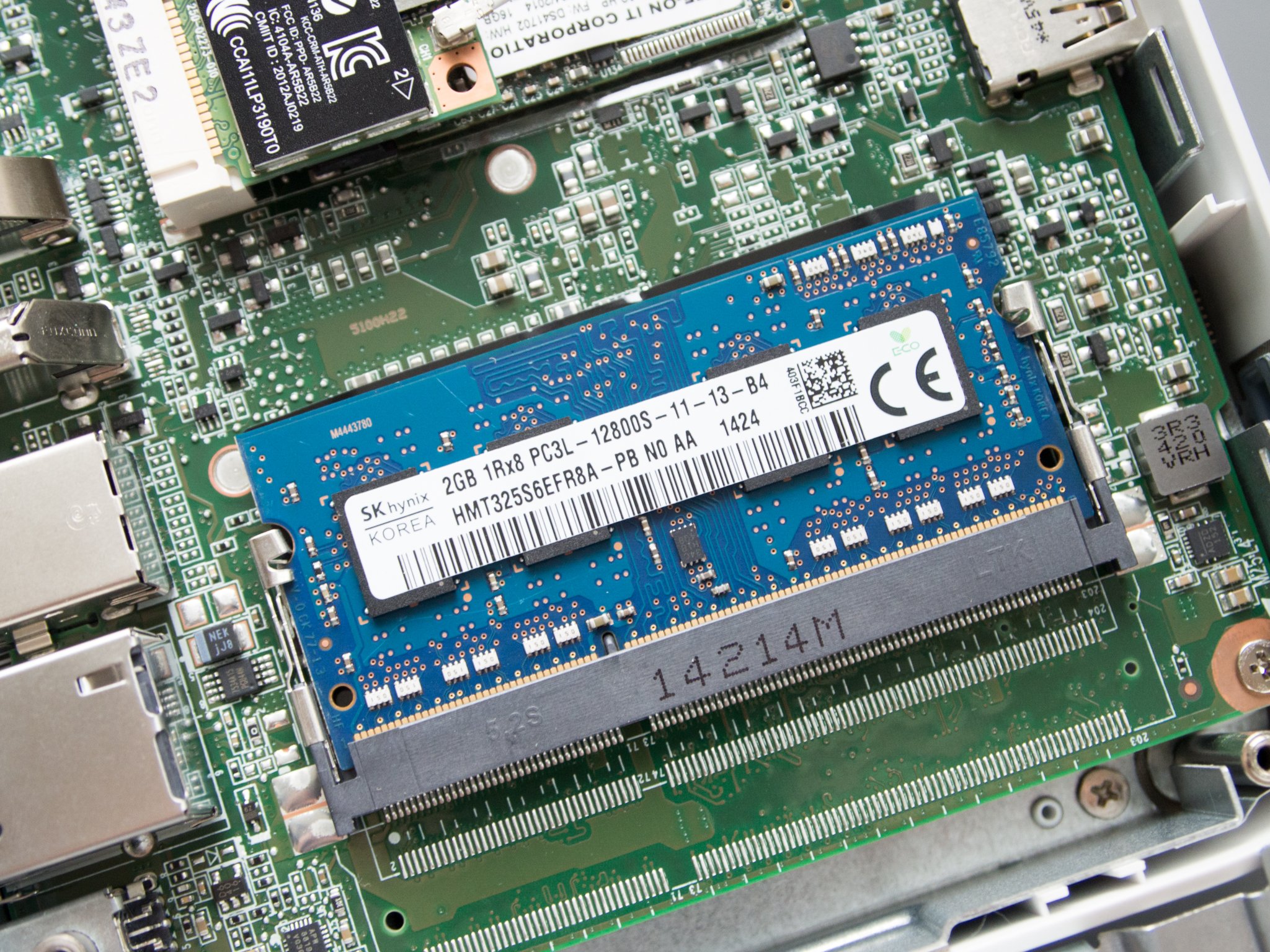
2019 was the year that 2GB of RAM in a new Chromebook finally died, but there were far, far, far too few Chromebooks that launched with 8GB of RAM. More than 2018, but still not enough. Even Chromebooks with Intel m3 or i3 processors often got pinned down by 4GB of RAM, meaning that while they were just fine for the average user — and even heavier users like me — they hit their limit between 20-30 tabs, especially once you start dealing with ads and custom scripts.

And even of Chromebooks that claimed to have 8GB options when they launched, few of those are actually available: three months after launch, the 8GB models of the Lenovo C340-11 are still nowhere to be seen. The 8GB versions of the ASUS C434 took a long time to show up and an even longer time to reach a reasonable price. Most Chromebooks with 8GB of RAM under $450 are non-touch models, which you really shouldn't be buying in 2020 unless you're just 100% against touchscreens or fun.

2020 should be the year that 8GB comes closer to being the standard, especially as we start getting Chromebooks with longer lifespans.

Numpads and fingerprint scanners break out of the enterprise segment
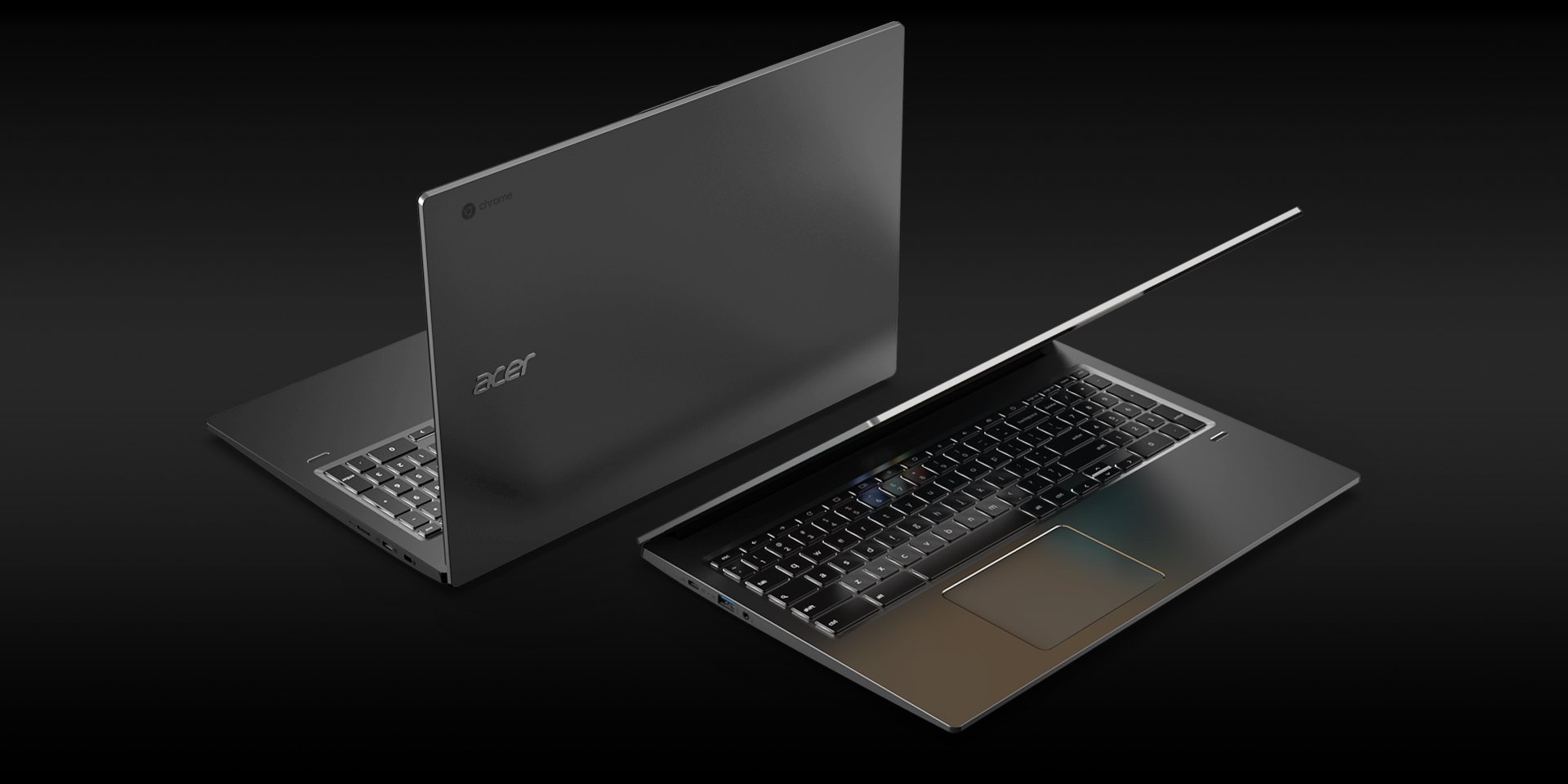
Chromebooks with number pads on their keyboards became an actual thing in 2019, but still a rare thing you had to actively seek out on a 15.6-inch laptop. Considering that Chromebooks are made for education and enterprise, two areas where inputting sales/grades are among the most common activities, it's a wonder it's taken this long to reach this point, but we're finally here.

2019 made numpad Chromebooks a thing. 2020 should be the year that numpads become standard on 15-inch and 14-inch Chromebooks. It might end up a little narrow on some 14-inchers, but it's an addition that will immeasurably help users who are used to the functionality of a full keyboard or deal with numbers with any regularity.

We also saw the first Chromebook with a fingerprint scanner in the Acer Chromebook 715, something else that some users would very much like to become a more common feature outside dedicated Chrome Enterprise machines. I'm less confident in fingerprint sensor gaining wide traction — especially when Smart Lock makes it easy to keep a Chromebook unlocked — but it is something that'd be great to see, especially on the next generation of Chrome OS tablets.

A new generation of tablets and detachables is on the way

If you wanted a Chrome OS tablet or detachable in 2019, your options were pretty sparse: you had the aging HP X2, the now-discontinued Pixel Slate, or you could slum it with a bare-bones classroom-catered Chromebook Tablet. 2020 will finally give us some new options, and I'm hoping we see them in Vegas at CES or in Barcelona at MWC.
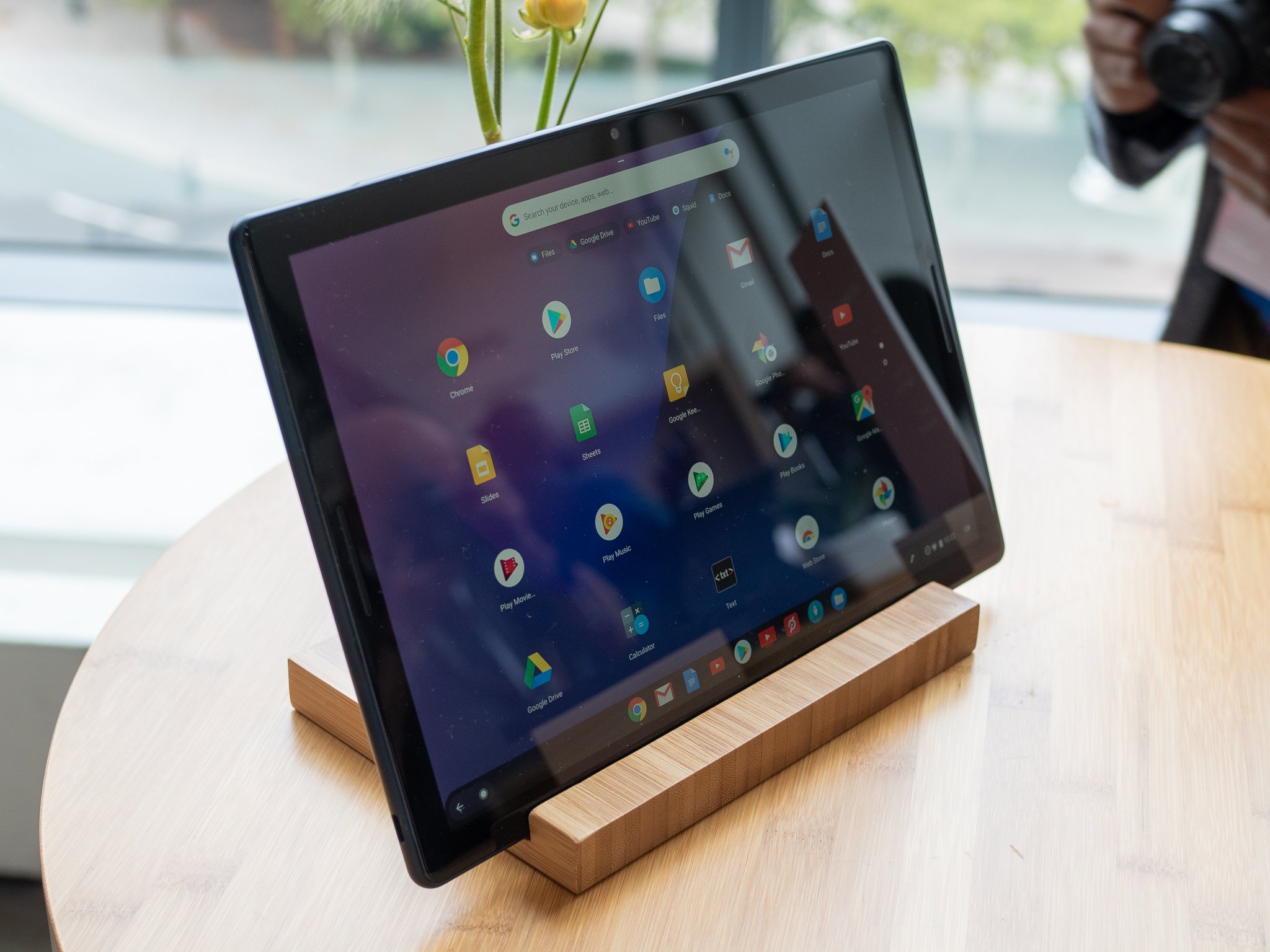
Chrome OS commits found by ChromeUnboxed have shown that at least one new Chrome Tablet is on the way from Lenovo, and I wouldn't be surprised to see a more consumer-friendly successor to its Chromebook Tab models. This is a portion of the market that Chrome is quite lacking in, and if any manfuacturers wanted to build an iPad Pro competitor, building one with Chrome OS instead of Android makes all the sense in the world, especially now that Chrome OS has better matured for tablet devices.

When the Pixel Slate debuted, Chrome OS still wasn't quite ready for tablet-only machines, but the enhancements for Chrome OS in the last few months have been further refining the experience in tablet mode, especially in regards to tab management and window management. Even more improvements are on the way in 2020.

Chromebooks continue the mainstream march
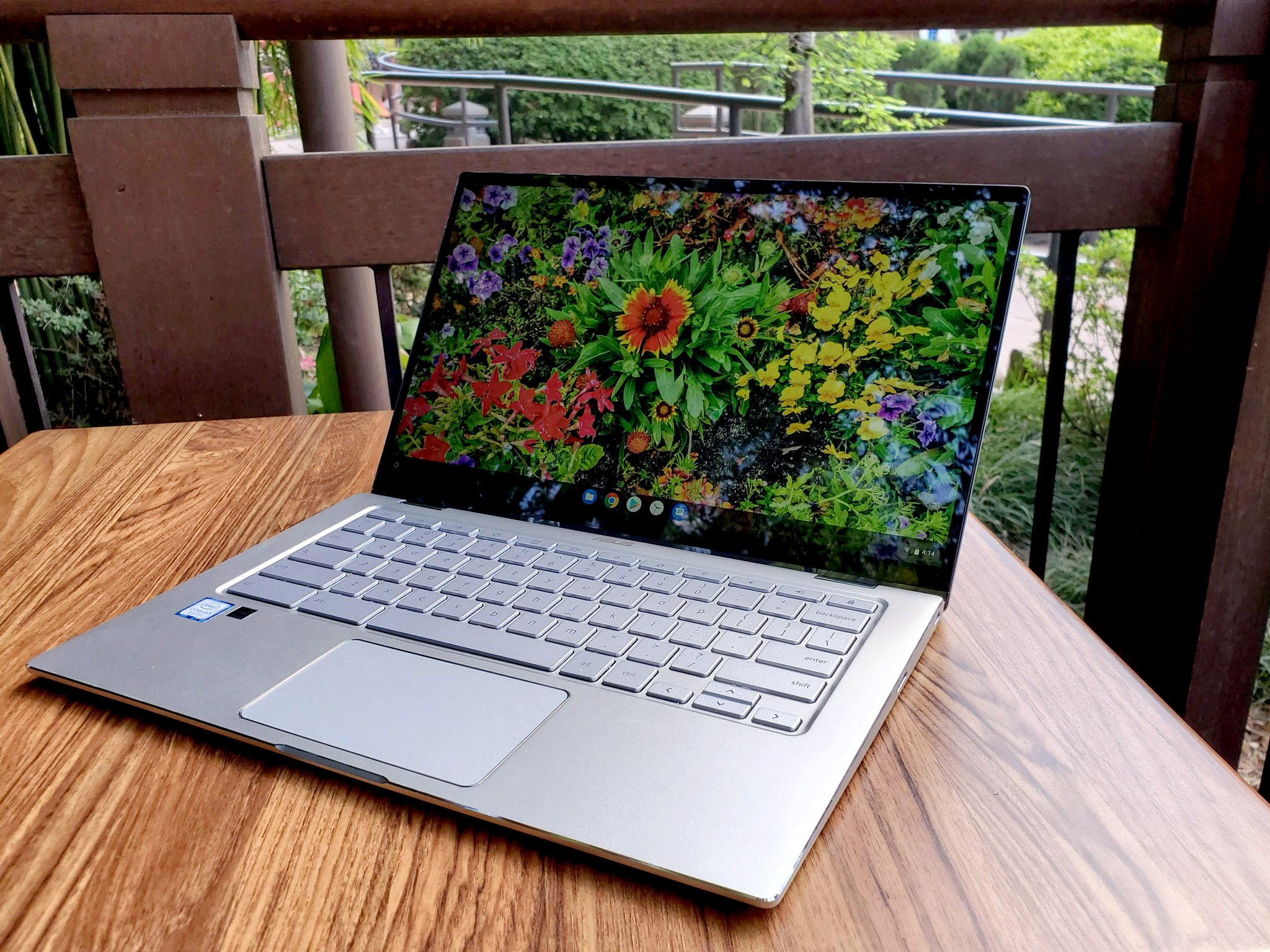
2019 was the year that Chromebooks started to pick up significantly more steam with regular people, not just Google fans and parents needing a cheap, durable computer. I've been asked for more Chromebook recommendations in the last two months by my own family members than I have in the last two years combined, and that tells me that Chromebooks are finally overcoming the reputation they held at their launch of being do-nothing Chromebooks that only work online.

Mid-range and premium Chromebooks becoming more commonplace — like the excellent ASUS C434 has helped with changing the perception of the Chromebook ecosystem, but the biggest shift last year was in the $300 segment. In 2019, $300 Chromebooks were better that ever, from the popular Lenovo C330 to new education models like the ASUS C214 and Lenovo 300e, these laptops felt more polished and offered the right blend of power, portability, and price.

With Android apps — and Linux apps for those feeling bold — Chromebooks can now do 96% of what you'd want to do on a Windows or Mac, with the only real holdouts being hardcore gaming and video editing. This means that for most folks these days, you really can save yourself hundreds of dollars, and perhaps a few headaches, by opting for a touchscreen Chromebook over an overpriced Mac or overzealous Windows laptop.
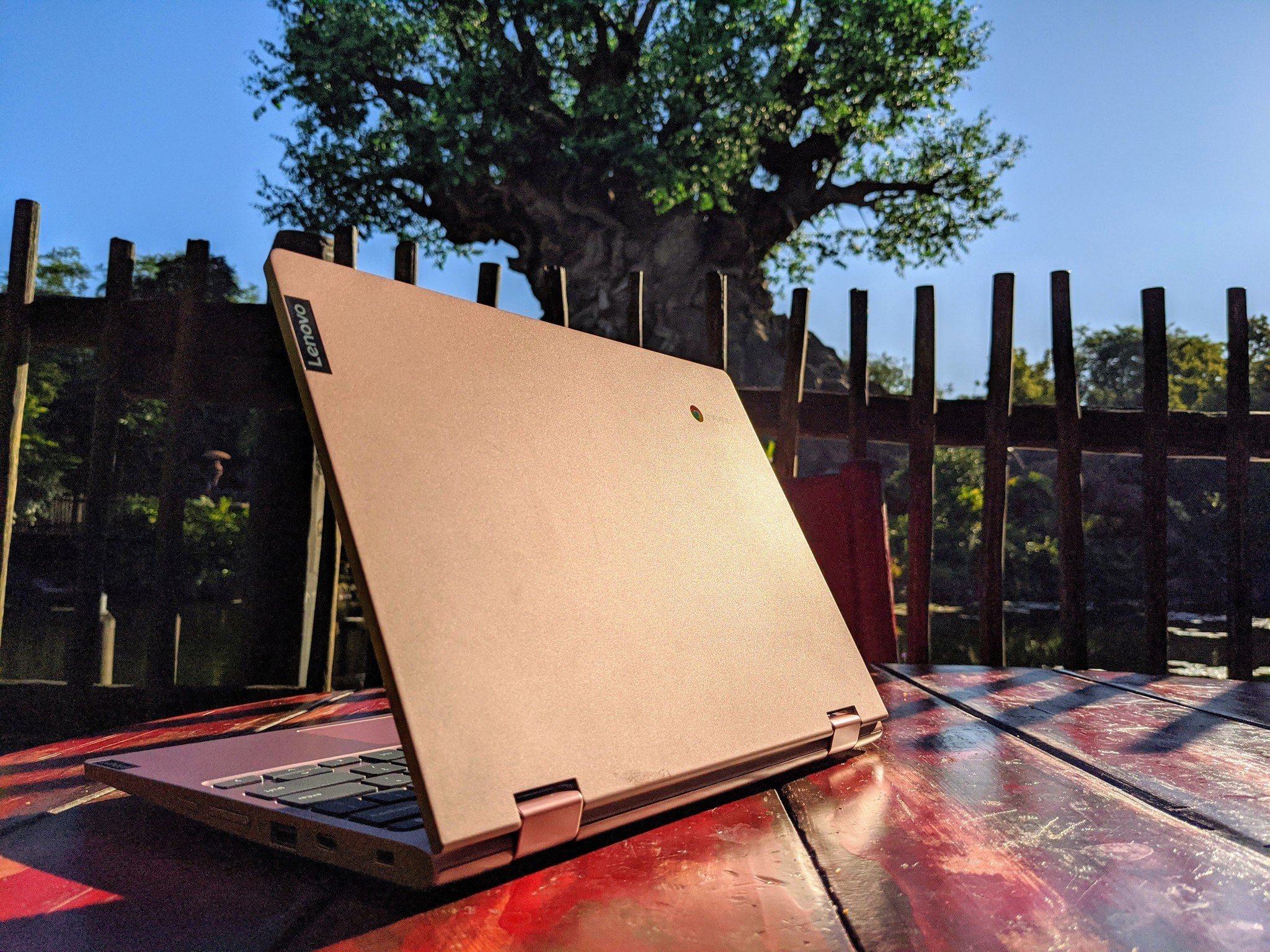
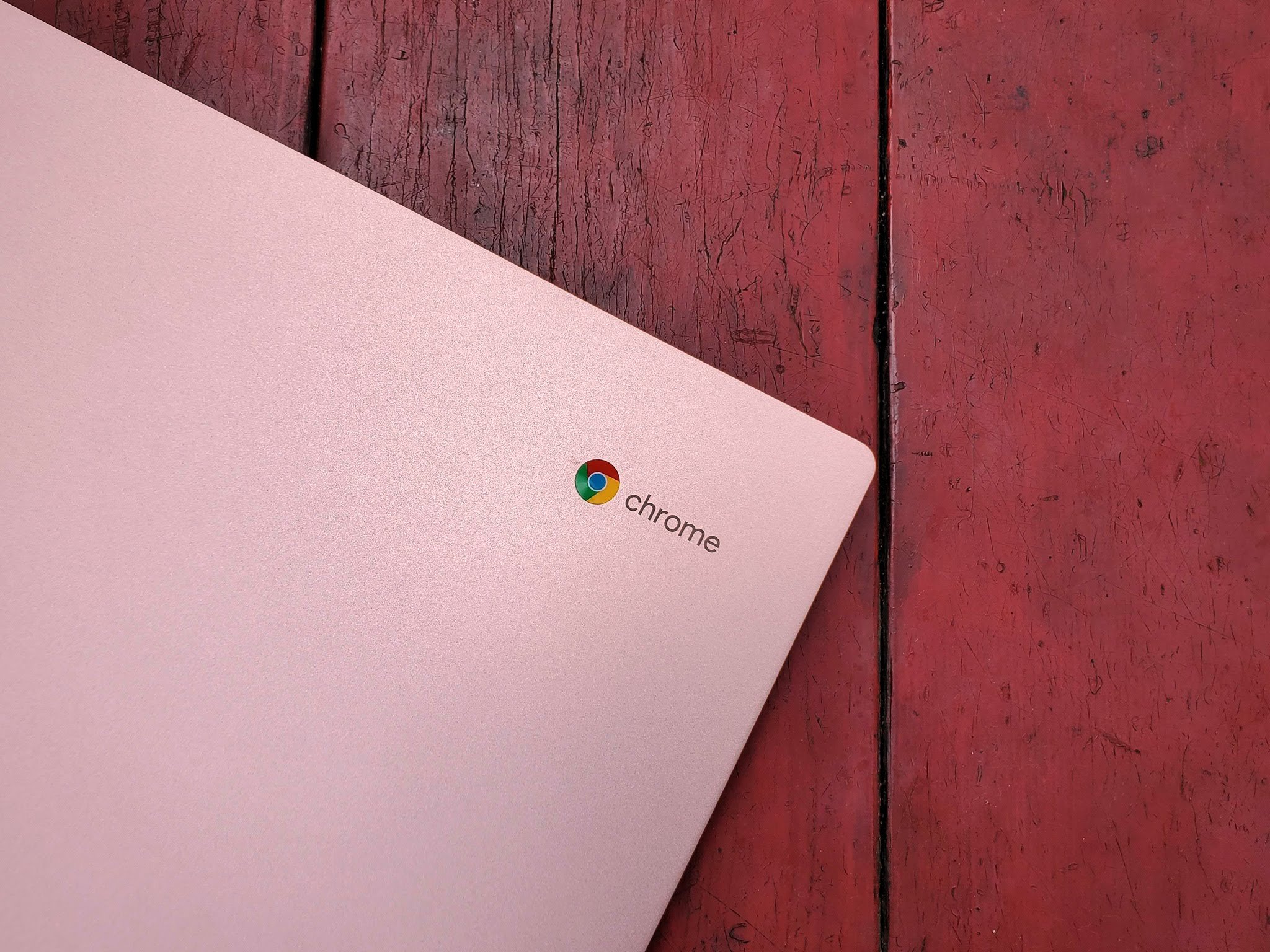
So, that's why I'm very much looking forward to a new year of Chrome hardware and software improvements in 2020. If you've been waiting to take the plunge there really is a Chromebook for everyone, but I'm still partial to my pretty pink — and pretty practical — Lenovo Chromebook C340-11, which I will be hauling to Walt Disney World for the foreseeable future.

Practical and pretty

Lenovo Chromebook C340 (11.6")
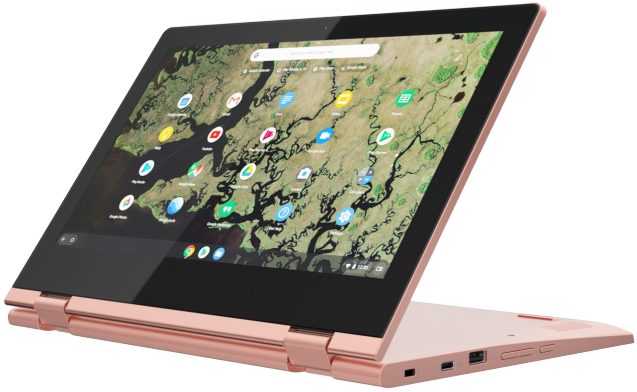
For work or play, the C340 is the run-and-gun Chromebook for you.

Durable and dependable, the C340-11 dresses up the affordable Chromebook with an aluminum lid, two shiny color options, and Lenovo's reliability.


from Android Central - Android Forums, News, Reviews, Help and Android Wallpapers https://ift.tt/36eDDxE
via IFTTT

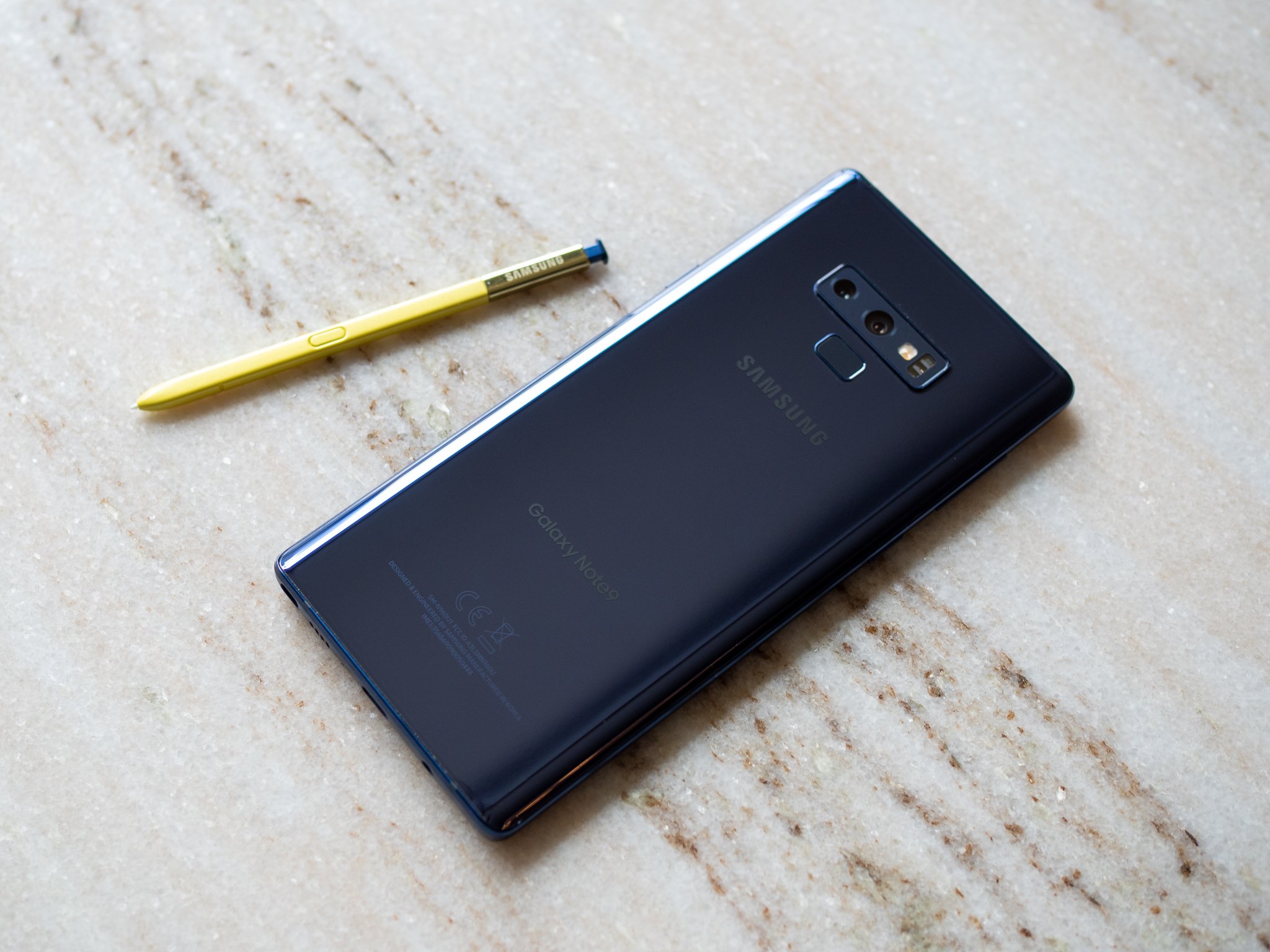
Samsung Galaxy Note 9 starts getting stable Android 10 update

Only available for beta users currently.

What you need to know

  • The stable Android 10-based One UI 2.0 beta for the Galaxy Note 9 has started rolling out.
  • Currently, the update is being rolled out only to beta users in India.
  • It is likely that the stable Android 10 update will be released for users running Android Pie within the next few days.

Just a month after opening the One UI 2.0 beta program for the Galaxy Note 9, Samsung has now started pushing the stable Android 10 update for the flagship phone. As reported by the folks over at SamMobile, the update is currently rolling out to beta users in India.

The update arrives as version N960FXXU4DSLB and weighs in at 100MB in terms of size. Weirdly, however, the update includes the December 2019 security patch instead of the January 2020 security patch that Samsung rolled out to a few Galaxy devices recently.

While the update has only been released in a single market so far, it is likely to soon begin rolling out in other markets where the Android 10 beta program was launched. If your Galaxy Note 9 is currently running the latest Android 10 beta, you can try looking for the stable update manually by opening the Settings app and going to Software update > Download and install.

Get More Galaxy Note 10

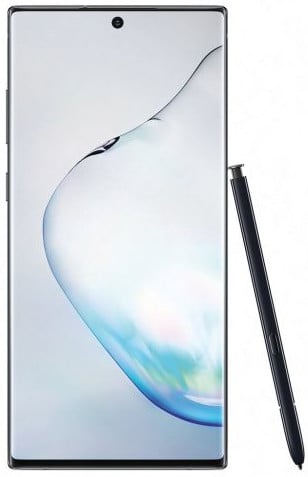
Samsung Galaxy Note 10/10+

Galaxy Note 10 ($950 at Amazon) Galaxy Note 10+ ($1100 at Amazon)


from Android Central - Android Forums, News, Reviews, Help and Android Wallpapers https://ift.tt/36eNfbE
via IFTTT
Vodafone to donate books to UK schools to encourage social media kindness

A really great gesture to end the year.

What you need to know

  • Vodafone has announced it will donate a copy of #Goldilocks to every UK primary (elementary) school in the UK.
  • #Goldilocks is an updated fairytale that helps to educate young children about social media, especially the need to be kind.
  • It was originally released in December of 2018 to very positive feedback.

UK carrier Vodafone has announced it will donate a copy of its #Goldilocks story to every primary (elementary) school in the UK.

By way of a press release, Vodafone announced that every primary school in the UK will receive a copy of #Goldilocks, to help start conversations about responsible social media use amongst young children. The release states:

Vodafone will deliver a copy of #Goldilocks, a book written to help parents and children talk about social media and how to use it responsibly, to every primary school in the UK.

Over 20,000 copies of the book will be sent to schools as a resource to encourage conversations about the importance of being kind to others when using social media.

The story is based on the original Goldilocks story and was reimagined by award-winning author Jeanne Willis and illustrator Tony Ross. It was originally released last year as part of the launch of Vodafone's Digital Parenting website, a guide for parents on digital safety and wellbeing. The positive feedback and a government-issued paper about online harm have spurred Vodafone to give the book to over 20,000 schools in the UK.

Vodafone research from 2018 showed that many young children are aware and use social media, some 48% of them being aware by the age of seven.

You can read the full release here. It's really encouraging to see a carrier like Vodafone take a step to help educate children not simply on the dangers of social media, but rather actively encouraging them to use it as a power for good.


from Android Central - Android Forums, News, Reviews, Help and Android Wallpapers https://ift.tt/2u7klw9
via IFTTT
Google Duo is the best video calling service you're not using

Google Duo has transformed into a robust video and audio messaging service.

Google's messaging strategy has been an unmitigated disaster, with the search giant bouncing from service to service over the years as it tried to take on the likes of WhatsApp. Allo and Duo debuted in 2016 to lofty ambitions, but in typical Google fashion, both services were hobbled from the start. Allo didn't have SMS integration, and there wasn't a good enough reason to switch from existing services at the time.

Duo didn't have any flaws of its own at launch, but convincing anyone to install another app just for video calling was a Sisyphean task. Google ultimately killed off Allo earlier this year, and its messaging efforts are now revolved around Android Messages and the RCS rollout, and Duo.

Duo has largely flown under the radar, but in the last three years, it has picked up a host of updates that make it an excellent video and audio messaging platform. Duo comes pre-installed with every new Android phone, allowing the service to pick up one billion downloads.

What makes Duo stand out from other video calling services is the quality on offer. Of all the services I've used, Duo delivers the best image quality for video calls, and it does so while consuming less data. Duo also switches between Wi-Fi and cellular data based on signal strength and bandwidth, and it does all of this seamlessly in the background.

Duo offers better video quality than other services, and it does so while consuming less data.

Another particular highlight with Duo is that it works even on 2G cellular data connections. Sure, you won't get the same visual quality, but the fact that it works at all (and does so reliably) has allowed Duo to amass a sizable userbase in India.

Duo works over Web Real-Time Communication (WebRTC), an open-source platform that is designed for direct audio and video communication. WebRTC relies on peer-to-peer connectivity, meaning your calls don't go through a server. That allows for things like end-to-end encryption, which is enabled by default on all video and audio calls you make using the service. WebRTC is the secret sauce that gives Duo an edge in this category, and why the service is able to deliver rock-solid connectivity.

Duo is also incredibly easy to set up and use. All you need to do is link your phone number, and the app will scan your contacts list and find all contacts that have Duo installed. Calling them is as easy as selecting their name, and you get the option of choosing between audio or video calls. Duo also offers group calling with up to eight people, and like one-on-one calls, group calls are also end-to-end encrypted.

Duo is the shining light in Google's convoluted messaging strategy.

More often than not, I rely on Duo to talk to friends and family instead of my regular voice calls just because of the quality on offer. Duo also works over the web, and you can link your Google account with Duo if you don't want to sign in to the service on every new device. Duo is also the default audio and video calling app on Google's smart speakers, including the Google Home, Nest Hub, and Nest Hub Max.

There are other standout additions. Knock Knock lets you see live video of whoever's calling before you pick up, you can leave a recorded audio or video message, and Duo even has a dark mode.

Google has also added features to Duo that make it fun to use. Duo is now offering video effects for the holidays, and Google regularly rolls out themed filters that make calls to friends and family that much more interesting. The service is also getting Scooby-Doo video effects ahead of the launch of the new movie in 2020.

Google hasn't made it any easier for itself with its convoluted messaging strategy, but with Duo, it has managed to create the perfect video and audio calling service. The accessible nature of the service, combined with the security and quality on offer, makes it an easy recommendation. If you haven't already, you should consider switching.

Google Duo

Free at the Play Store

Duo is the best video and audio calling service around. With seamless connectivity on even 2G networks, end-to-end encryption, fun video filters, and availability on all major platforms, Duo is the only video calling service you'll ever need.


from Android Central - Android Forums, News, Reviews, Help and Android Wallpapers https://ift.tt/2tgVZQc
via IFTTT
lundi 30 décembre 2019

Use a lot of data? Check out these MVNO carriers

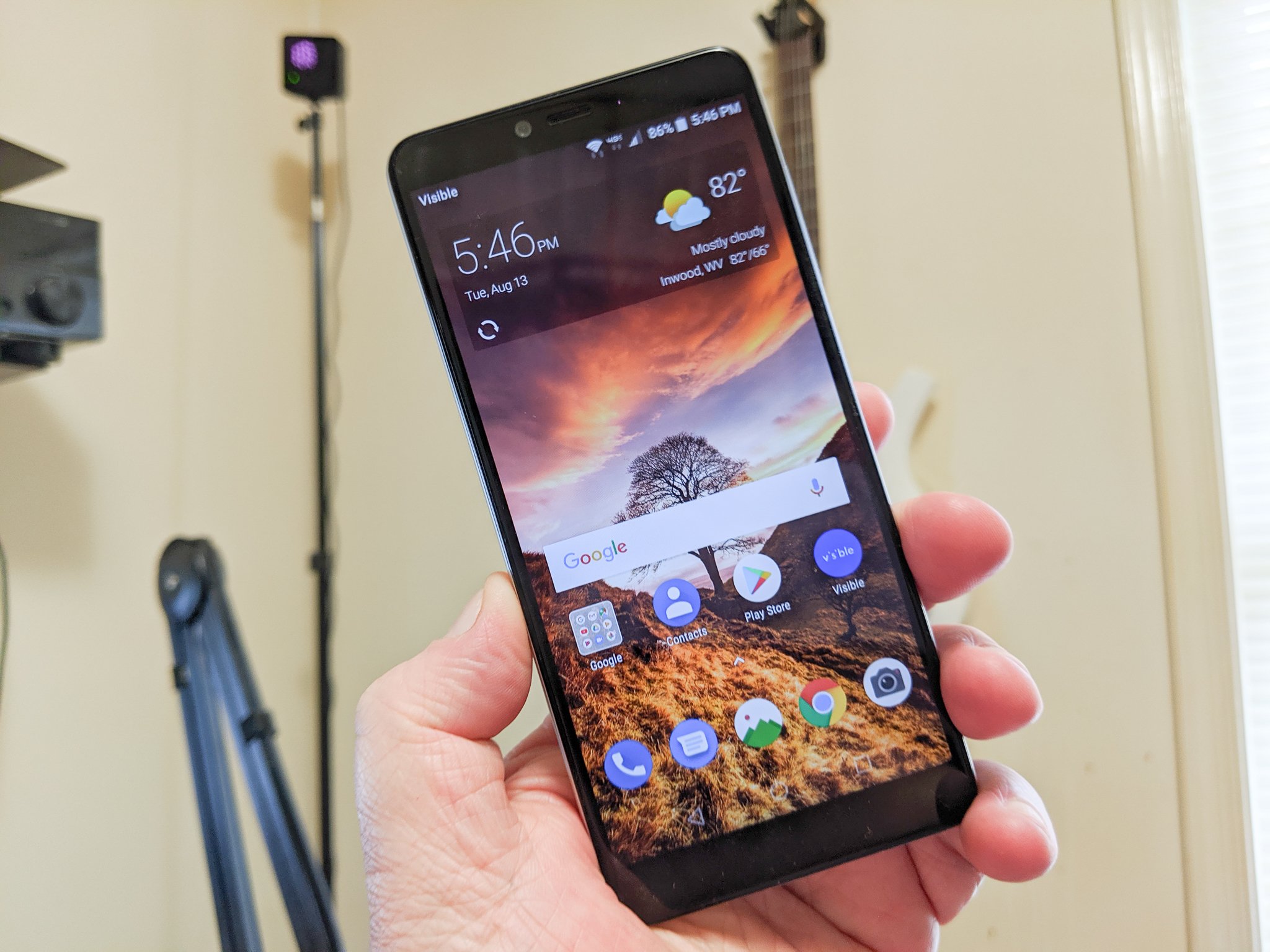
A lot of people think of an MVNO as a carrier you get to just save money, but in the last few years these carriers have become a stronger choice even for heavy users. A data hungry user wants to have fast and reliable internet everywhere they go. There are more options than ever for unlimited MVNO data plans and the prices keep coming down as well. Our current favorite is Visible because of its simplicity compared to other carriers.

Best Overall: Visible

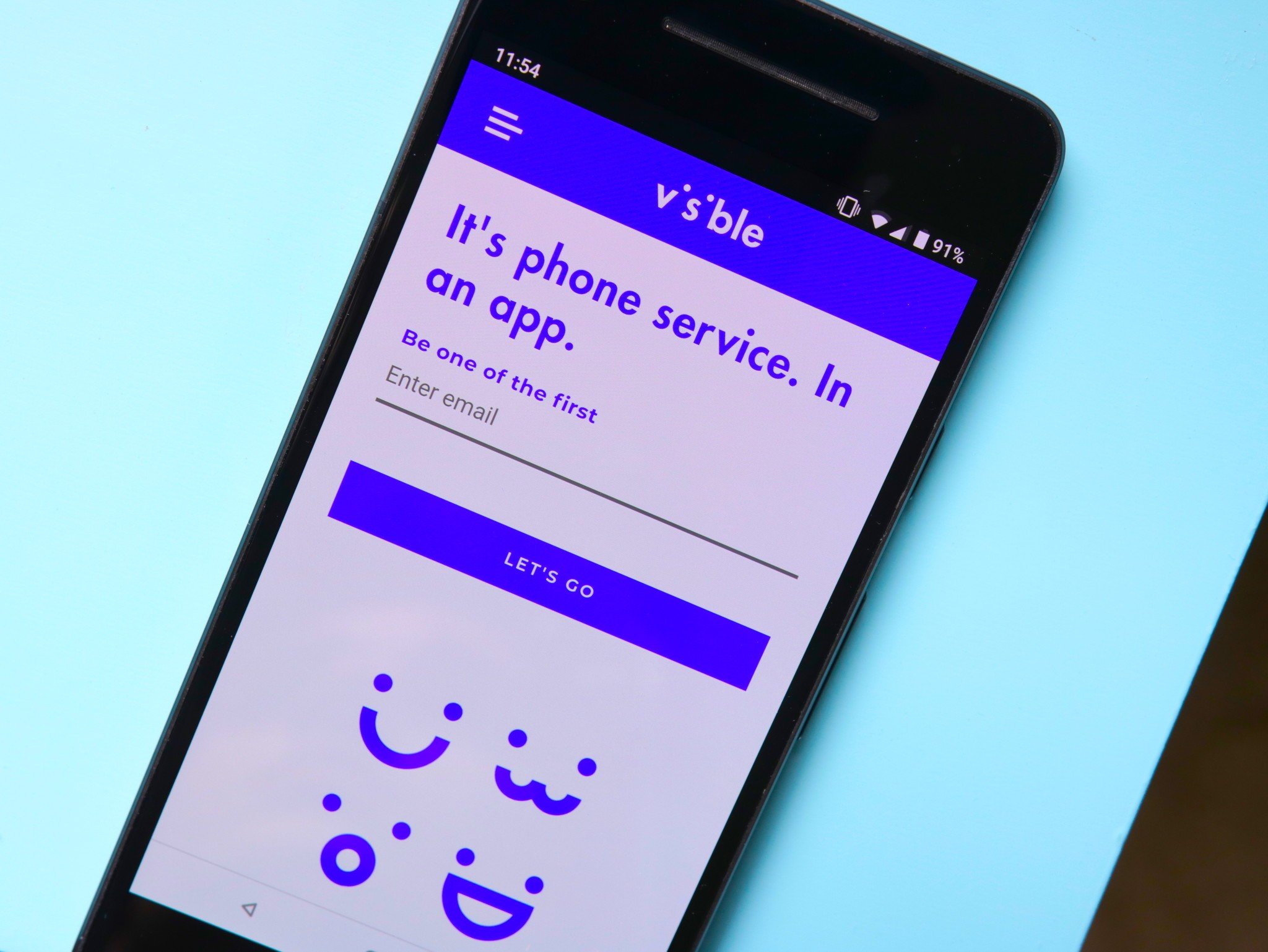
Visible keeps things simple like no other carrier. Besides being easy to understand, its service is rated highly, prices are competitive, and there are no service contracts. Utilizing Verizon's LTE network, Visible has great coverage out of the gate. You should still check the coverage map to be sure.

Unlimited talk, text, and data are all included in the $40 per month price. Unlike some other unlimited plans, all of Visible's data is LTE with download speeds around 5-12Mbps in most areas, which is more than enough for most HD streaming or social media applications. This is rounded out with an unlimited hotspot at 5Mbps.

It's worth keeping in mind that Visible doesn't support every new or unlocked phone. You will need to keep an eye on its compatibility list to know for sure. Most modern iPhones and a few Android phones are available with more being added all the time. You also won't get any international service at all. If you are a traveler, you'll need to pair Visible with another carrier in order to stay connected abroad.

Pros:

  • Unlimited talk, text, and LTE data
  • Simple to understand
  • Verizon LTE
  • Unlimited hotspot (5Mbps)

Cons:

  • No roaming
  • No international roaming
  • Limited phone selection

Best Overall

Visible

Verizon LTE without limits

Visible offers one of the best packages for users that want to forget about usage. Unlimited everything, including a hotspot, makes Visible a great deal.

Best World Coverage: Google Fi

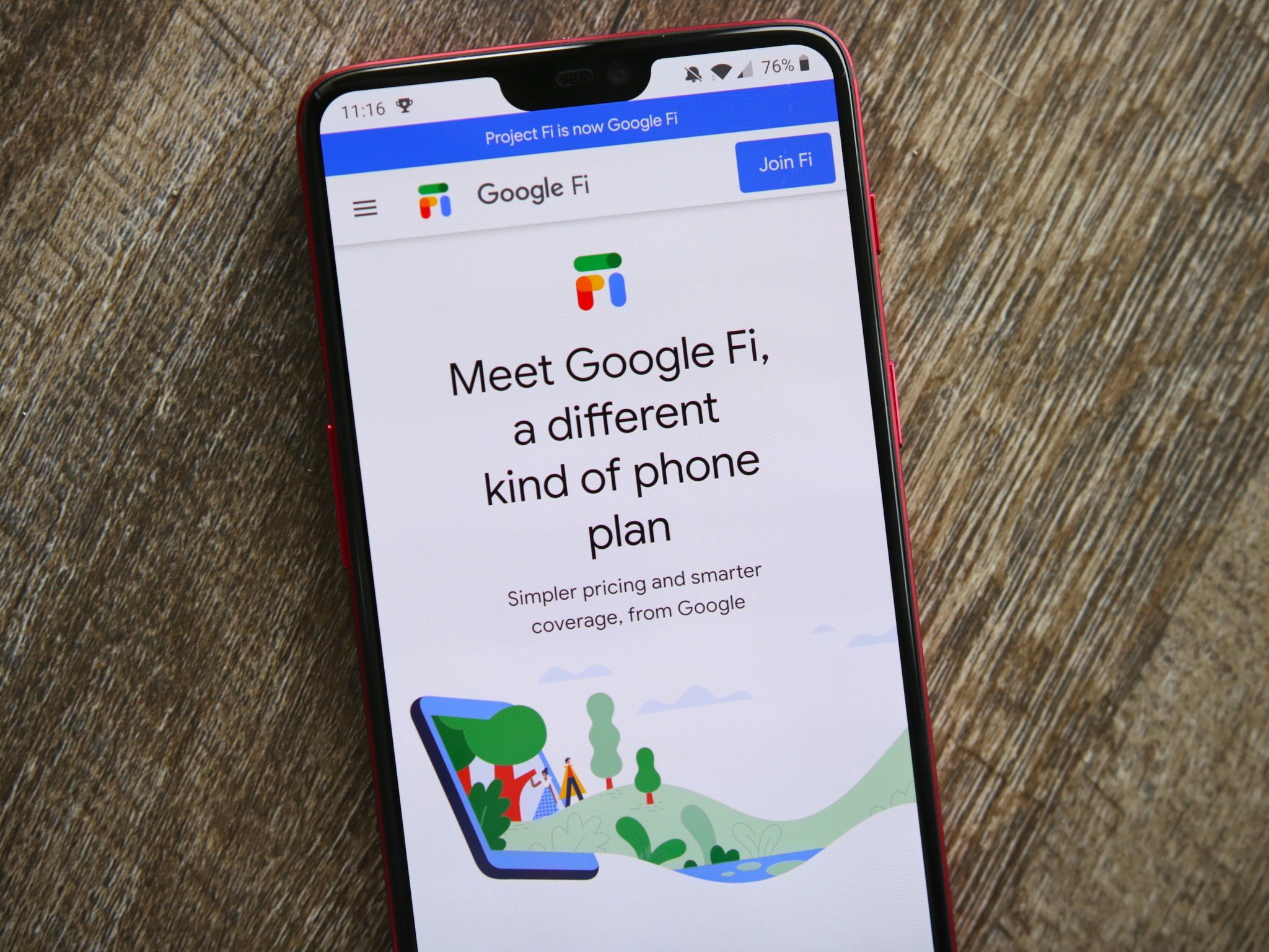
Google Fi has been around for a while but the recently unveiled unlimited plan makes Fi a better option than ever for heavy data users. The new plan picks up where the old one left off, offering 22GB without interruption before being slowed down. Video streams could be limited to a quality of 480p but Google hasn't been specific on when quality drops.

The 22GB cap is more than most people need and starting at $70 for one line with the price per line decreasing with more line activations up to four at $45 each, Google Fi is still a good value. You can also use your data as a hotspot at will.

Google Fi is compatible with phones that are unlocked and compatible with T-Mobile's GSM network but works even better with phones designed specifically to work with Fi. These phones will get access to Sprint's and US Cellular's networks if T-Mobile has weak service. While T-Mobile's growing footprint narrows the gap between the two tiers all the time, if you want the best service possible, you'll need the most compatible phone possible. You can check your phone at Google Fi's website.

It's also a good idea to make sure you are covered on the coverage map to be sure Fi is right for you.

One thing that sets Google Fi apart from the crowd is its international roaming capabilities. In over 200 countries Google Fi users can use their phone's data like normal. For the world traveler, there really is no better value from another MVNO or even the carriers.

Pros:

  • Large combined network
  • Support for most phones
  • International coverage
  • 100GB Google cloud storage

Cons:

  • Slowed after 22GB
  • Video quality may be low

Best World Coverage

Google Fi Unlimited

A great tool for traveling abroad

Google Fi expands its service with this unlimited plan for heavier users that want to take advantage of the great travel benefits and coverage of Fi.

Best on AT&T: Cricket Wireless

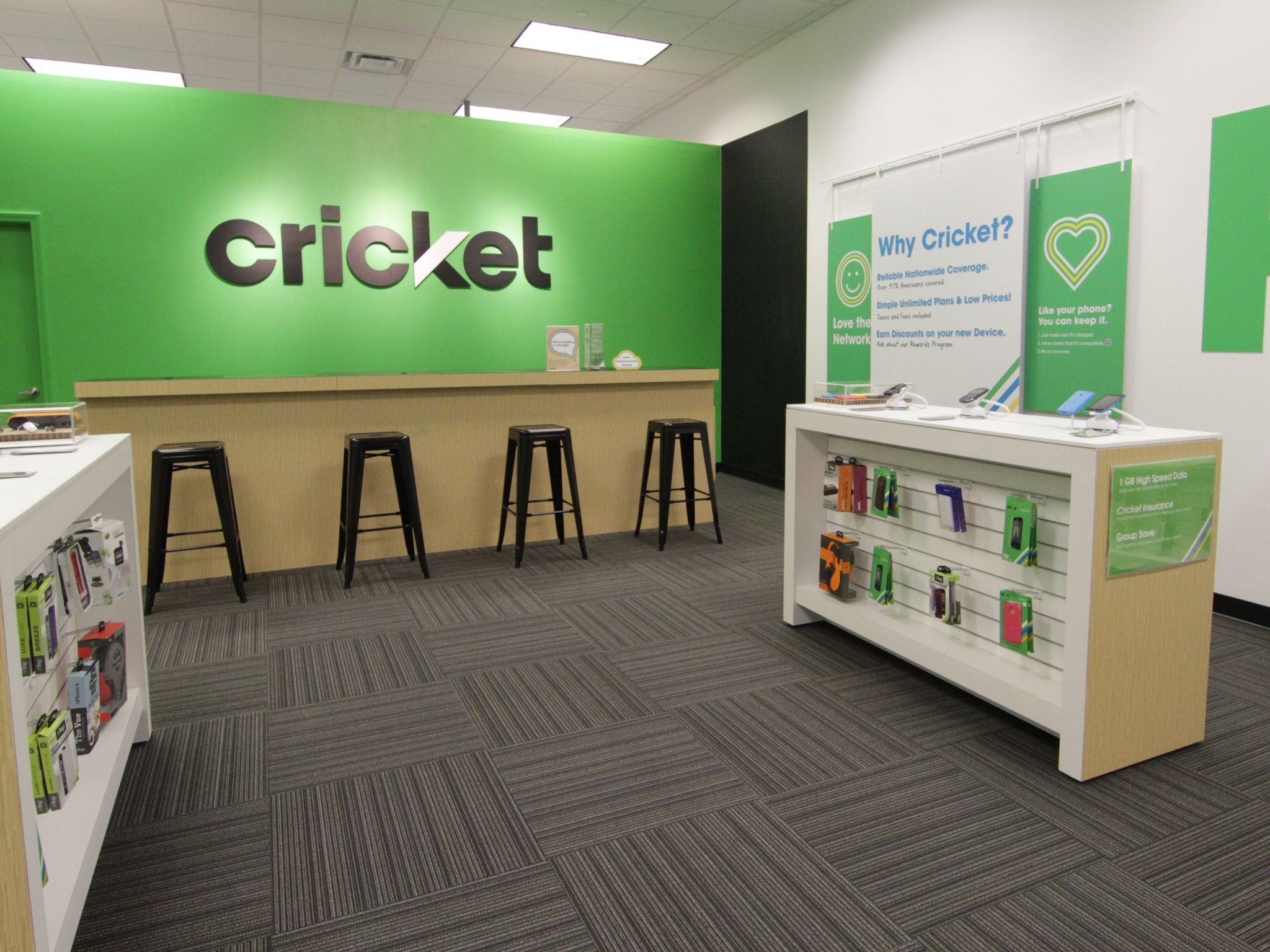
AT&T has a massive network and for a lot of people, it's worth it to have the coverage that comes with it. Coverage is always one of the most important factors when selecting a carrier and you should always check the coverage map before signing up for service. Luckily, Cricket has a great unlimited option available.

Make sure you opt for the Cricket More plan over the Cricket Core plan. Though cheaper, the Cricket Core plan limits data to just 3Mbps and will be noticeably slow. At $60 per month, the Cricket More plan is a good value and comes with 15GB of hotspot data as well. You also get usage in Mexico and Canada for those that like to travel.

Cricket sells a decent array of phones from its website such as the Samsung Galaxy S10 but it doesn't have the other versions of the S10 series like you might expect. Still, most unlocked phones should work fine on Cricket and you can make sure on Cricket's website.

Pros:

  • Vast AT&T network
  • Support for most phones
  • Mexico and Canada roaming
  • 15GB hotspot

Cons:

  • 480p video streams

Best Value

Cricket More

Cricket's biggest data plan

Take advantage of the strong AT&T network with no contracts with the Cricket More plan. Unlimited data and 15GB of hotspot makes it a great option.

Best Value: Walmart Family Mobile

Family Mobile offers a large amount of data on the T-Mobile network for a fairly standard price. Where it really stands out is when it comes to adding lines. While one line with unlimited data costs just under $50 per month, adding additional lines is only $25 each. With more than one line, the value really stands out.

As always, check your coverage before signing up. As far as phones go, Walmart sells plenty of devices, though most of them trend towards the lower end, there are high-end phones such as the Samsung Galaxy S10 line. With the T-Mobile network, most unlocked phones should work as well.

Family Mobile isn't perfect with its hotspot only coming with 5GB of data as well as videos only streaming at 480p. Still, if you are fine with these drawbacks and have coverage, Family Mobile can be a great value.

Pros:

  • Save with more lines
  • Support for most phones
  • Uses T-Mobile network

Cons:

  • Only 5GB hotspot
  • 480p video streams

Best Value

Family Mobile Truly Unlimited

Available at your local Walmart

Walmart and T-Mobile come together to offer cheap data and great coverage. Save money by adding more lines and forget about your data usage.

Max Data: Metro by T-Mobile

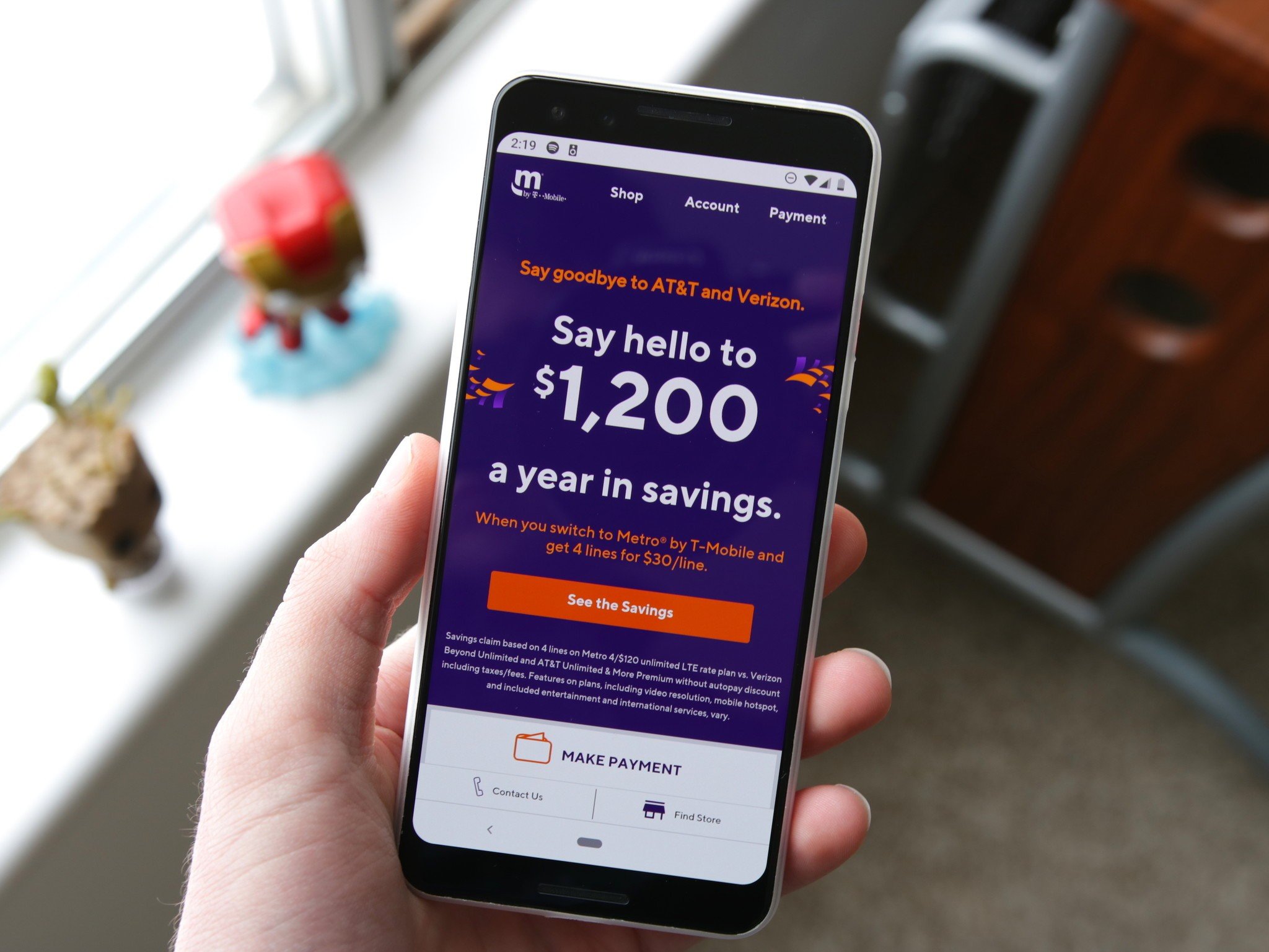
Metro by T-Mobile allows users to consume a massive 35GB of data before they are subject to data deprioritization. This is good if you want to use a lot of data and want your speeds to stay suitably snappy even when the towers are getting busy. The lower priced unlimited plan, at $50 per month, includes 5GB of hotspot data and 100GB of Google One cloud storage.

Since Metro uses T-Mobile's network, it has the same coverage a T-Mobile customer would get, but you should always check to be sure you're covered. It also means that nearly any unlocked phone should work, but you can always check before you sign up.

Metro sells some phones from its stores, you can see the models on the website, which are mostly lower-end devices with more expensive phones available from Samsung and Apple. You can also save some money if you have multiple lines with the cost for additional lines discounted $20. A bigger plan is available for $10 more per month that comes with more hotspot data and an Amazon Prime membership.

Pros:

  • 35GB before deprioritization
  • 100GB Google cloud storage
  • Save with more lines
  • Support for most phones

Cons:

  • Only 5GB hotspot
  • 480p video streams

Max Data

Metro by T-Mobile Unlimited

A data focused network

Make the most of the T-Mobile network with no contracts with Metro by T-Mobile. Unlimited data with savings for each additional line are a great value.

Bottom line

There's a lot ot consider with all of these different plans but the most important factor is going to be coverage. Not all MVNOs have access to the same towers so it's important to check each one individually. Considering this among the other factors, Visible is the best overall value thanks to the massive Verizon LTE network and the simple plan with a great price.

While another carrier like Google Fi is compelling for its massive roaming potential, Visible is the best balance and should be suitable for nearly any user. There's only one plan, but it's easy to understand and you'll get everything you need for heavy data usage. You don't get international roaming either, but for U.S.-based customers who don't travel often, you can't do much better.

Credits — The team that worked on this guide

Samuel Contreras When Samuel is not writing about networking at Windows Central, he spends most of his time researching computer components and obsessing over what CPU goes into the ultimate Windows 98 computer. It's the Pentium 3.


from Android Central - Android Forums, News, Reviews, Help and Android Wallpapers https://ift.tt/2oTmjgS
via IFTTT
These are the best alternatives to Google Fi

There's nothing quite like Google Fi when it comes to service and coverage. Not everyone needs all of the features Fi offers, and if you aren't traveling internationally, the data can be quite pricey. If you've been looking to Google Fi for your phone service but don't think it's quite the right fit, here are some of the best alternatives you can get.

Best overall: Visible

Visible debuted in May 2018 as a new carrier powered by Verizon's network, and at the time, we couldn't thoroughly recommend it as it only supported iPhones. However, as of January 2019, Visible now works with Android!

For $40/month, Visible gives you unlimited talk, text, and LTE data on Verizon's vast LTE network. Video streaming is limited to 480p, but you can use as much data as you'd like throughout the month.

That's a good enough deal on its own, but Visible goes the extra mile by being about as customer-friendly as cell providers come. After ordering a SIM through its website, wait for it to be delivered, pop it in your phone, and then download and open the Visible app. Through here, you'll handle all of your billing, get in touch with customer service, and more. When you want to pay your bill, Visible accepts credit/debit cards, PayPal, and even Venmo.

Visible works with more phones all the time. Visit the BYOD page to see if you have a compatible device. In addition to being able to bring an unlocked S9/S9+ if you already own one, you can also buy a handset directly from Visible with 0% financing through Affirm.

Don't forget to make sure your have coverage.

Pros:

  • Unlimited talk, text, and data
  • Verizon LTE
  • Simple plan
  • Unlimited hotspot

Cons:

  • No roaming
  • No international service
  • Limited phones

Best overall

Visible

$40/mo. at Visible

One plan for everyone

With unlimited everything and the massive Verizon LTE network behind it, Visible is very competitive as long as your stay in the US.

Buy in bulk: Mint Mobile

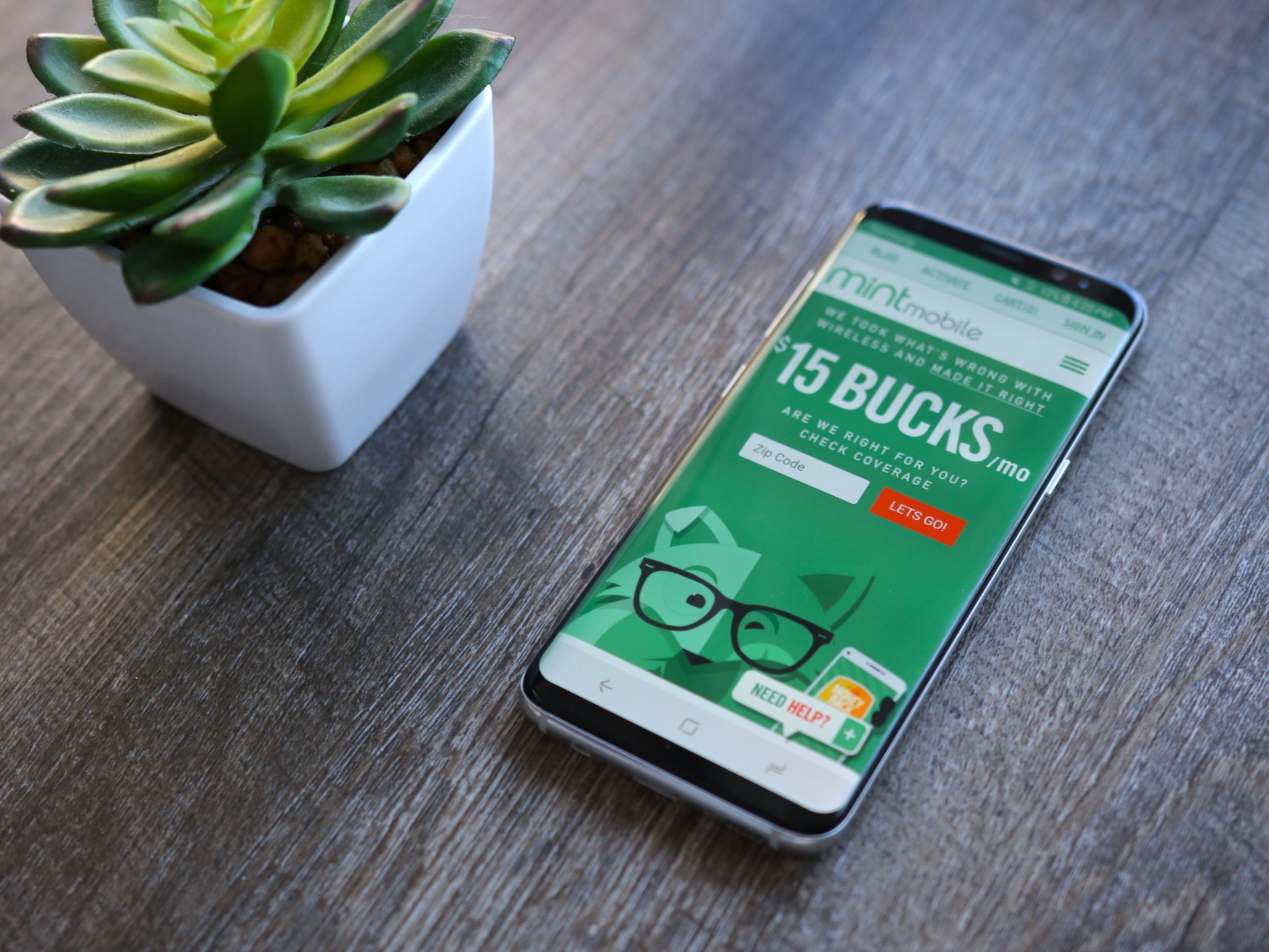
Most wireless service providers require you to pay your bill month-to-month. But Mint Mobile takes a different approach by charging you upfront for three, six, or 12 months of service at a time. It's a unique concept and one that requires a bigger check from the get-go but could result in some significant savings over time.

All Mint Mobile plans come with unlimited talk and text, and depending on the one you choose; you've got your choice of 3GB, 8GB, or 12GB of 4G LTE data. If you decide you need additional LTE speeds during a month, you can get an extra 1GB for $10 or 3GB for $20. Oh, and the mobile hotspot is included no matter what plan you get.

Mint Mobile is powered by T-Mobile's network, and as such, you can bring over virtually any unlocked GSM phone.

If the service sounds like something you'd be interested in, you can test-drive it for seven days with a money-back guarantee.

Don't forget to make sure you have coverage.

Pros:

  • Works with most unlocked phones
  • Lots of data choices
  • Hotspot included

Cons:

  • No unlimited option
  • Must buy in bulk

Buy in bulk

Mint Mobile

From $15/mo. At Mint Mobile

Save by buying more at once

Start small with three months or save more with twelve months. Get unlimited talk and text and as much data as you need on the T-Mobile network.

Big data packages: Metro by T-Mobile

Metro by T-Mobile (formerly known as MetroPCS), got an overhaul in 2018 with a new name, logo, and plans.

At its cheapest, you can sign up for a plan with unlimited talk, text, and 2GB of 4G LTE data for just $30 each month. At its most expensive, Metro by T-Mobile costs $60/month for unlimited talk, text, LTE data, 15GB of hotspot use, 100GB of Google One storage, and even a free Amazon Prime membership.

Taxes and fees are included with Metro's pricing. And since it runs on T-Mobile's network, you can bring just about any GSM unlocked the phone to it and have everything work just fine.

Don't forget to make sure you have coverage.

Pros:

  • Lots of data
  • Save with more lines
  • Cloud storage with unlimited plans
  • Works with most unlocked phones

Cons:

  • No hotspot on smaller plans

Tons of data

Metro by T-Mobile

From $30/mo. at Metro by T-Mobile

Save on more lines

Metro by T-Mobile takes advantage of the improving T-Mobile LTE network with great prices on big buckets of data. Online storage is a great bonus.

Best on AT&T: Cricket Wireless

AT&T's discount brand, Cricket Wireless, doesn't tick every box for Google Fi wannabes, but it comes close on a few. For example, it offers excellent nationwide coverage, since it runs on AT&T's network. And as a result, it should be compatible with almost every unlocked phone sold in the U.S. today.

It also has simple, inexpensive, and flexible plans that offer unlimited U.S. talk, text, and data, plus the ability to roam in Canada and Mexico on two of the higher-tier (but at $55 and $60, still affordable) plans.

There are a few caveats, though. The $55/month Unlimited plan is limited to data speeds of just 3Mbps, which compared to regular LTE speeds on AT&T, is a lot slower. The 2GB and 5GB data plans are increased to 8Mbps, and the Unlimited Extra plan for $60/month has access to Cricket's "fastest 4G LTE." A mobile hotspot is available, but you'll need to hand over another $10/month to use it.

One significant advantage to Cricket is that taxes and fees are included with its plans. In other words, if you sign up for the $60/month plan, you'll pay exactly $60.

Don't forget to make sure you have coverage.

Pros:

  • Big AT&T LTE network
  • Mexico and Canada calling in unlimited plan
  • Unlimited data (slowed after data allotment)

Cons:

  • SD quality video
  • Hotspot only on biggest plan

Best on AT&T

Cricket Wireless

From $25/mo. At Cricket Wireless

AT&T without the contracts

Access to the massive AT&T LTE network with no contract is no joke. Starting small and moving up to unlimited, Cricket has a plan for everyone.

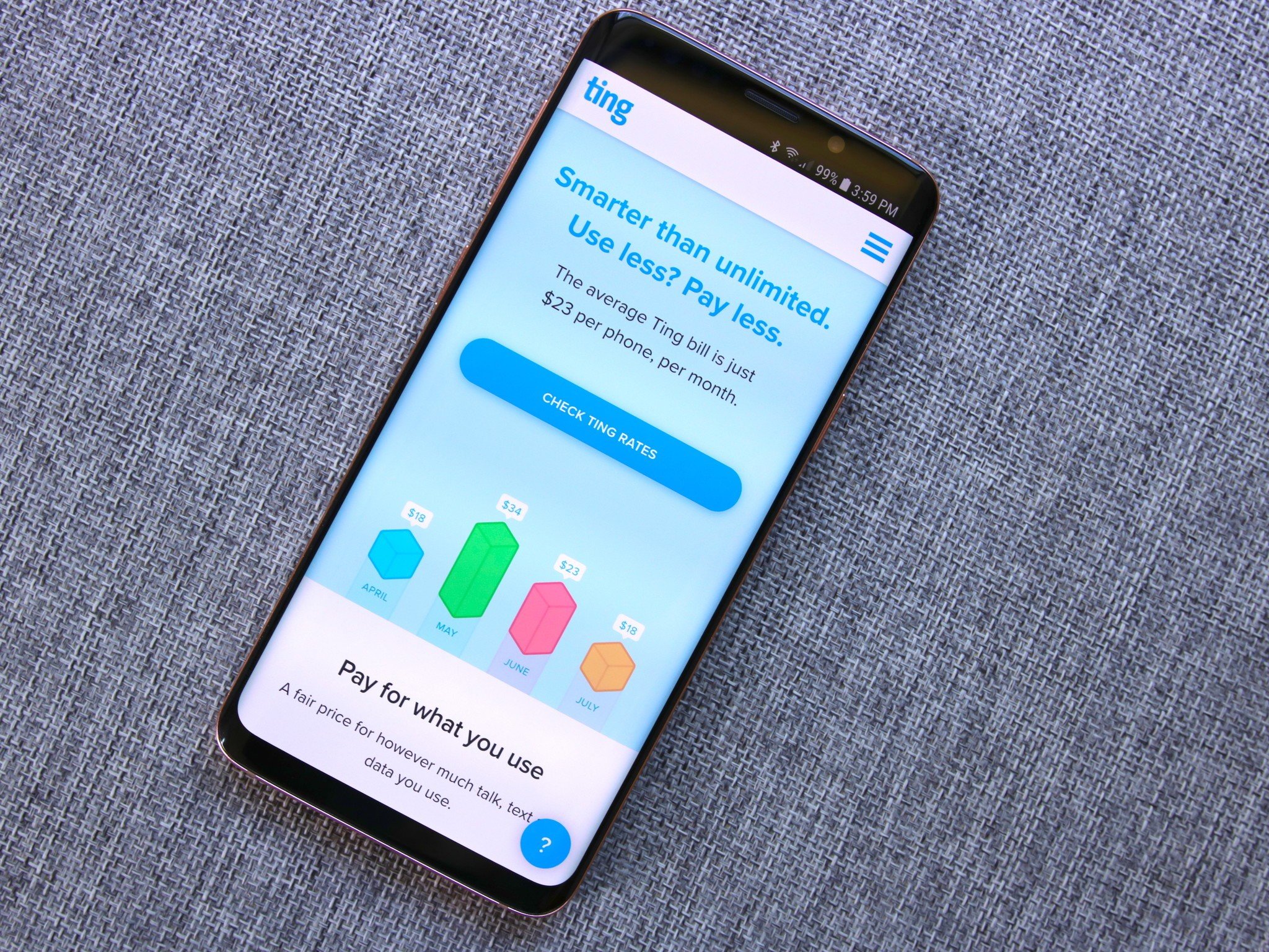
Best custom plan: Ting

To many of its long-time users, alternative carrier Ting is a darling of flexibility and customer service. The main appeal for Google Fi admirers is the flexible, modular plans, which let you pay for exactly how much talk time and texting you need, along with simple, affordable data tiers.

Prices for a single line start at $32 for 100 minutes of talk and text and 2GB of data, but it doesn't cost much more to add features from each category. It's also just $6 per additional line, which is pretty great.

Ting also has access to two networks, Sprint and T-Mobile, though unlike Google Fi you can't dynamically switch between them — your phone may be compatible with both services, but you'll need to choose whether you want GSM or CDMA service, and can switch SIM cards based on your location and coverage.

One thing I constantly hear about Ting, too, is that it offers fantastic customer service and flexibility. And while its roaming rates are not included in the base package like Project Fi, they're relatively inexpensive.

Don't forget to make sure you have coverage.

Pros:

  • Only pay for what you need
  • T-Mobile or Sprint network
  • GSM and CDMA devices

Cons:

  • Can get expensive for data
  • No network switching

Best custom plan

Ting

From $6 at Ting

Custom plan for light users

If you only use a little data, you can save a lot with Ting. Pay only for what you need with good coverage to boot starting at the bare minimum.

Best on Sprint: Virgin Mobile

Virgin Mobile operates on Sprint's network and even brings along roaming to fill in the gaps on Sprint's coverage maps. This is a great bonus and not something available on all Sprint MVNOs.

Virgin Mobiles plans all have unlimited talk and text with different tiers for LTE data. At $35 per month, you get 5GB of LTE data with free 2G data after that. $45 per month gets you 10GB and $60 per month removes all of the limits. International calling is available at $5 per month.

Virgin mobile sells plenty of phones from iPhones to the Galaxy S10e. It should be possible for anyone to find a phone that fits their needs. You can also bring a compatible device if you have one. Check your phone for compatibility here.

Don't forget to make sure you have coverage.

Pros:

  • Sprint LTE with data roaming
  • Unlimited talk, text, and data (2G after data allotment)
  • International calling for $5/mo.

Cons:

  • Hotspot is extra
  • Limited BYOD

Best on Sprint

Virgin Mobile

From $35/mo. at Virgin Mobile

Sprint with roaming

Many MVNO providers drop roaming support, but Virgin Mobile keeps it intact with no additional fees. Competitive pricing makes Virgin a strong option.

Bottom line

The reality is that nothing in the U.S. is like Google Fi. Google's carrier experiment may be a little more expensive on a per-gigabyte basis, and more restrictive from a phone choice perspective. But in many ways, and for many people, it's the ideal network provider.

Of course, not everyone has access to a phone that taps into Fi's full potential, so hopefully, these offerings will come in handy when you're searching for your next alternative carrier. And with no contracts, you're free to try out more than one. Thanks to unlimited service, a low price, and an extensive LTE network, Visible is the best alternative as long as you don't need to use your phone outside of the US.

Credits — The team that worked on this guide

Samuel Contreras When Samuel is not writing about networking at Windows Central, he spends most of his time researching computer components and obsessing over what CPU goes into the ultimate Windows 98 computer. It's the Pentium 3.


from Android Central - Android Forums, News, Reviews, Help and Android Wallpapers https://ift.tt/32mFVbW
via IFTTT

Everything you need to know about Mint Mobile

Get the lowdown on Mint Mobile's coverage, pricing, phones, and more.

The wireless carrier space is a neverending battle between T-Mobile, Verizon, AT&T, and Sprint. However, underneath the four big dogs is a collection of smaller brands tapping into their networks to deliver excellent wireless coverage at a fraction of the price.

One such company is Mint Mobile (formally known as Mint SIM), and if you've been searching for a new way to buy phone service that can help you save a heap of money, it may be worth a look.

Here's everything you need to know!

Buy in bulk

Mint Mobile

From $15/month at Mint Mobile

A unique take on affordable wireless service

Buying things in bulk usually results in a lower price over the long-term, and Mint Mobile brings that mentality to the wireless space. You buy three, six, or 12 months of service upfront, resulting in a low effective monthly fee. Mint also gives you LTE data speeds, free hotspot access, and strong nationwide coverage.

Check out our full review

We'll get into all the fine details of Mint Mobile soon enough, but before we do that, we recommend reading our full review of the service if you haven't already.

The review analyzes Mint Mobile's data performance, network coverage, and a lot of fine details you can only really experience when testing a carrier or MVNO in the real world.

Check it out here! 👇

Mint Mobile review: A cheaper, better prepaid cellular plan

How much does Mint Mobile cost?

One of the biggest reasons to get your phone service from a smaller MVNO is because they usually cost less than the Big 4. With Mint Mobile, that's absolutely the case.

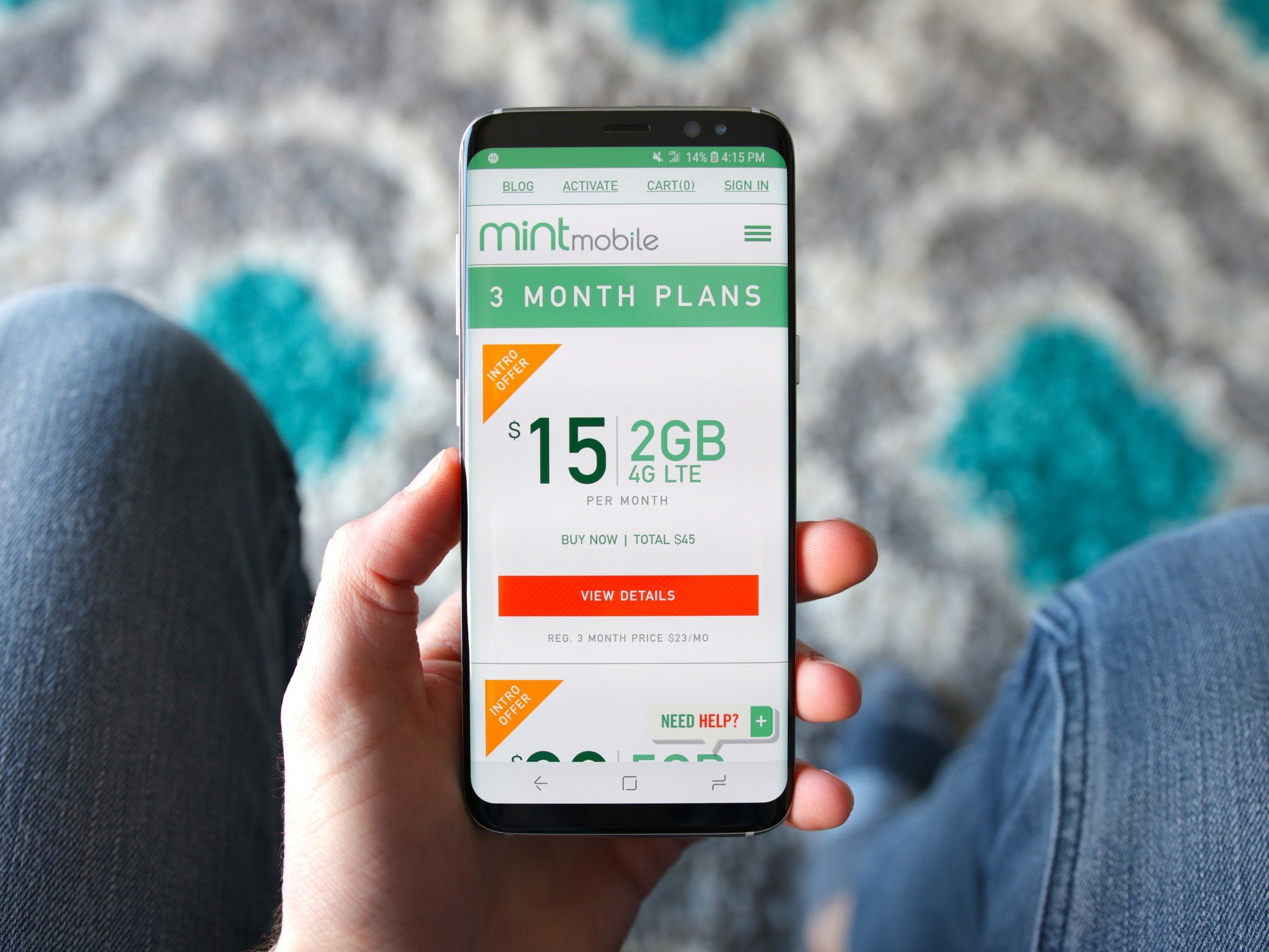
All Mint Mobile plans come with unlimited talk and text and are available with either 3GB, 8GB, or 12GB of 4G LTE data. However, rather than paying month-to-month for your plans, you can choose to pay upfront for three months, six months, or 12 months of service. This means your upfront cost is more expensive, but in the long run, your technical monthly cost will be quite low.

Here's how everything breaks down:

Three-month plans

  • 3GB of 4G LTE data per month — Promotional price of $45 total ($15/month)
  • 8GB of 4G LTE data per month — Promotional price of $45 total ($15/month)
  • 12GB of 4G LTE data per month — Promotional price of $45 total ($15/month)

A quick note here — the prices above are part of an introductory offer and only available for your first three months. After that, the 3GB plan costs $25/month, 8GB goes for $35/month, and 12GB will set you back $45/month.

Six-month plans

  • 3GB of 4G LTE data per month — $120 total ($20/month)
  • 8GB of 4G LTE data per month — $150 total ($25/month)
  • 12GB of 4G LTE data per month — $210 total ($35/month)

12-month plans

  • 3GB of 4G LTE data per month — $180 total ($15/month)
  • 8GB of 4G LTE data per month — $240 total ($20/month)
  • 12GB of 4G LTE data per month — $300 total ($25/month)

Unlike some carriers, Mint Mobile's pricing does not include taxes and fees. In addition to the above figures, you'll also need to account for a regulatory recovery fee, telecom tax, an MTS surcharge if you live in California, and a PSCS fee for New York residents.

What's the coverage like?

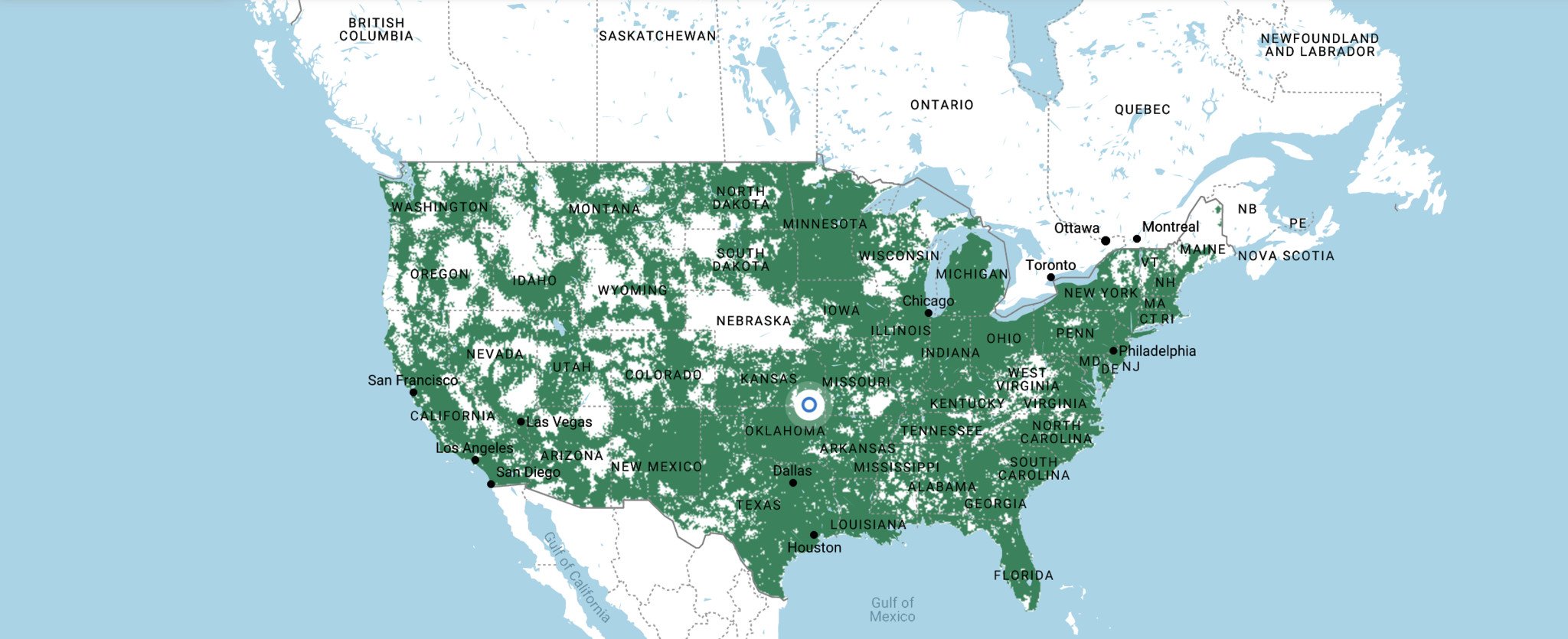
Mint Mobile uses T-Mobile's network for its coverage, so if you have reliable T-Mobile service in your area, Mint Mobile will work great.

You can use Mint Mobile's interactive coverage map to see exactly how strong or weak its signal is in any part of the U.S., with the map even disclosing which LTE bands will reach your device based on whether you're outside, in a car, in your home, or in an indoor commercial building (such as an office).

The map also shows the difference between areas that have 4G LTE, 4G, 3G, 2G, or no coverage at all.

Check Mint Mobile's coverage in your area

Can you use your phone as a mobile hotspot?

A lot of MVNOs offer low monthly prices for their servce but then nickle and dime you for features you come to expect from larger carriers — one of which being mobile hotspot.

Thankfully, Mint Mobile is a wonderful exception to that rule.

All Mint Mobile plans come with mobile hotspot for free, meaning you can turn your phone into a portable Wi-Fi router and connect other devices to it whenever you'd like.

Which phones are available?

Surprisingly for a smaller MVNO, Mint Mobile has a pretty great selection of phones you can buy directly from it. You have the option of paying the full price of the phone outright or month-to-month with 0% financing from Affirm.

On the Android side of things, you can get the Samsung Galaxy Note 10, Galaxy S10, Google's Pixel 4 or 4 XL, the LG G8, and more. If you prefer iPhones, Mint sells the iPhone 11, 11 Pro, 11 Pro Max, and quite a few older models.

Can you bring your own phone?

Alternatively, if you already have a phone you want to use with Mint Mobile, you can do that, too.

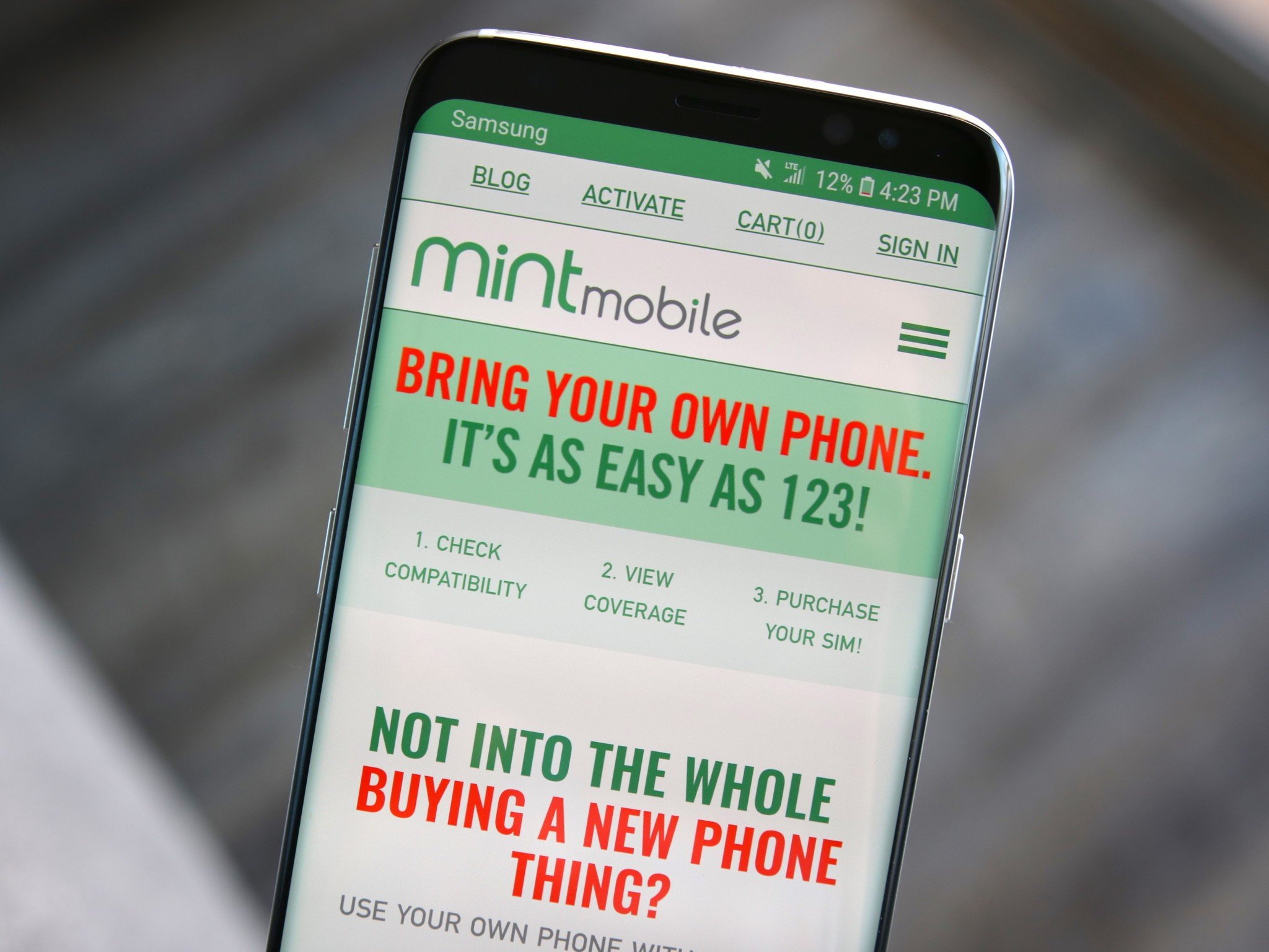
Mint Mobile works with any GSM unlocked phone, and if you aren't sure what that means, you can use a compatibility checker on Mint Mobile's website to confirm your device will work by entering its IMEI number.

The SIM card itself is free, so you'll just need to purchase one of the above plans to get going with your service.

Best Phones to use with Mint Mobile

Buy in bulk

Mint Mobile

From $15/month at Mint Mobile

A unique take on affordable wireless service

Buying things in bulk usually results in a lower price over the long-term, and Mint Mobile brings that mentality to the wireless space. You buy three, six, or 12 months of service upfront, resulting in a low effective monthly fee. Mint also gives you LTE data speeds, free hotspot access, and strong nationwide coverage.


from Android Central - Android Forums, News, Reviews, Help and Android Wallpapers https://ift.tt/37gawei
via IFTTT