
Motorola may have kickstarted the modern flip phone, but Samsung popularized it, and for years the Galaxy Z Flip series was the standard for a stylish, pocketable foldable. Now that the Galaxy Z Flip 8 is out, it arrives at a tumultuous time for both flip phones and smartphones in general.
On the plus side, the Galaxy Z Flip 8 undercuts and is, in some ways, the better buy than Motorola’s Razr Ultra 2026, something I never thought I would say. And despite rumors suggesting the Flip 8 may be the last of its kind from Samsung, it receives some notable changes that I think even Motorola can learn from.
However, with the price increase, few actual hardware upgrades, and the launch of the very compelling Galaxy Z Fold 8, it’s becoming harder to justify buying the Galaxy Z Flip 8.
If it ain't broke...
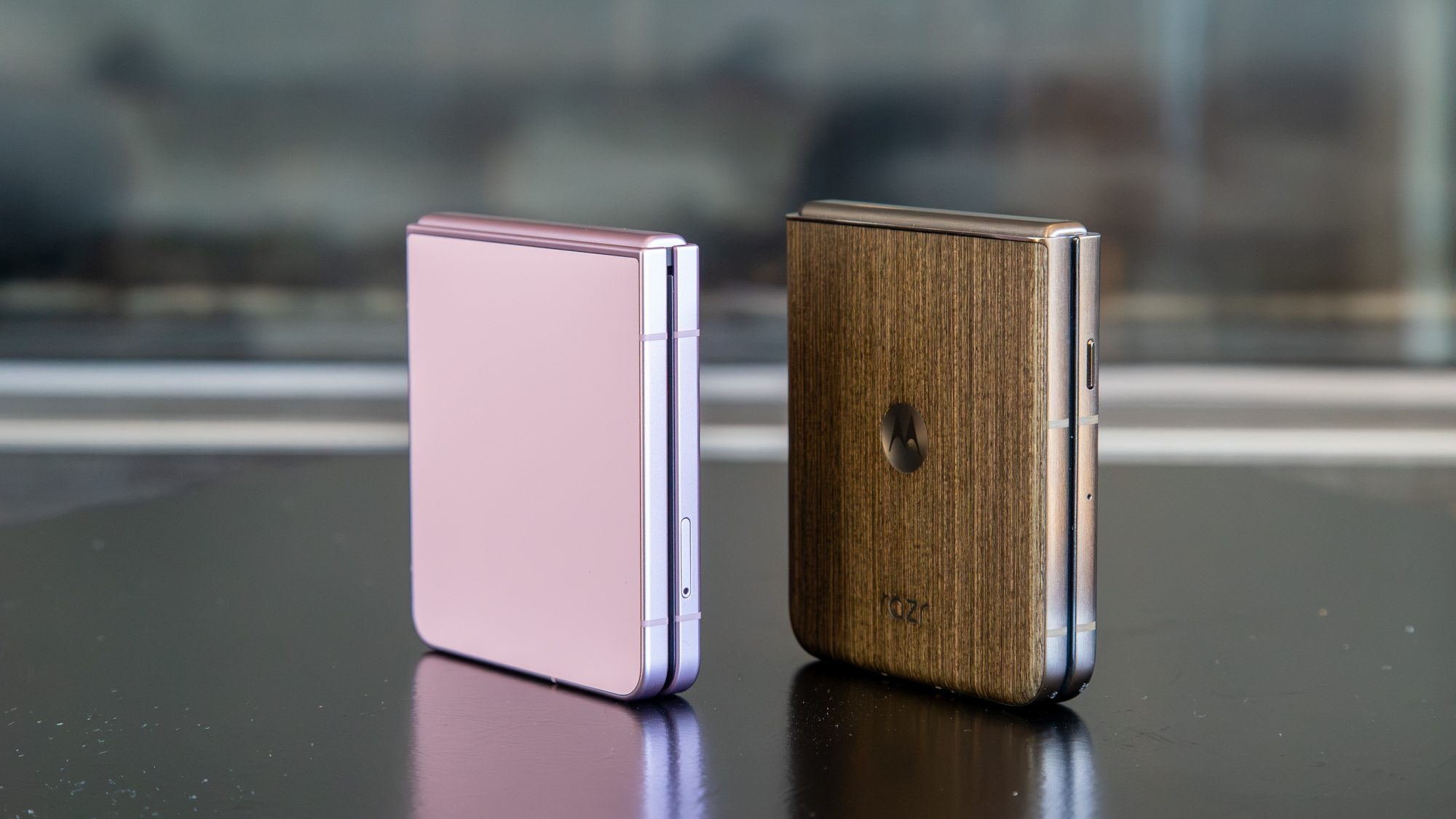
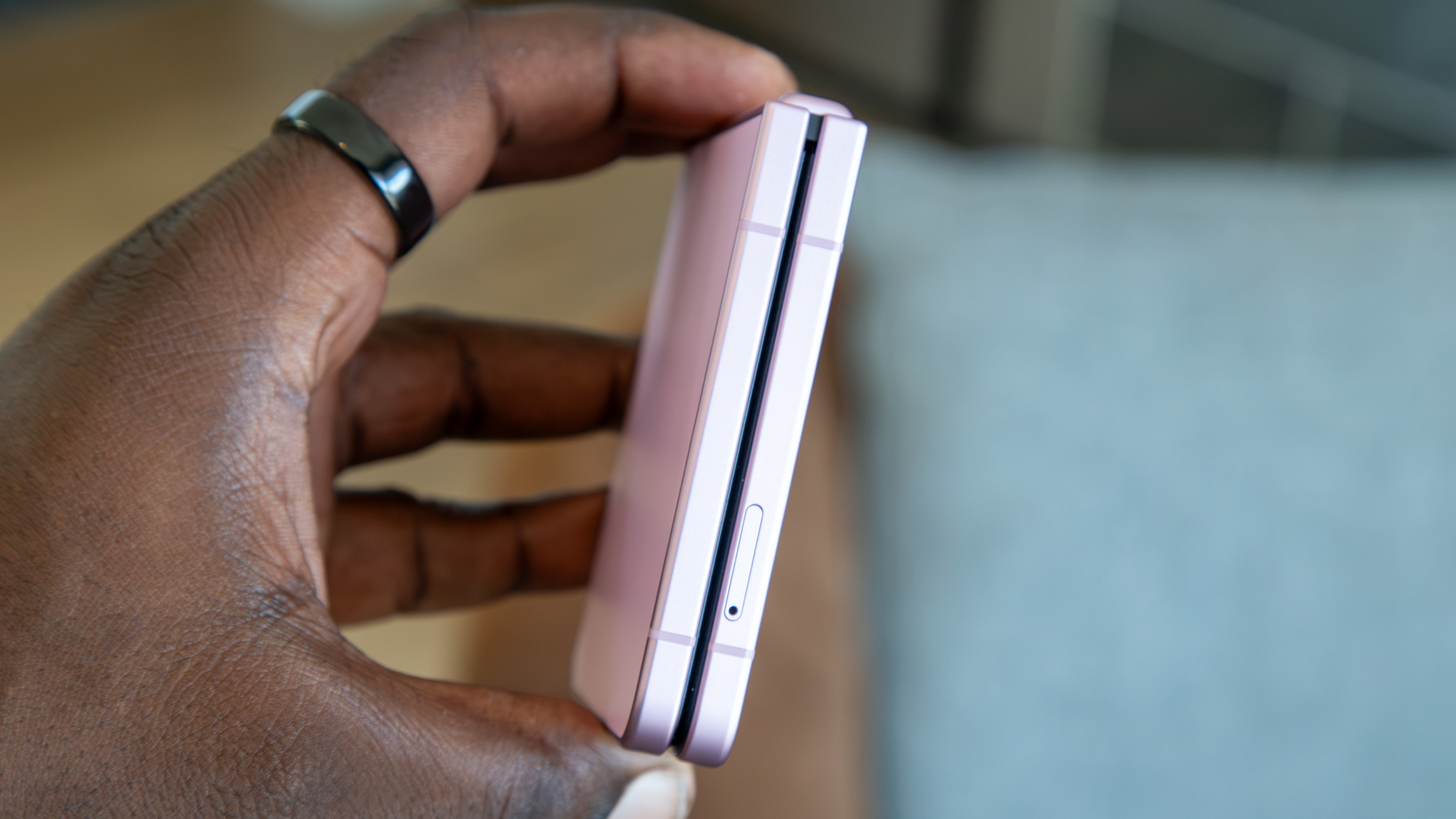
I didn't get to use the Galaxy Z Flip 7, but I was jealous of its thin profile, especially when compared to the Razr Ultra 2025. The Galaxy Z Flip 8 goes further with an even thinner chassis, and it's noticeably lighter than the Razr Ultra 2026. It's pretty impressive, especially since flip phones become quite thick when folded in half, so this goes a long way towards making it truly pocketable.
That said, that thinness comes at a bit of a price: the battery is much smaller than the Razr's, clocking in at just 4,300mAh. That's unchanged from its predecessor, and while it can get me through a day, I haven't been able to squeeze much more out of it. Also unchanged is the charging speed, which, at 25W, feels quite slow for a $1,200 smartphone.
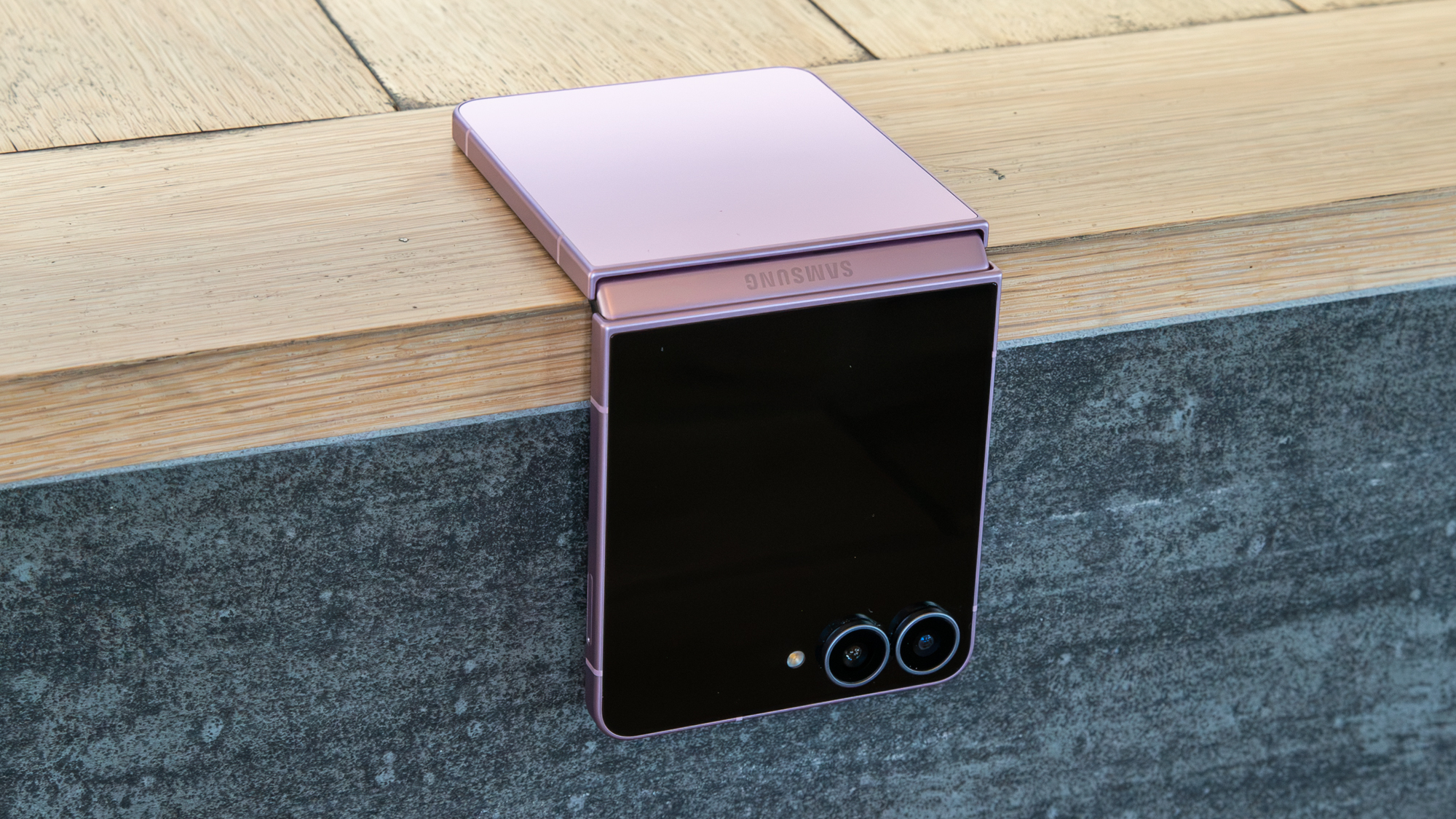
Fortunately, performance is anything but slow, thanks to the beefed-up Snapdragon 8 Elite Gen 5 and 12GB of RAM, which is as snappy as you'd expect. I play Honkai: Star Rail on the highest available settings and the phone doesn't falter. The only thing I notice when doing any heavy gaming is the top half of the phone getting rather warm, but that's nothing new for flip phones, given their limited internal space for things like a copper vapor chamber.
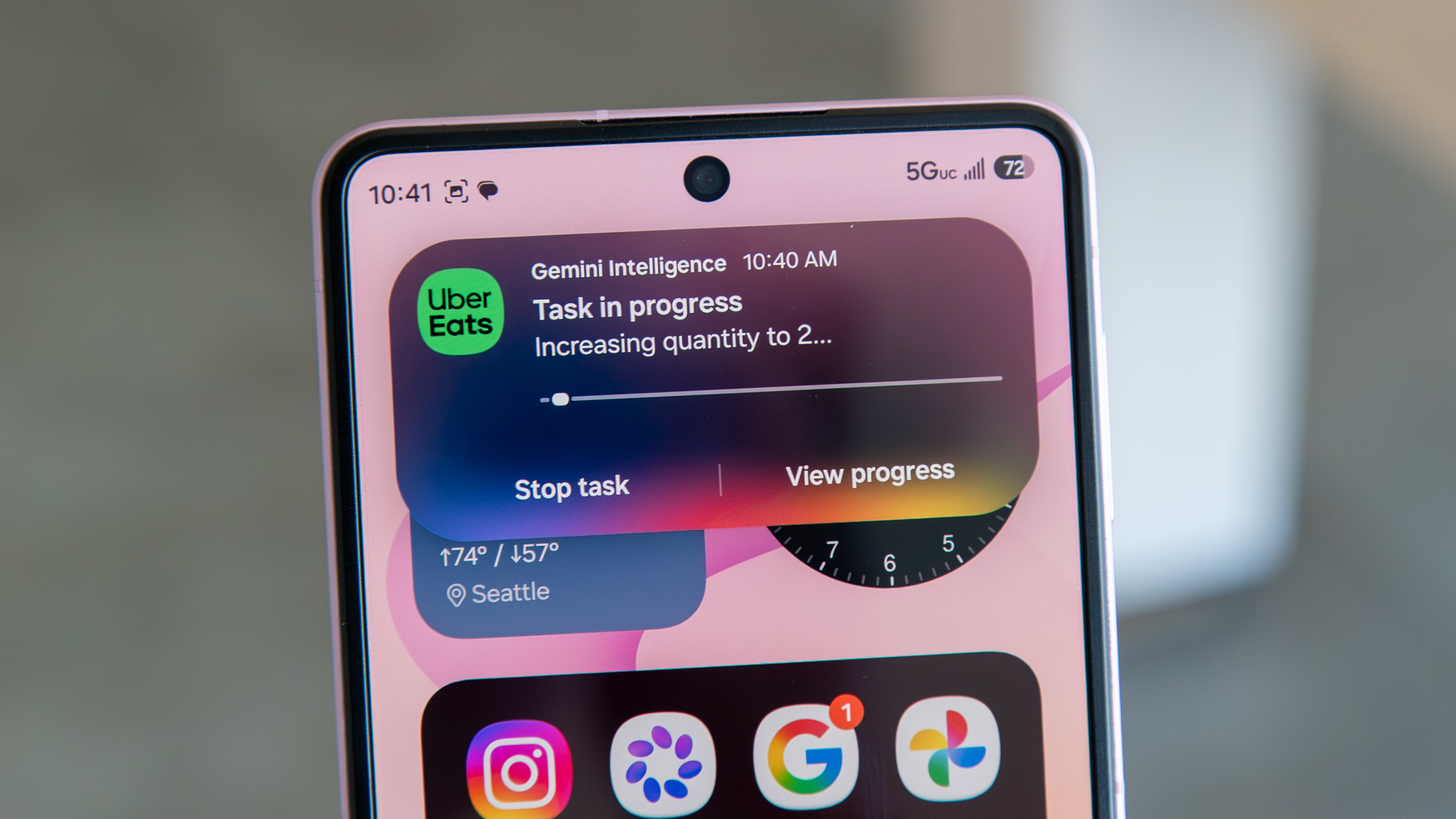
Beyond the overall performance, a benefit of the newer chip is better AI capabilities and access to newer features. Galaxy AI and Gemini Intelligence are found throughout the experience, and features like Now Brief and Now Nudge keep me up to date on my day and make it easier to grab the information or content I need when I need it.
Gemini Screen Automation also supports more apps, though I rarely find much need for it, aside from ordering food when I'm too lazy to open an app myself (is this what we've come to?).
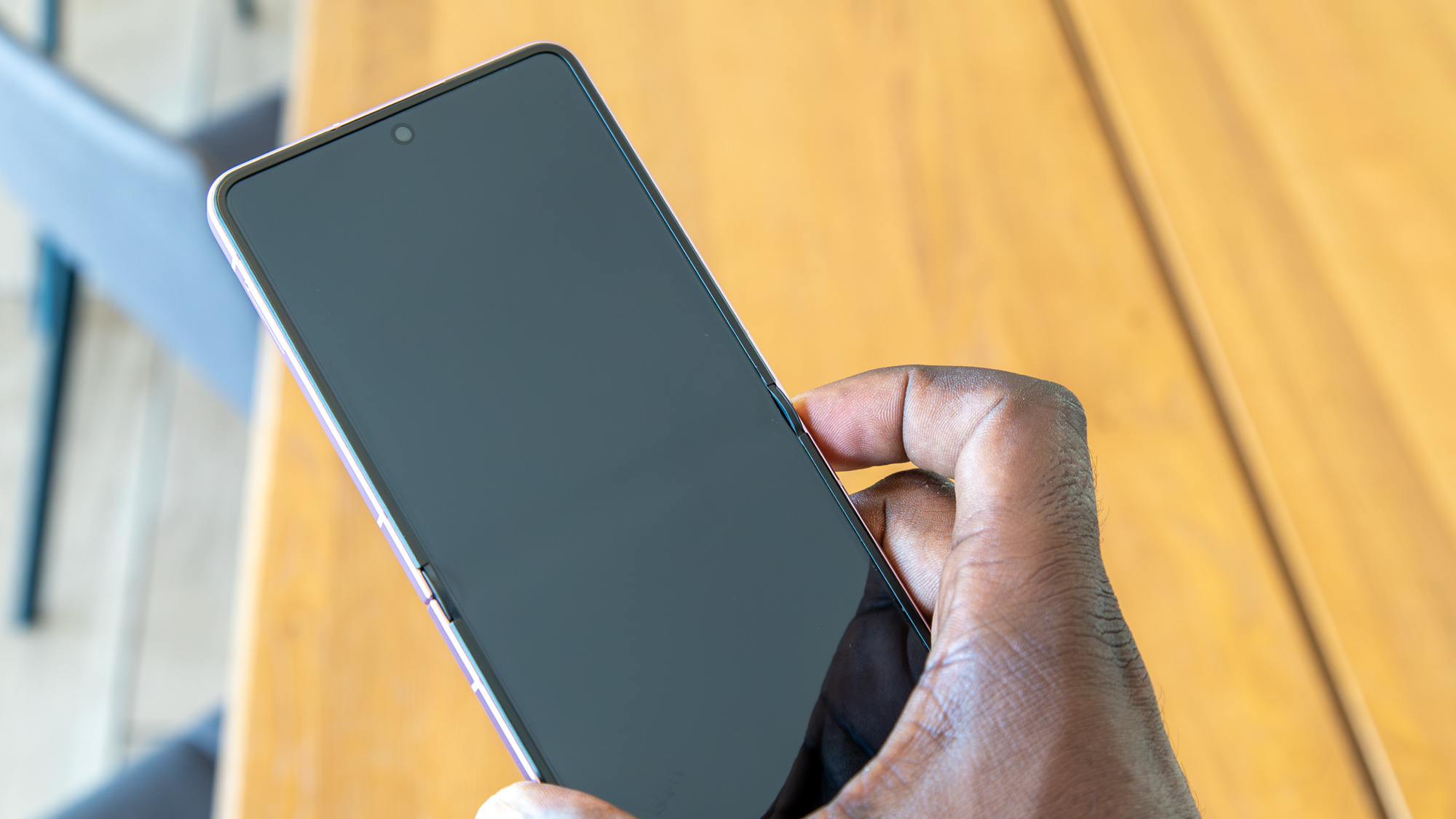
The main display hasn't changed much, and unfortunately Samsung's new Titanium Flex isn't available here, so the crease isn't as inconspicuous as on the Galaxy Z Fold 8. That said, the crease feels very shallow, and dare I say, it feels even better than my Razr Ultra 2026.
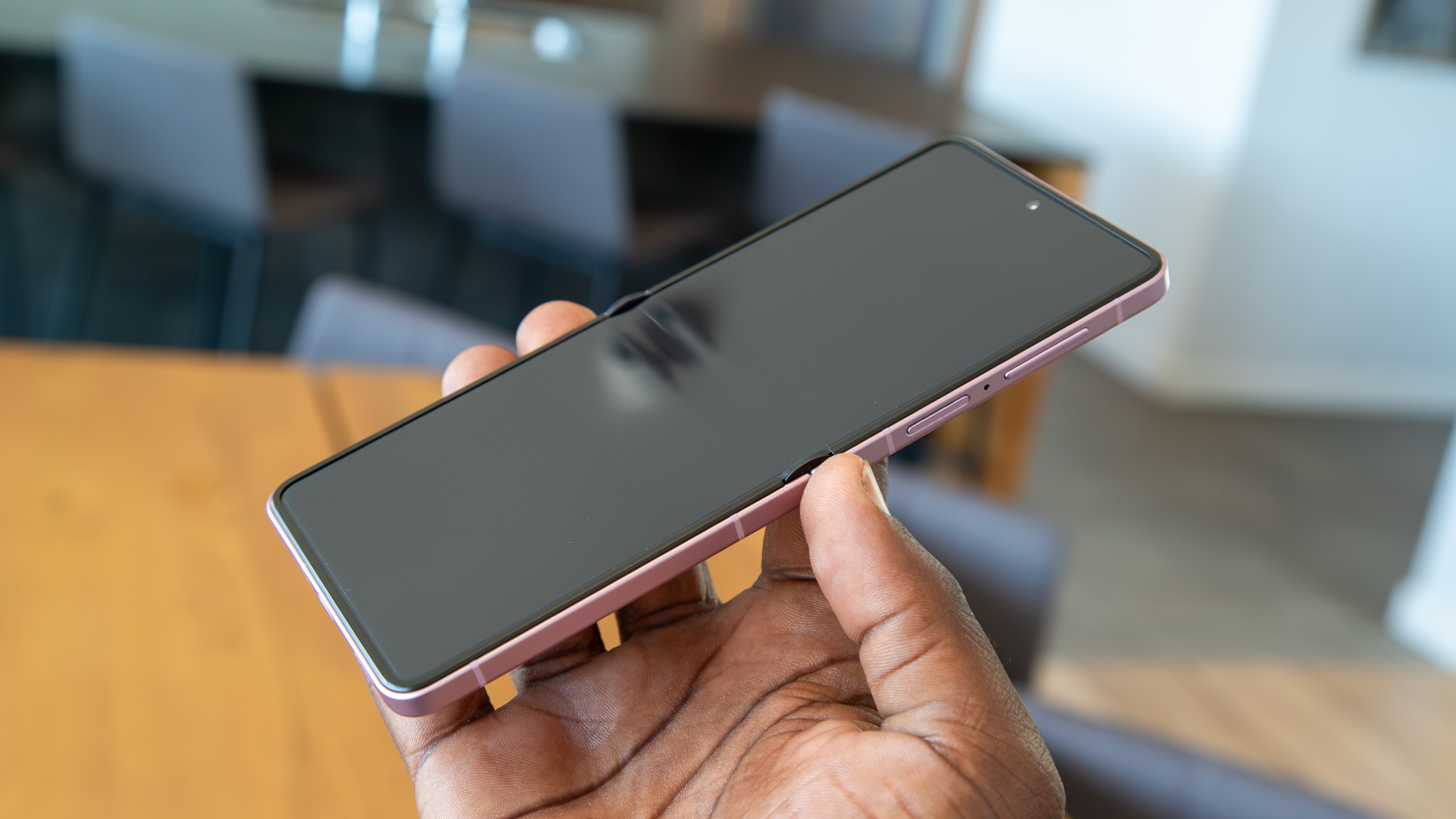
My only annoyance is that the hinge joint protrudes quite a bit on either end of the screen, which sort of ruins the seamless feel of the display.
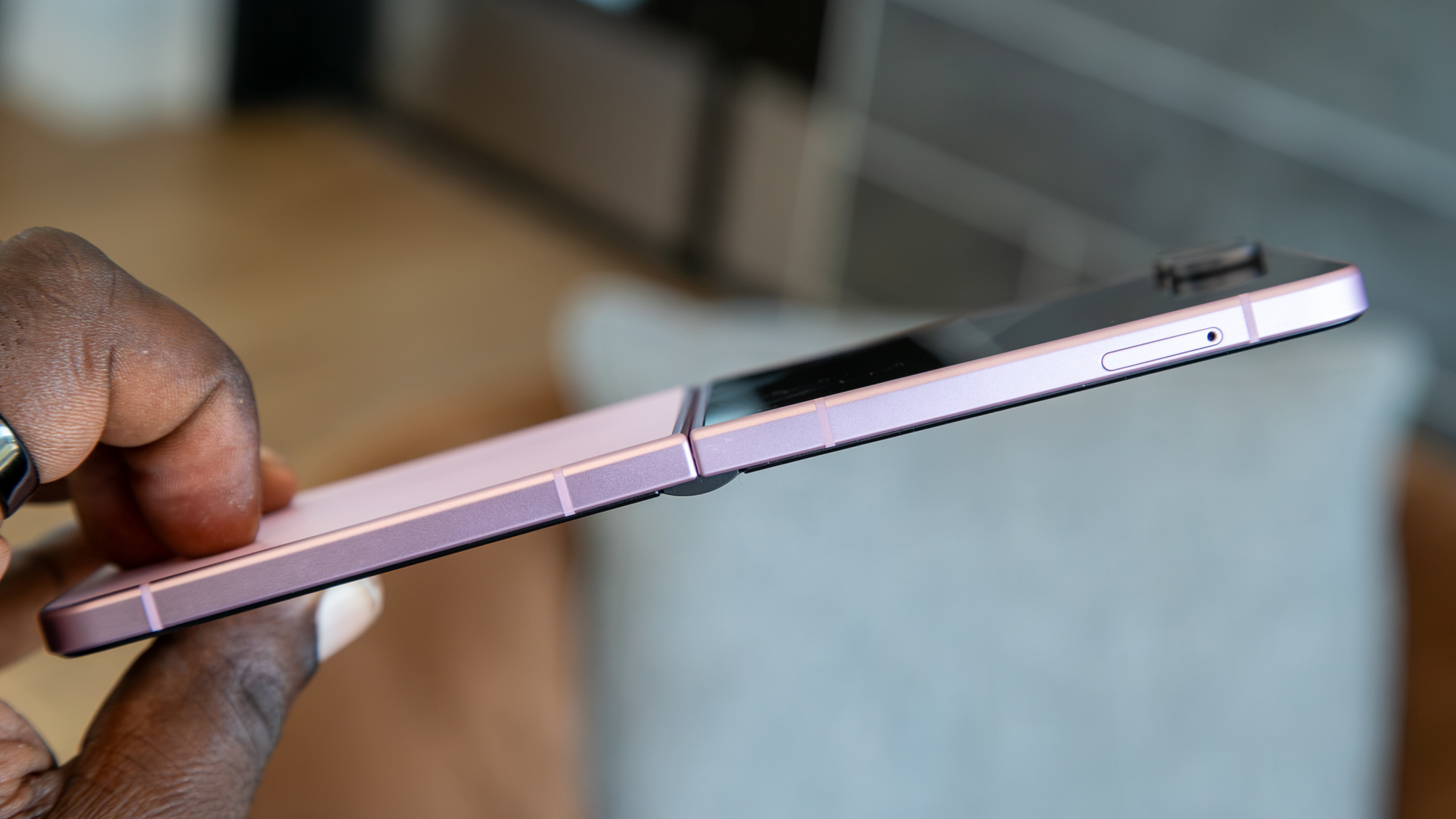
That said, the hinge remains relatively stiff, so I can open the Flip 8 to as wide as 45 degrees before it falls back. It's also much easier to flip the phone open with one finger and slam it shut, thanks to the redesigned display bumpers and a more forgiving hinge mechanism.
The cover screen gets (mostly) fixed!
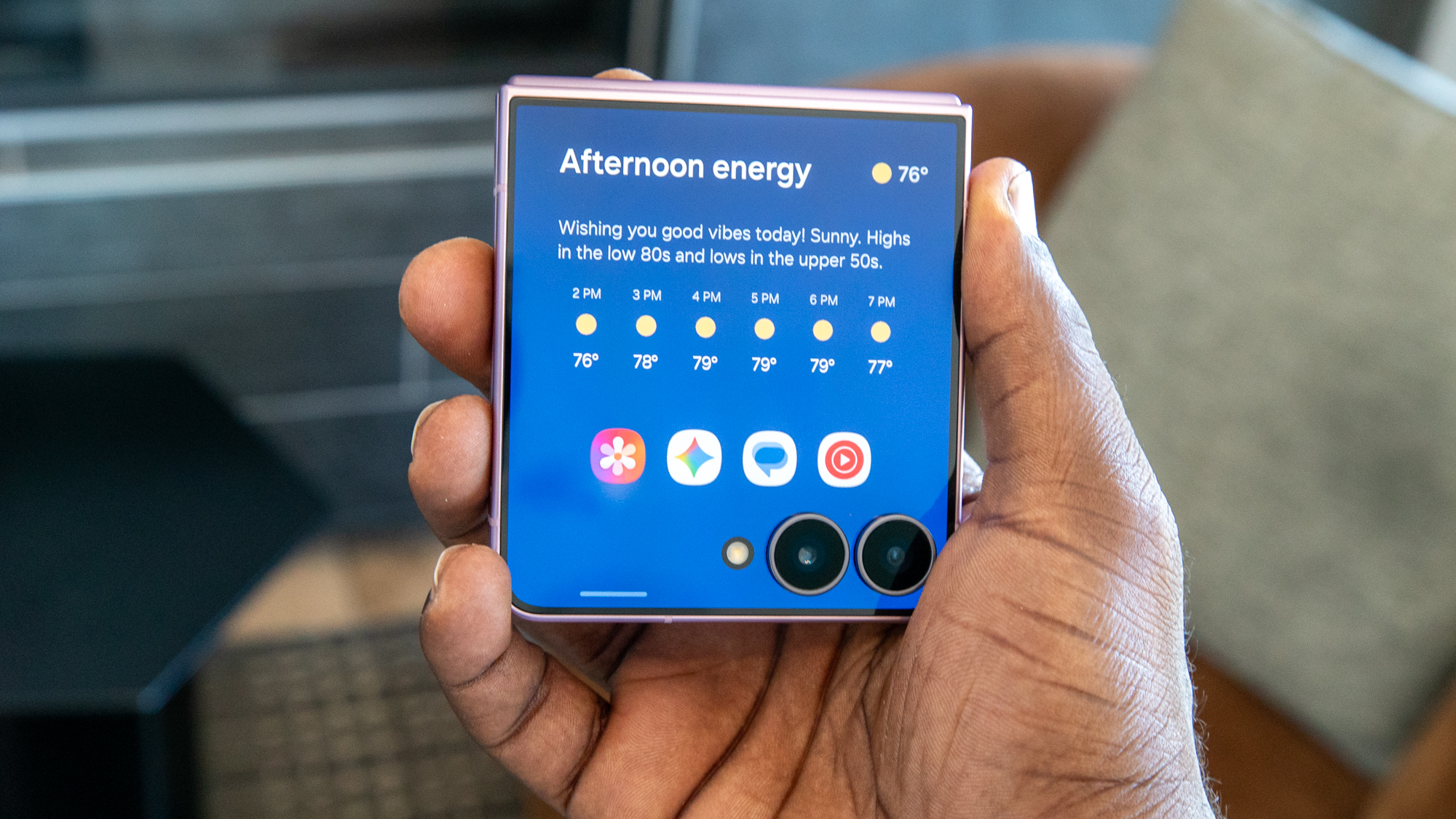
That said, how the main display feels doesn't matter much to me, because most of my time with the Galaxy Z Flip 8 has been spent with the cover screen. Previous versions of Samsung's cover screen that I used felt half-baked, but the company did something new this year by integrating Now Brief into the cover screen and making it the default home screen. It's honestly pretty smart, and it turns the cover screen into a hub for updates on your day and activities.
But that's just the start of Samsung's cover screen overhaul. The company revamped the experience so that it acts more like the main UI. That means swiping down enables the Quick Settings menu, while swiping up reveals the app drawer. This differs from previous versions, where apps were available on a separate panel.
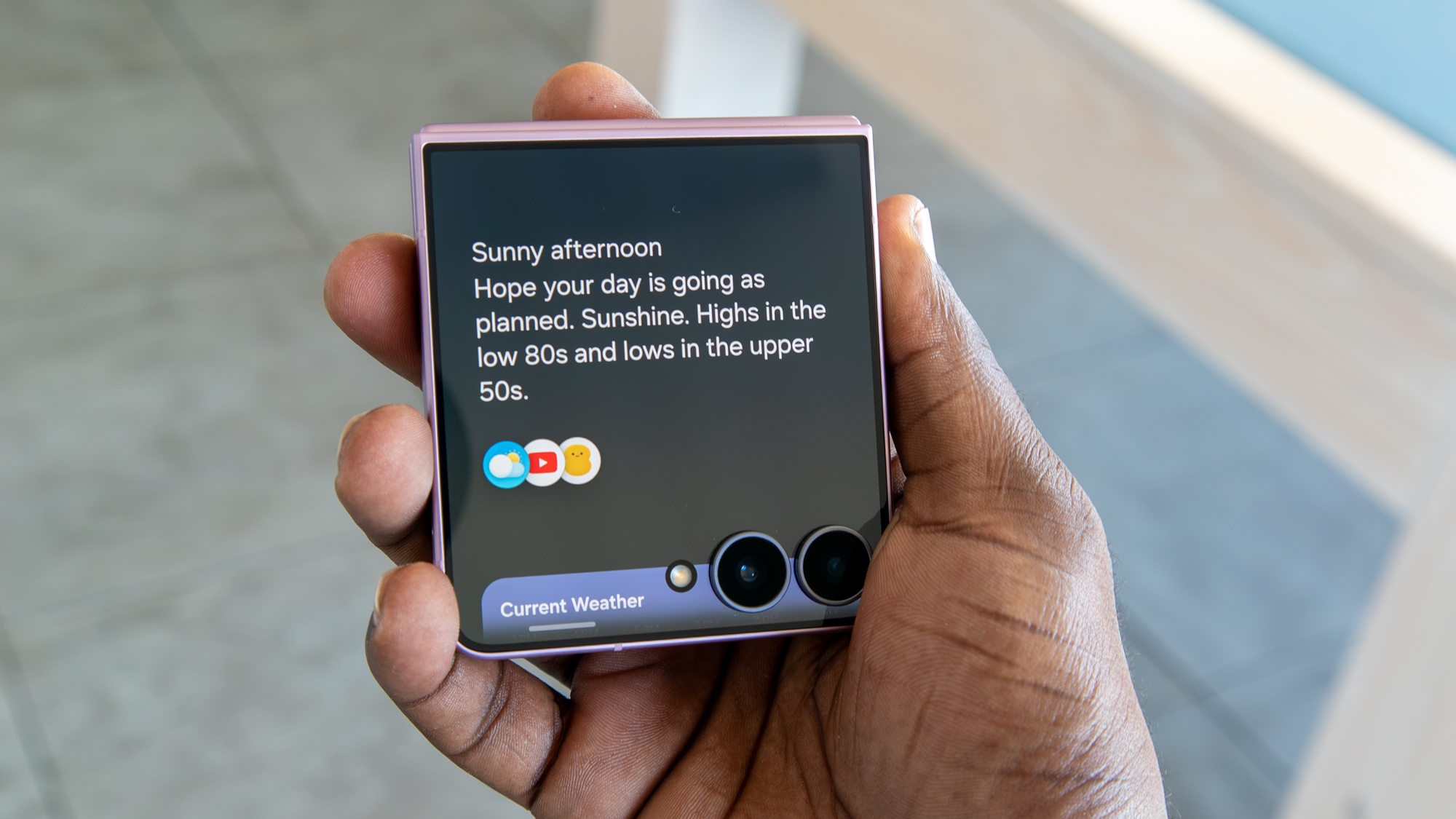
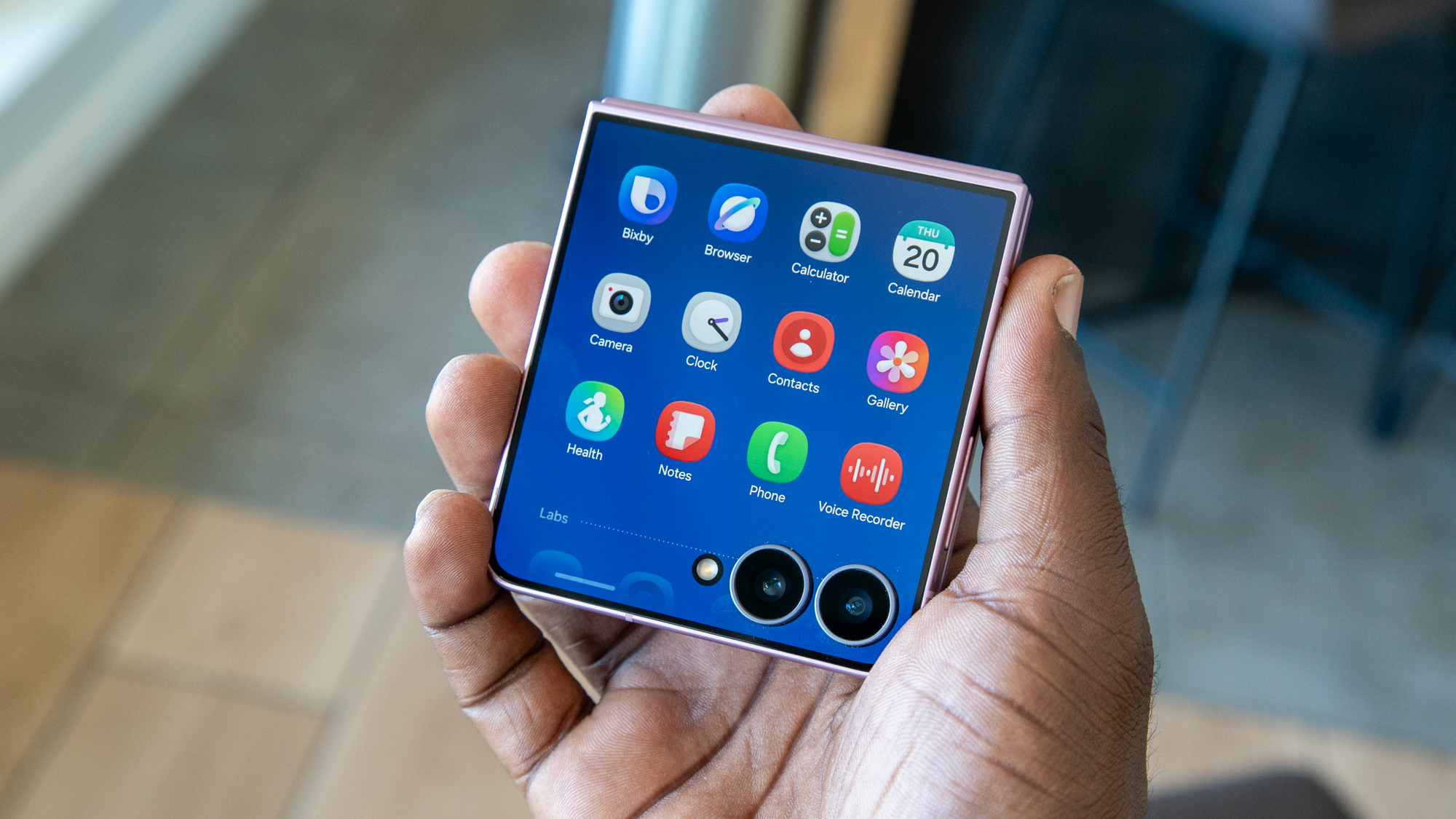
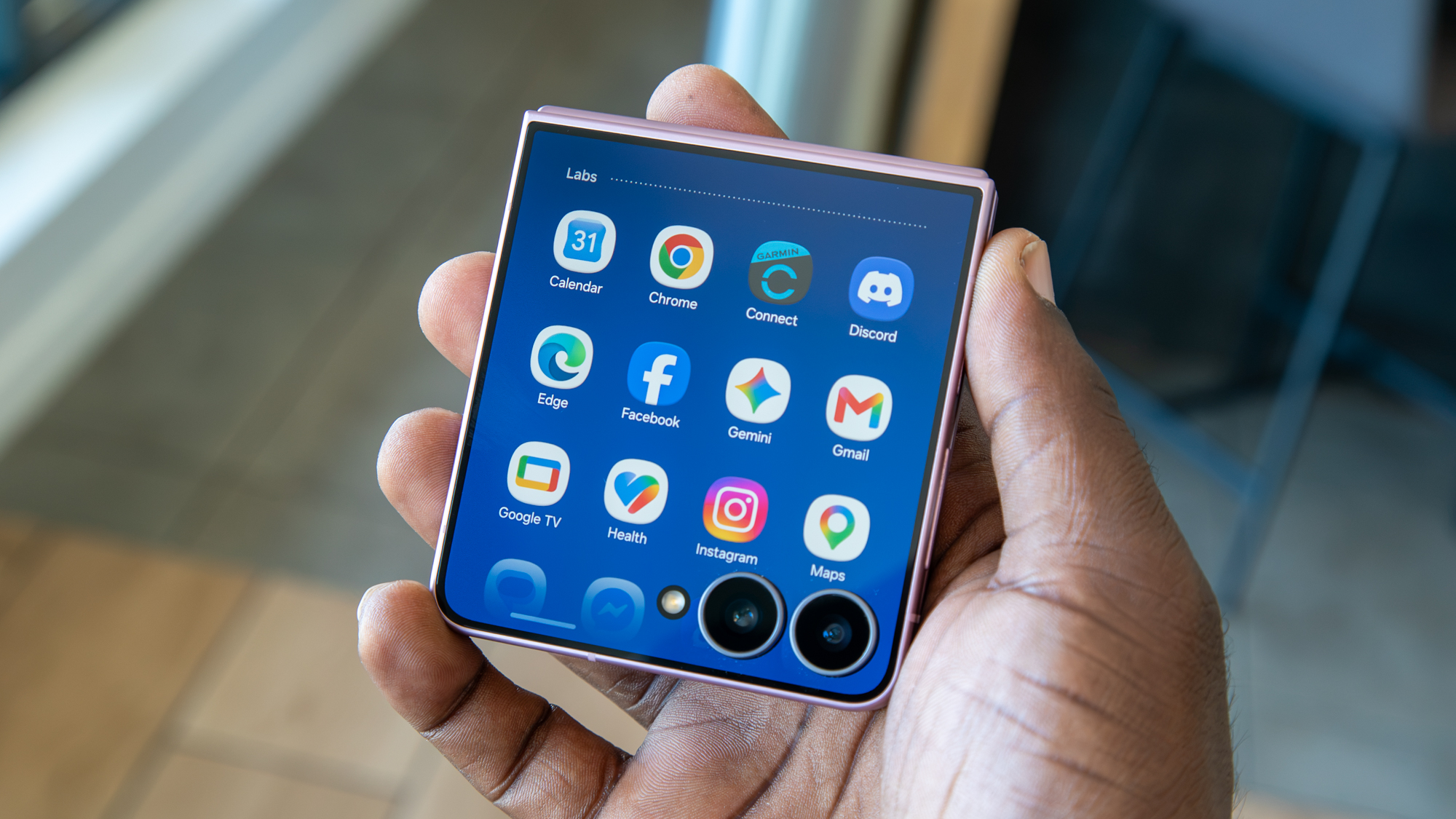
What I like about this is that it defaults to Samsung's first-party apps while providing easy access to third-party apps, which are sectioned off underneath. Samsung also makes it easy to access third-party apps, with a button to download the MultiStar module from Good Lock when you first set it up.
I find this new UI quite effective, making the cover screen much more accessible and useful than previous versions. I think Motorola could even take a note from Samsung's revamped UI, as it still keeps its apps on a separate panel.
Plus, any additional panels you create can be filled with app widgets, and some, like Spotify, will take up an entire widget panel. Unfortunately, not every widget is available on the cover screen, but there's a good amount to make them useful.
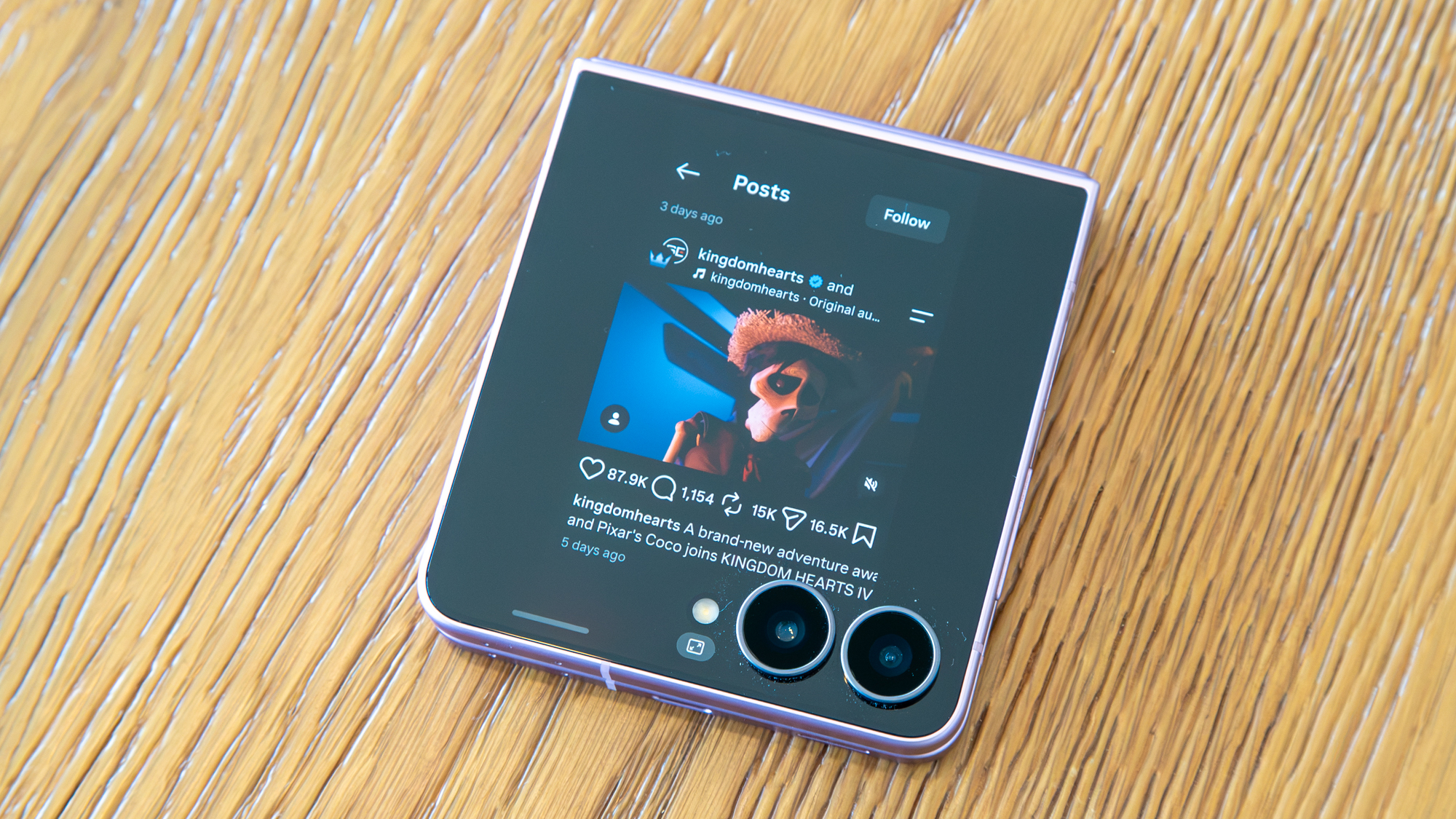
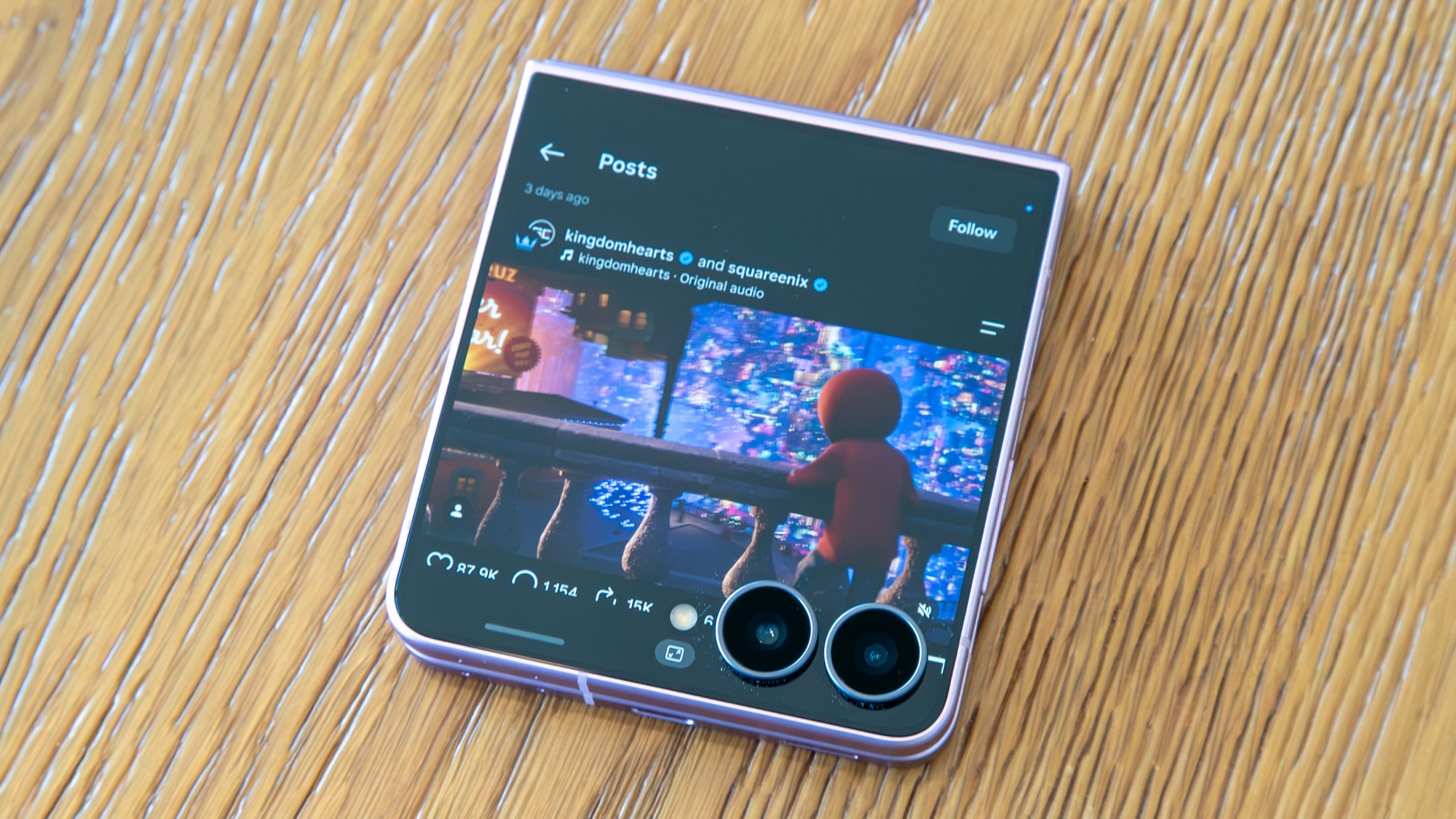
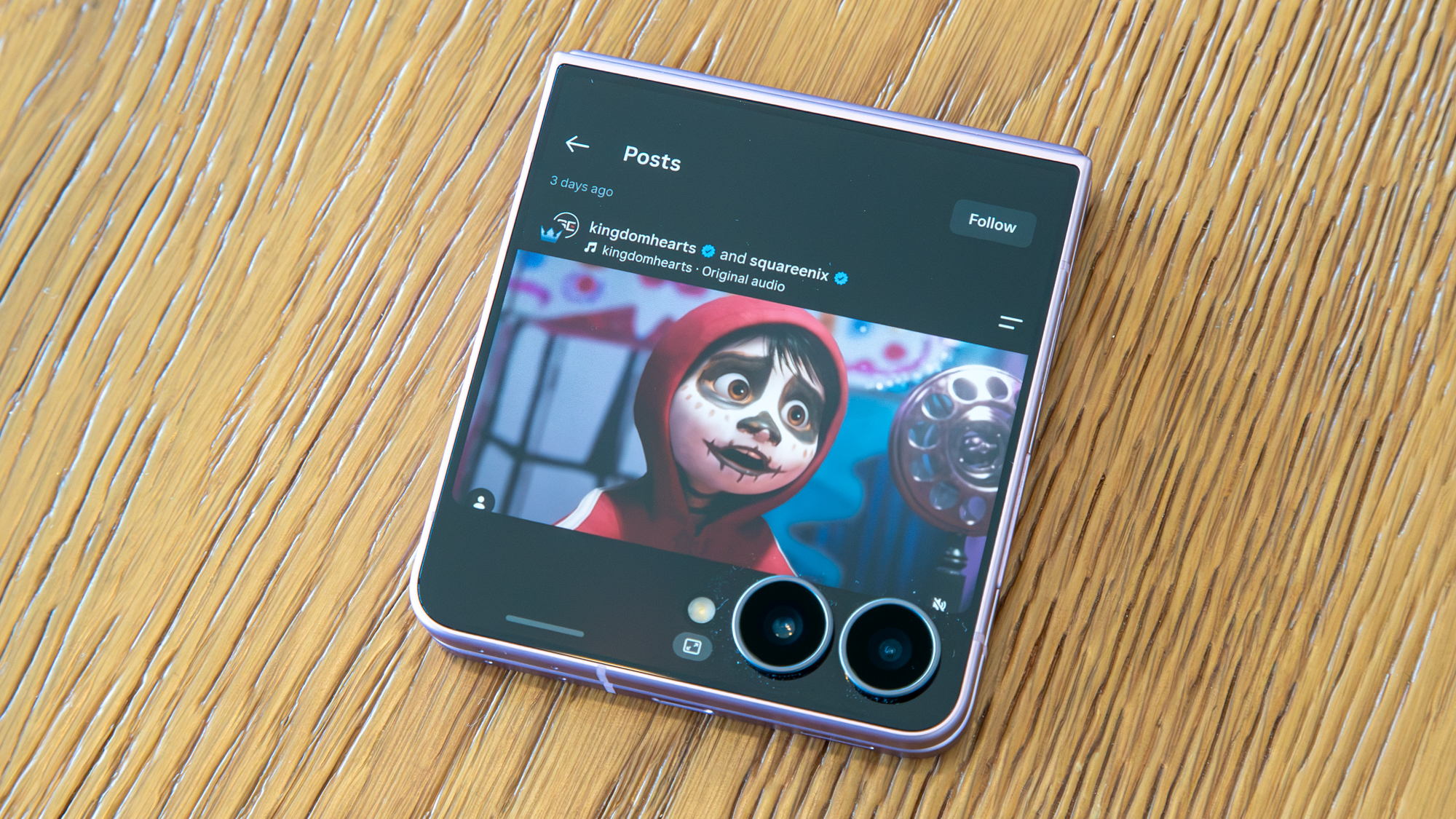
As for using apps, the experience is largely the same, but with some interesting updates. Apps can now open in three different aspect ratios: full screen, cropped up (to avoid the cameras), or in portrait mode for a more full app experience with black bars on either side.
There's a button at the bottom that lets you easily change the app's aspect ratio, which comes in handy depending on the app you're using. The only downside is that, for some reason, the app doesn't stay that way if I switch apps or go back to the home screen and then back to the app, and I find myself constantly switching views.
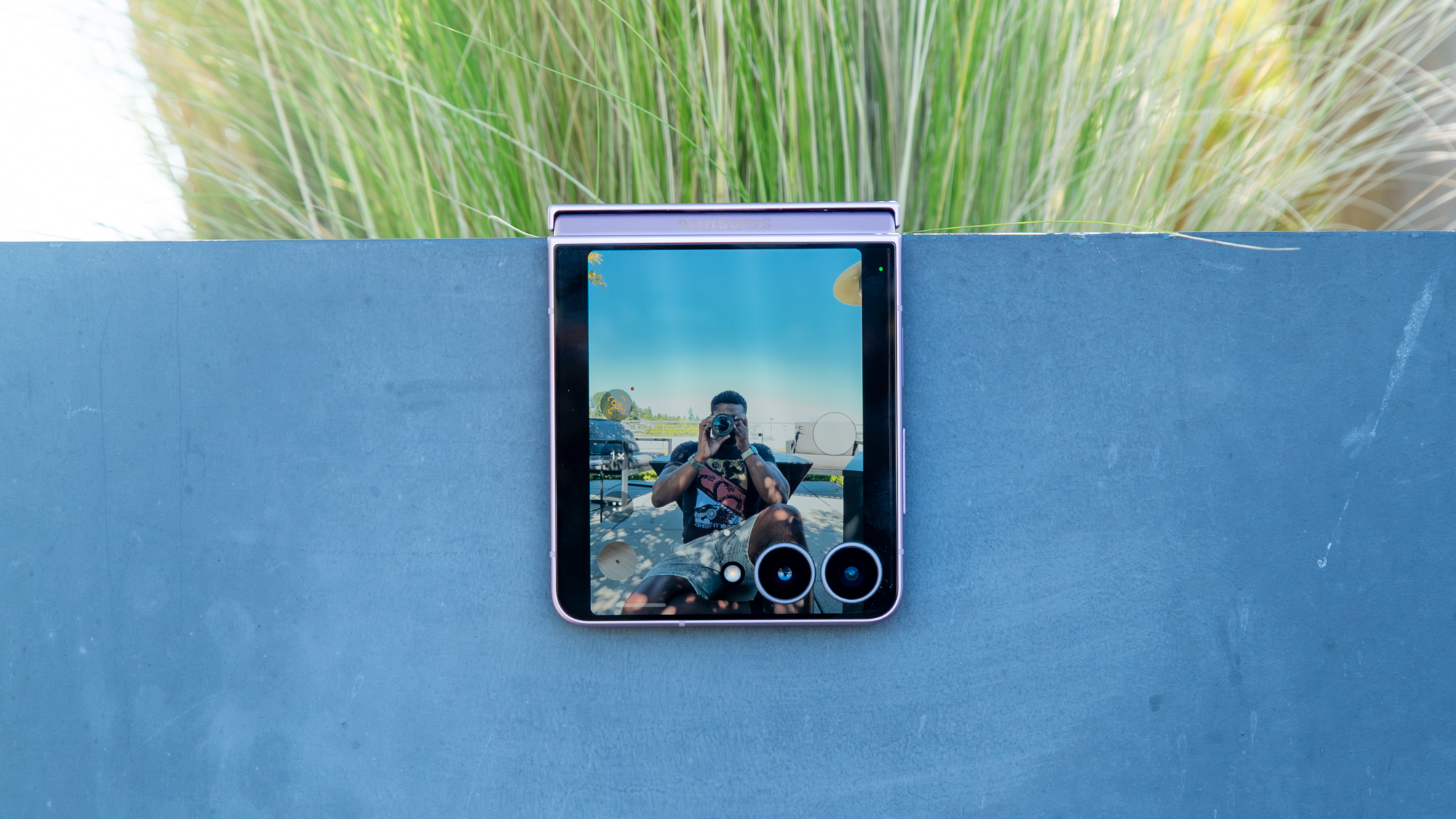
Of course, you can still use the camera with the cover screen for selfies, and you get quick access to photos, videos, and portrait mode. There's also an interesting Flip Shot feature that I didn't understand at first, but I think it's meant to add a little razzle-dazzle to your mirror selfies by displaying various graphics on the cover screen. And since I take a lot of mirror selfies with the camera preview on, this could be a good way to show off the Z Flip 8.
But as for the actual cameras, they're largely the same, and image quality is good but not spectacular. In good lighting, photos look fine, and the cameras even do a good job of freezing time, so you can be sure your dog photos should come out well enough. The downside is that you can't get too close to your subjects, as there's no Macro Mode, unlike on the Razr Ultra.










I also love the My FanCam feature, which can take any video and reframe it to focus on one subject, such as your kid or a friend. It's easily one of the best editing features Samsung has released in recent years, and a great way to make social-media-ready clips.
Should you buy the Samsung Galaxy Z Flip 8?
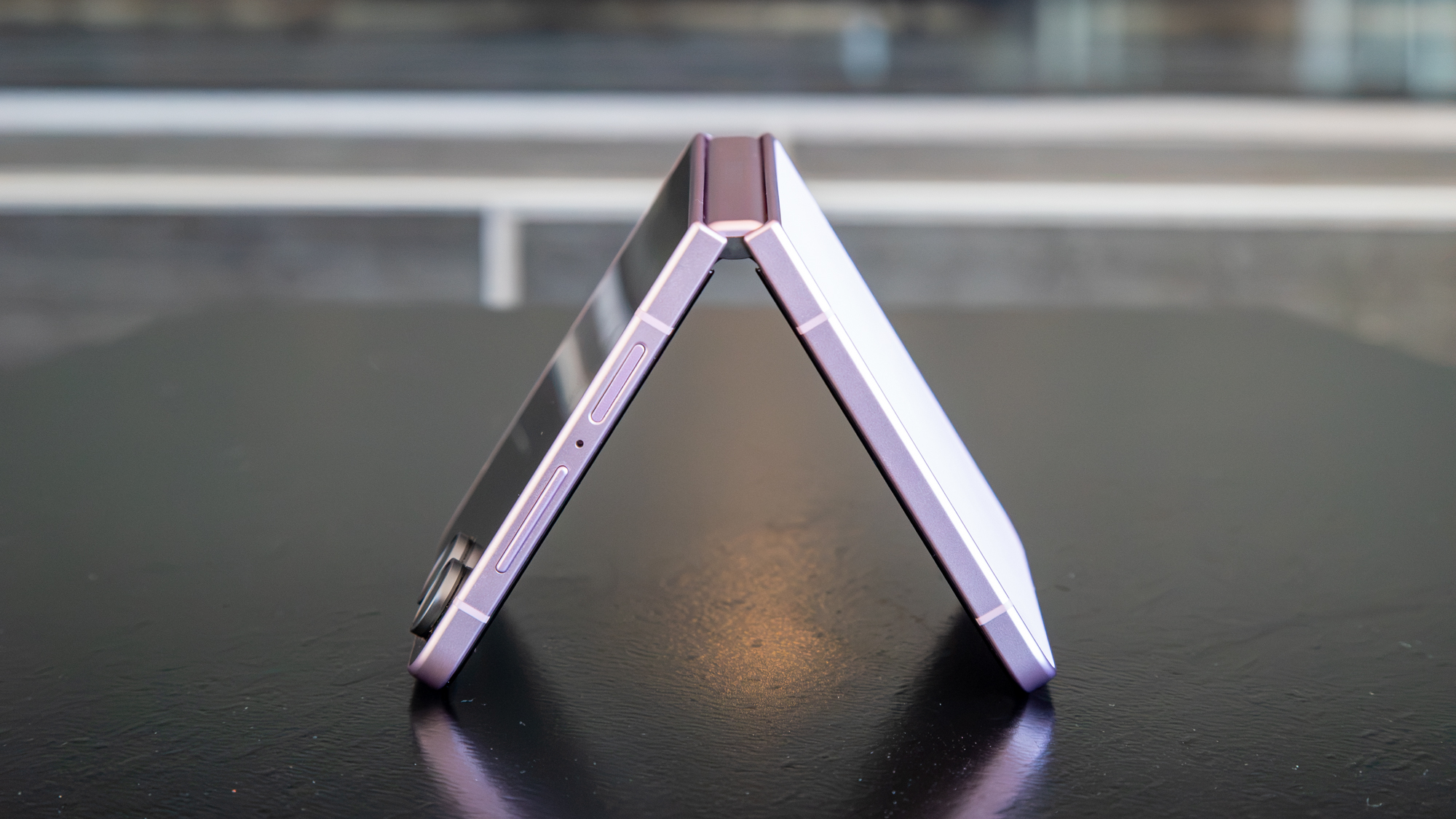
On the outside, the Galaxy Z Flip 8 is a minor update from its predecessor. A new chipset and smaller chassis are welcome changes, although I wish the battery and cameras had been upgraded.
The software is the star of the show, and Samsung's One UI continues to be more useful, whether you're using the main display or cover screen. That said, for $100 more than the Galaxy Z Flip 7, I'm not sure it's worth spending this much on a phone that Samsung seems largely uninterested in these days.
The Galaxy Z Flip 8 is good, but it's not $1,200 good. If you can find a discount, however, I would say go for it, or grab the Motorola Razr Ultra 2026 if you can find a good enough deal.
from Latest from Android Central https://ift.tt/xRJrjey
via IFTTT

Aucun commentaire:
Enregistrer un commentaire