
Google is relaunching its smart speaker ecosystem for the "Gemini era," as it has stated so many times with recent products. While I'm not fully convinced this new speaker is a truly revolutionary Gemini-powered speaker when compared to existing Google and Nest speakers, the overall quality of the Google Home Speaker is a great value for $99.
Whether you're looking for a new music-playing speaker that understands basic commands or want an extra speaker to enhance your smart home, this is a solid choice with some annoying software issues that will hopefully be cleared up in the near future.
Google Home Speaker price, availability, and specs
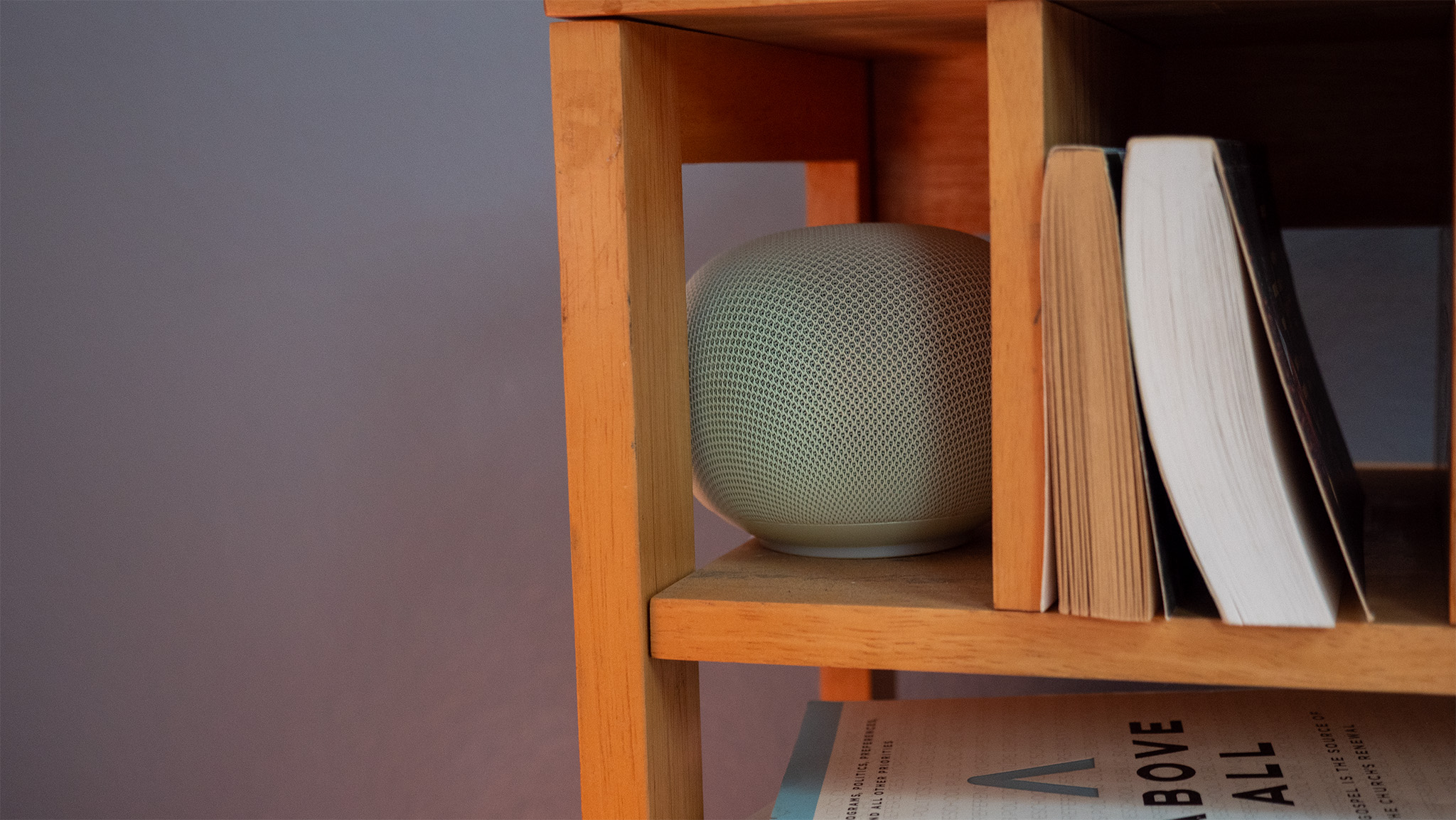
The 2026 Google Home Speaker is the first smart speaker from Google that's designed "from the ground up for Gemini." It's the first Google speaker to include a proper NPU for AI processing, an upgrade over ML processors in the past few Nest releases. It retails for $99 and comes in two colors globally — Hazel and Porcelain — while U.S. customers can also choose from Berry or Jade varieties. My review unit is Jade.
Google includes 6 months of Google Home Premium for free (a $60 value) when you purchase a Google Home Speaker before September 30, 2026.
Catrgory | Google Home Speaker |
|---|---|
Speaker | Omni-directional 58mm full-range driver |
Microphone | 3 far-field mics, |
Dimensions | 86.6mm/3.4in high x 107mm/4.2in diameter |
Weight | 396g |
Power adapter | 30W USB-C PC/PPS charger |
RAM | 1GB LPDDR4 |
Storage | 4GB EMMC |
Processor | Quad-core A55 2.0 GHz with NPU |
Connectivity | Wi-Fi 6, Bluetooth 5.4, Thread 1.3 border router (2.4GHz), Matter |
Colors | Globally: Hazel, Porcelain U.S. exclusive: Jade, Berry |
Mostly the right priorities
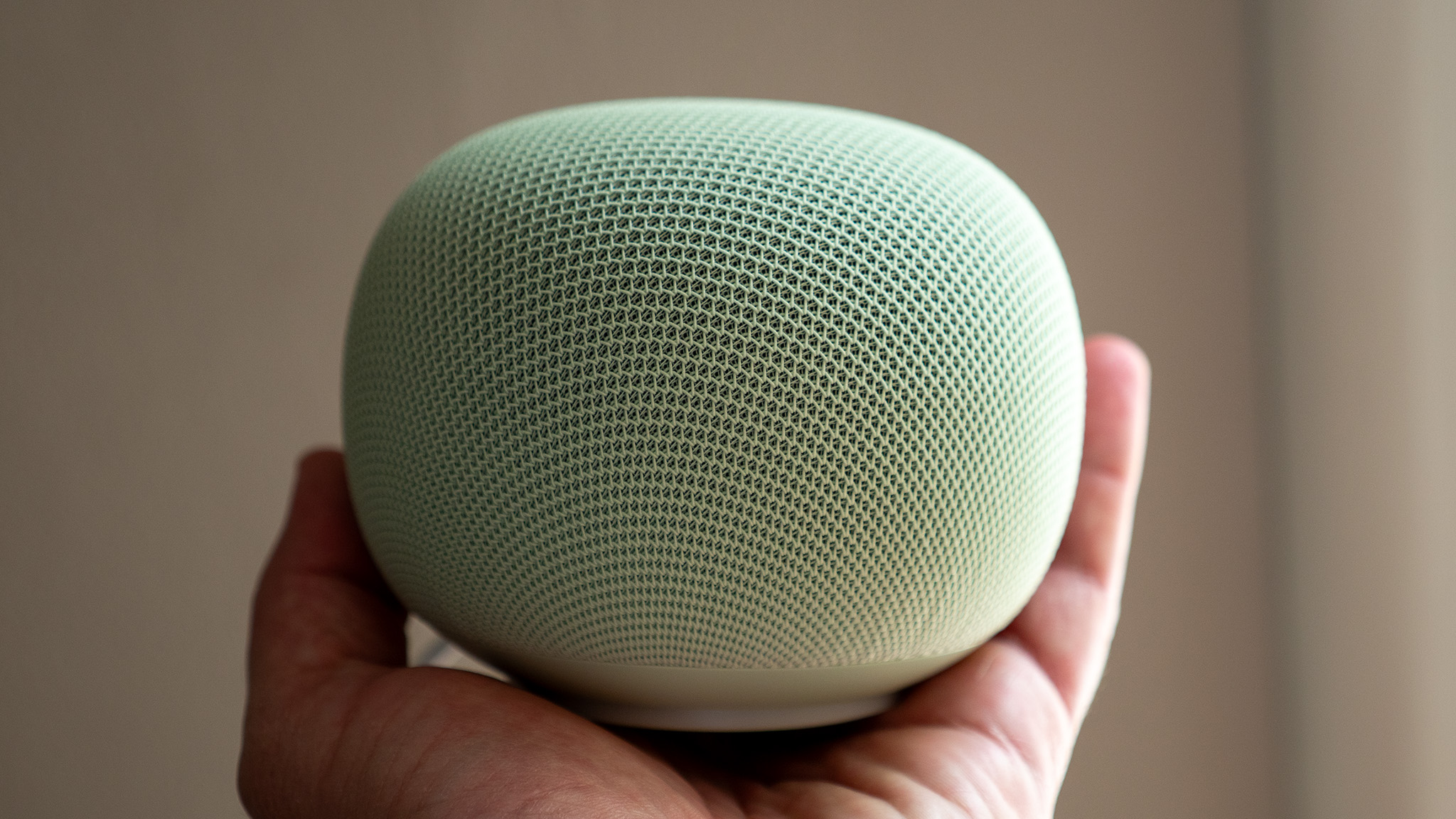
For the past few years, Google has used the Nest brand name for its smart speakers, but I've rarely called them that. Whether it's the Nest Mini or one of the Nest Hub smart displays, my household always refers to them audibly as the Google speaker or the Google display.
Because of that, I think it makes a lot more sense to keep using the Google name as the proper brand, and I know I'm not the only person who calls their smart speaker "Google" something or other. Thankfully, Google rectified the name without ruining the excellent design and the sort of feng shui character of the Nest line of smart speakers.
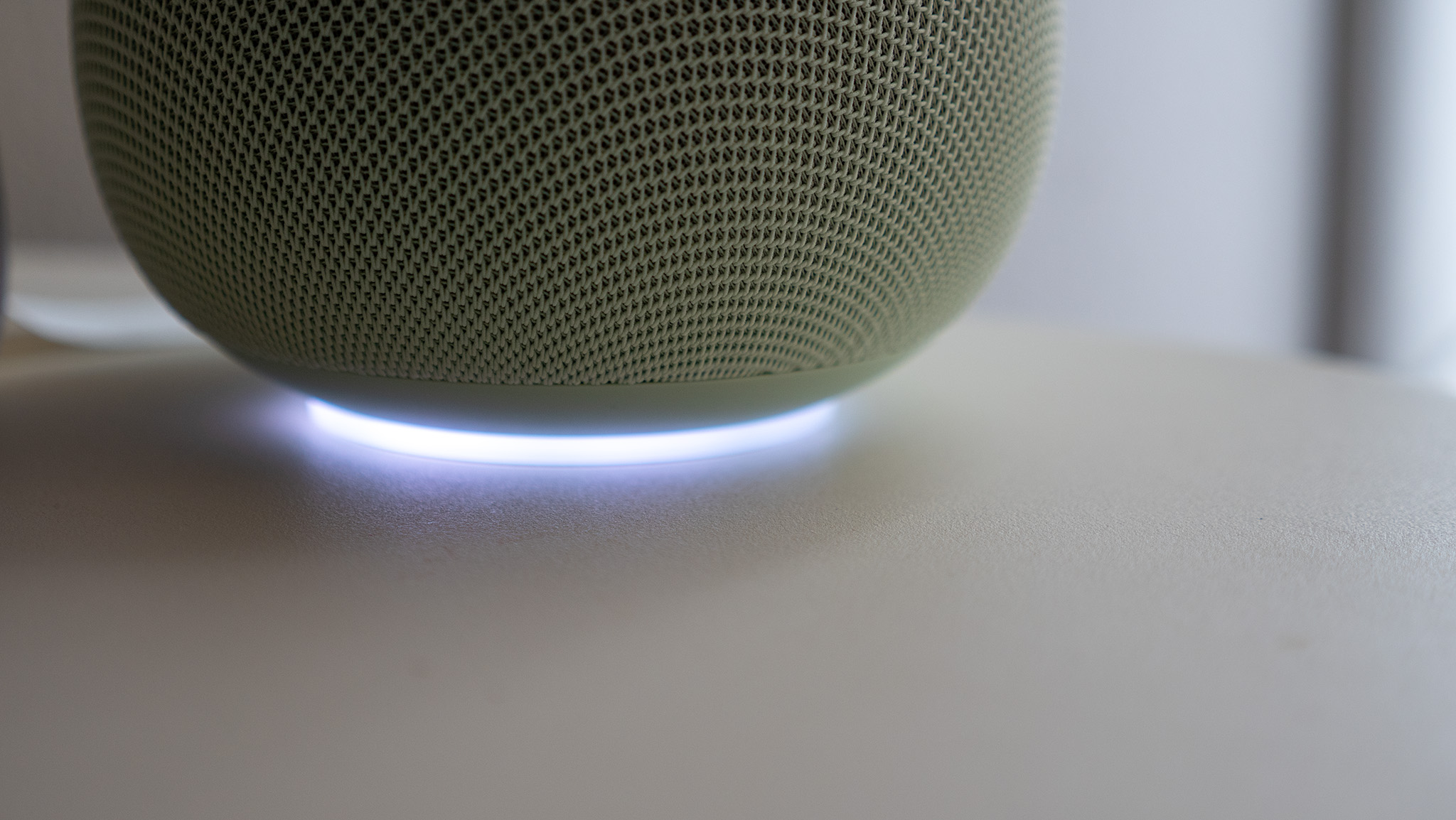
The 2026 speaker is still clad in homey fabric that looks graceful and unobtrusive on a shelf. It's the ideal size between the tiny Nest Mini and the gargantuan Google Home Max speaker, with appropriately sized audio components. It's even got a cute little glowing light underneath that makes it feel more like you're talking to a smart little robot than mumbling into a speaker.
But I don't understand why Google speakers seem to almost always have some weird issue with the power cables. Earlier models used barrel plugs and proprietary chargers, creating unnecessary e-waste. This model uses a standard 30W Google USB-C charger, but the cable is hardwired into the speaker, meaning you'll either have to splice it when it eventually breaks or toss the speaker and buy a new one. Dumb.
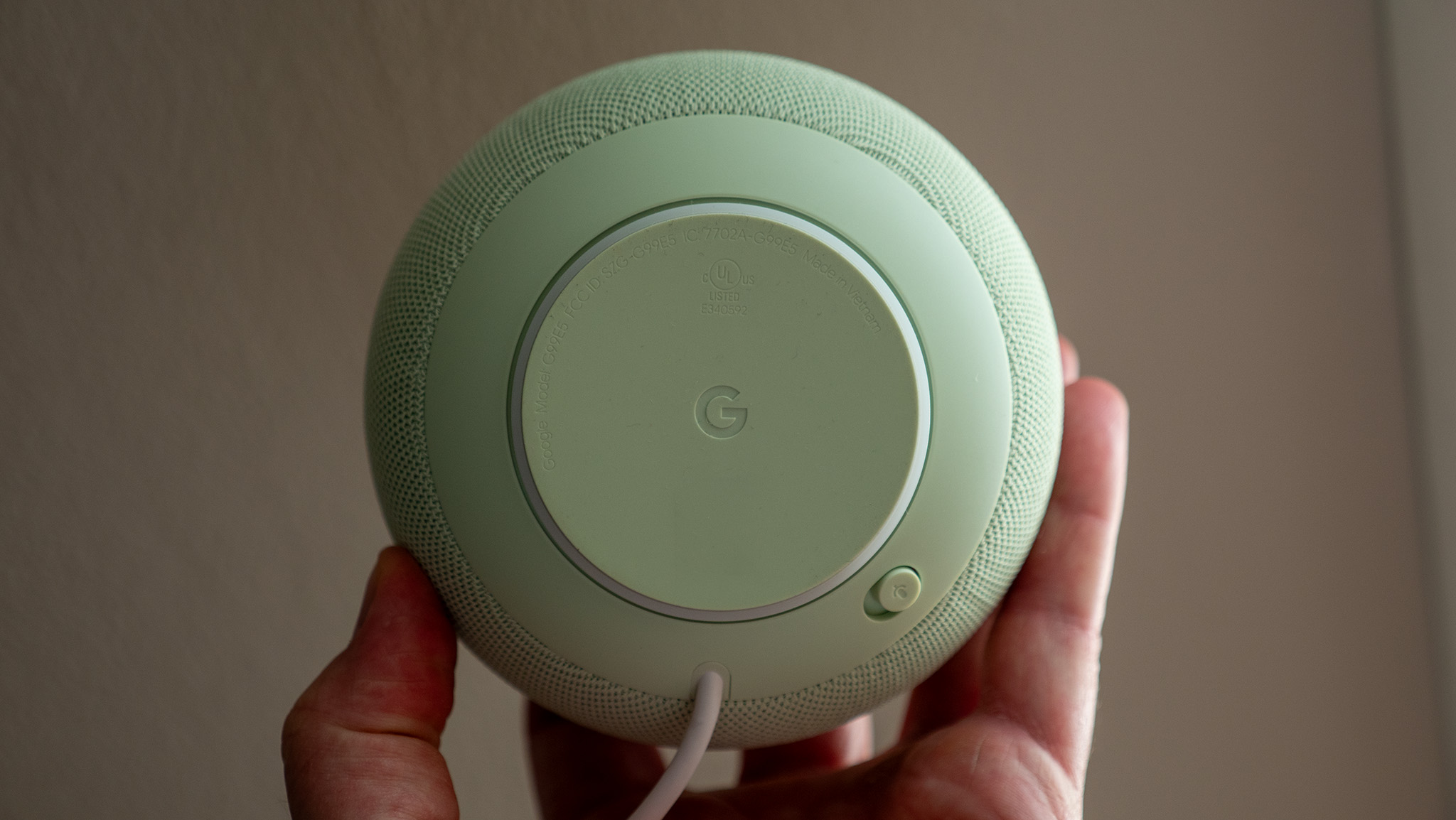
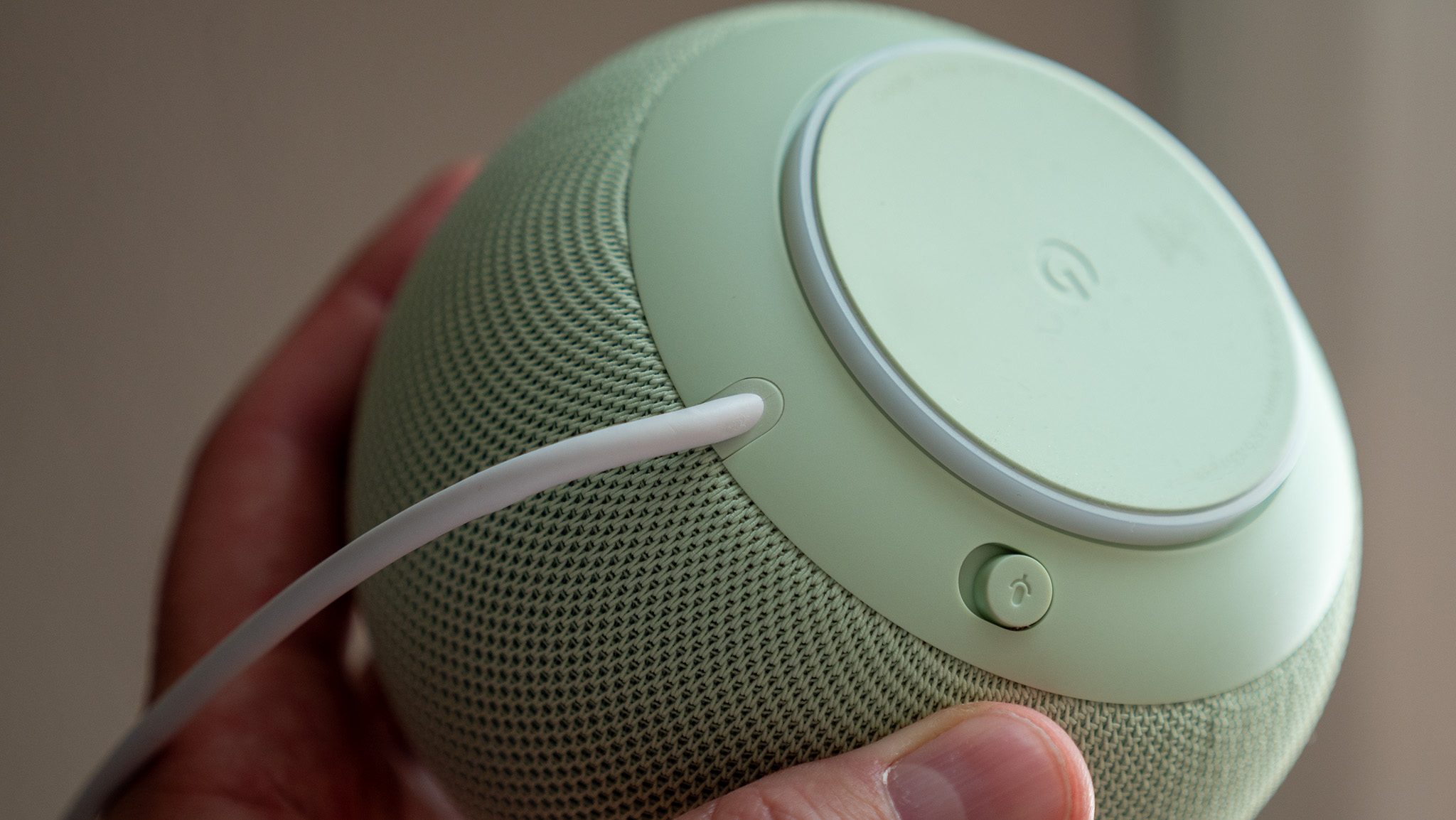
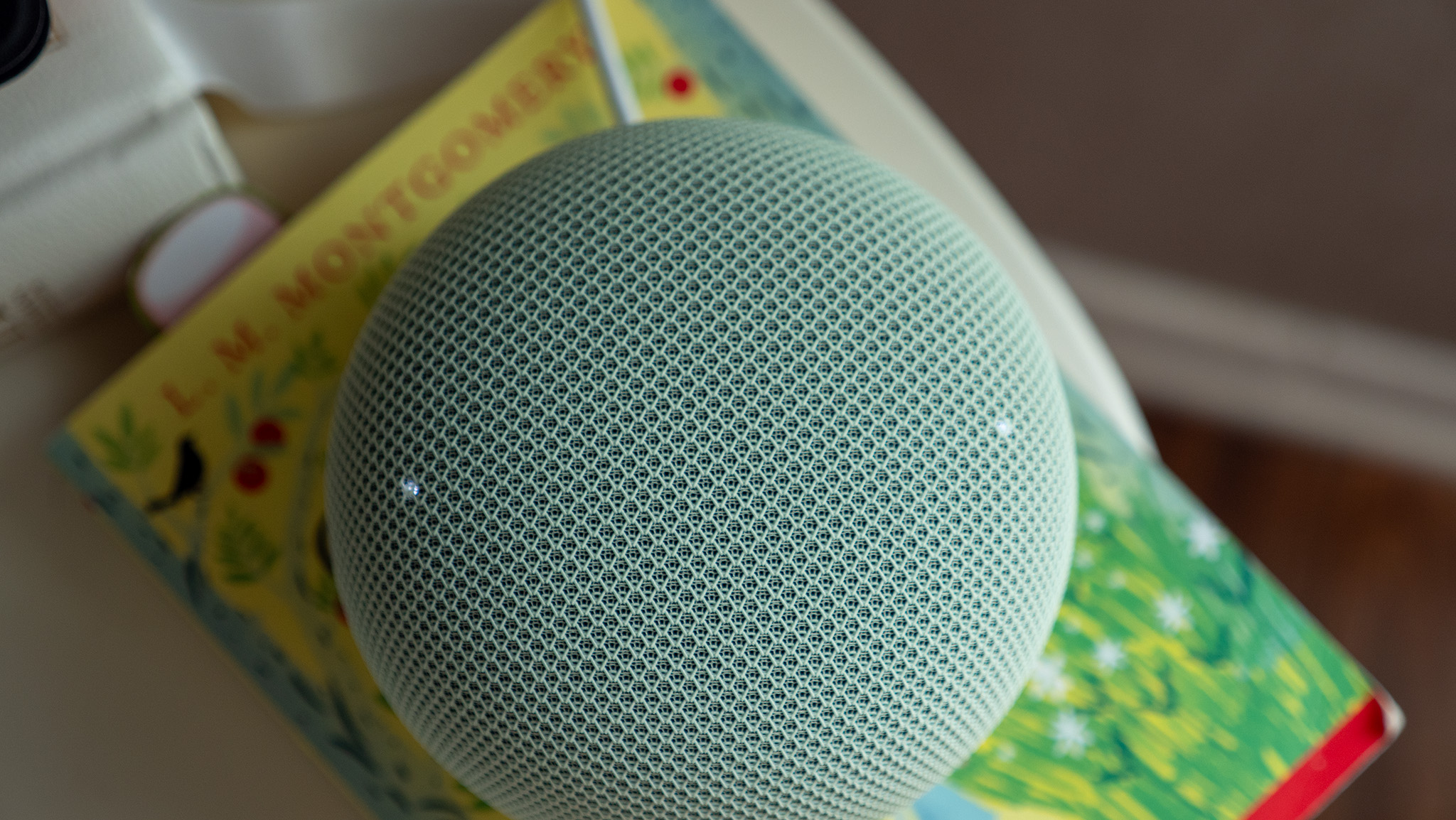
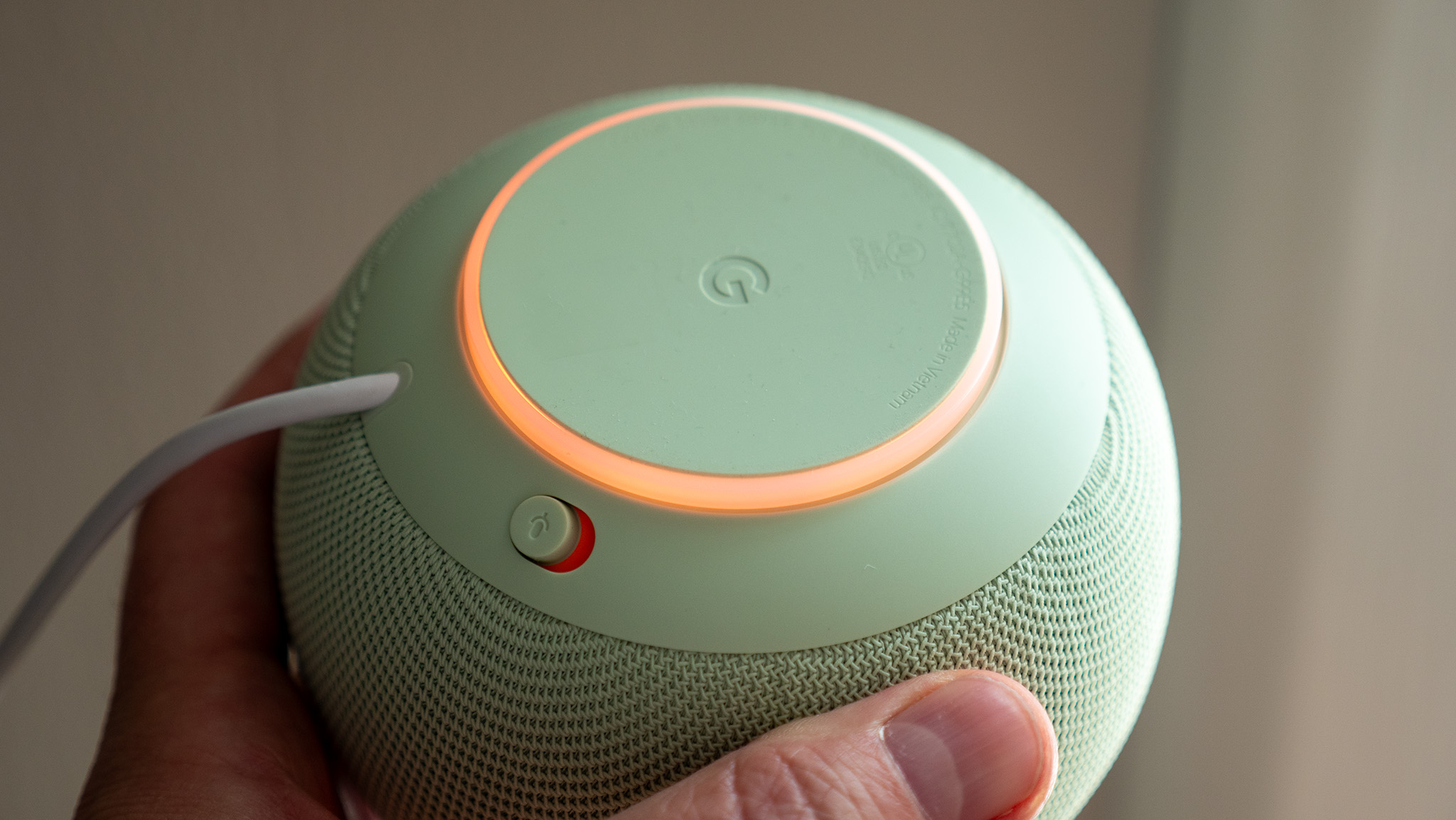
Since it's slightly smaller than the Nest Audio speaker (yes, there have been a lot of options over the years), the audio quality won't be quite as good, but the Google Home Speaker's advantage is that its speaker is omnidirectional. Depending on how you want to mount it, this could make a big difference.
You can also use the Google Home Speaker in conjunction with a Google TV Streamer to create a surround sound setup, which is a great feature I'm glad Google finally adopted from Amazon Echo and Fire TV devices.
I'm not exactly an audiophile and don't care much about top-notch sound, so I found these speakers ideal, as they're a notable upgrade over the Nest Minis I have around the house. Nest Audio fans should stick with those unless they have issues with using Gemini.
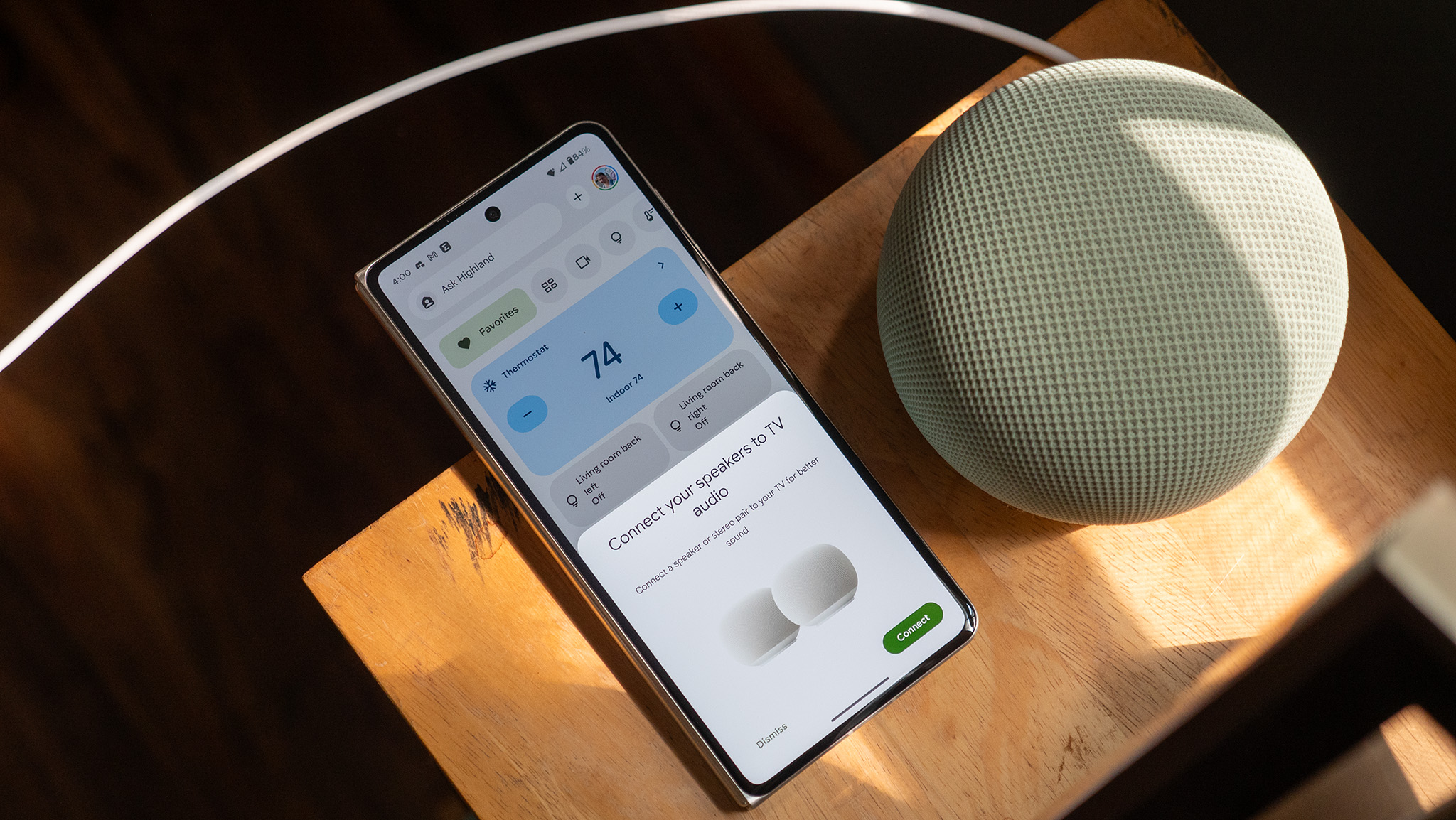
And while "built for Gemini" should be the actual upgrade for the Google Home Speaker over any other Nest or Google speaker, my experience with it has been extremely inconsistent. If I ask it to turn the lights on or off, check my cameras, or even what the weather will be like next week, responses generally take about 1 second to process. This is much faster than the other Google speakers in my house, for the most part.
But some commands are bizarrely slow. Setting a timer, for example, often takes 20-25 seconds of processing time before I receive an "OK, setting a timer" response. Asking it to add bananas to my grocery list also takes 5-10 seconds. This bizarre behavior persists through reboots, so I don't know what to make of it. Clearly, the speaker isn't doing as much local processing for simple commands like this as I had hoped. Google is aware of the issues (as I'm not the only one experiencing them), and I will update this review if they are resolved.
This is particularly annoying because all of the other features I've used over the past week have been great. Gemini allows you to chain multiple commands together or even express complex commands, while Assistant can only do one at a time. For example, you can ask it to "turn off all lights except for the bedroom light," a command I issue nightly as I tuck in for reading time.
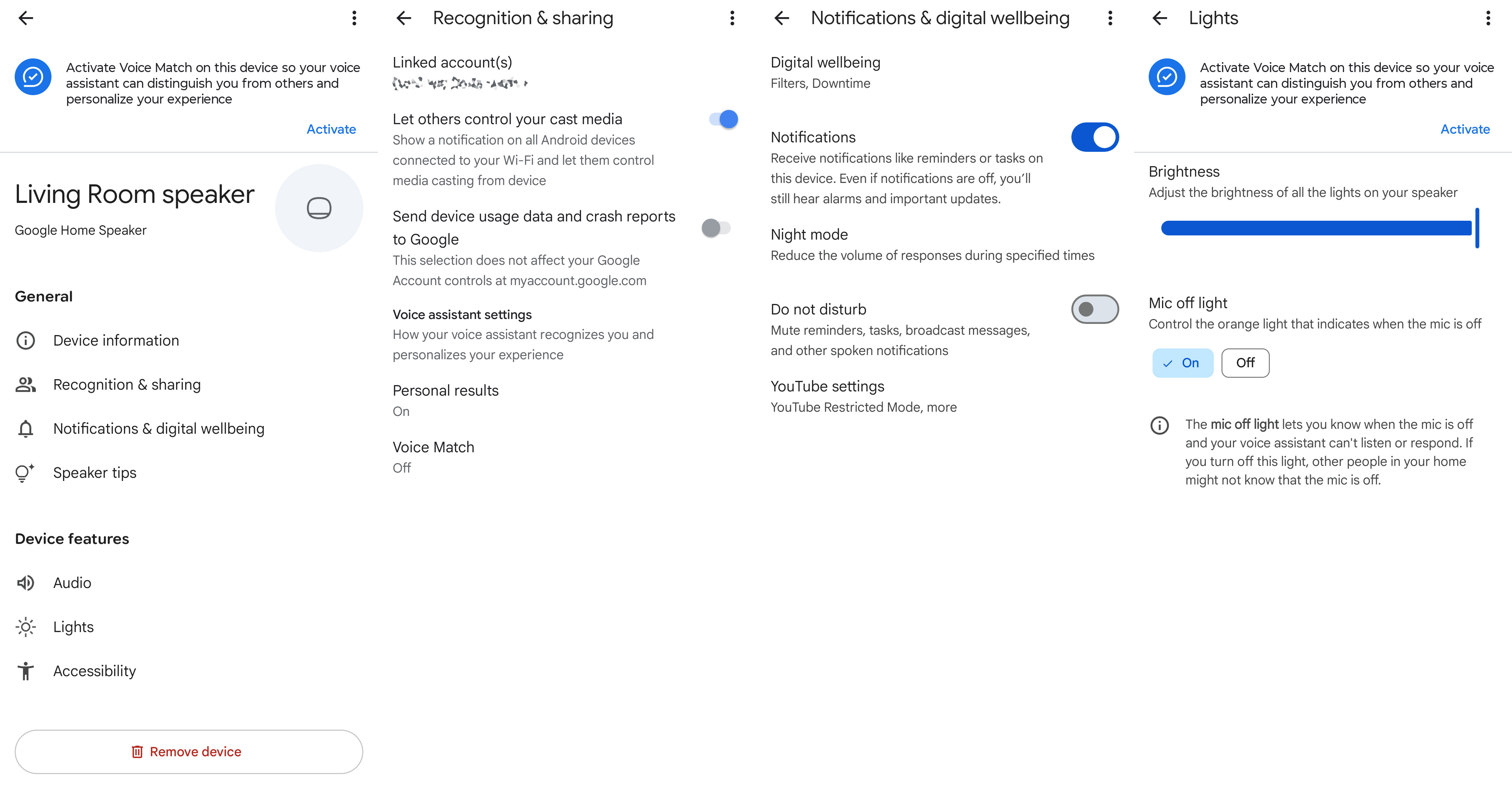
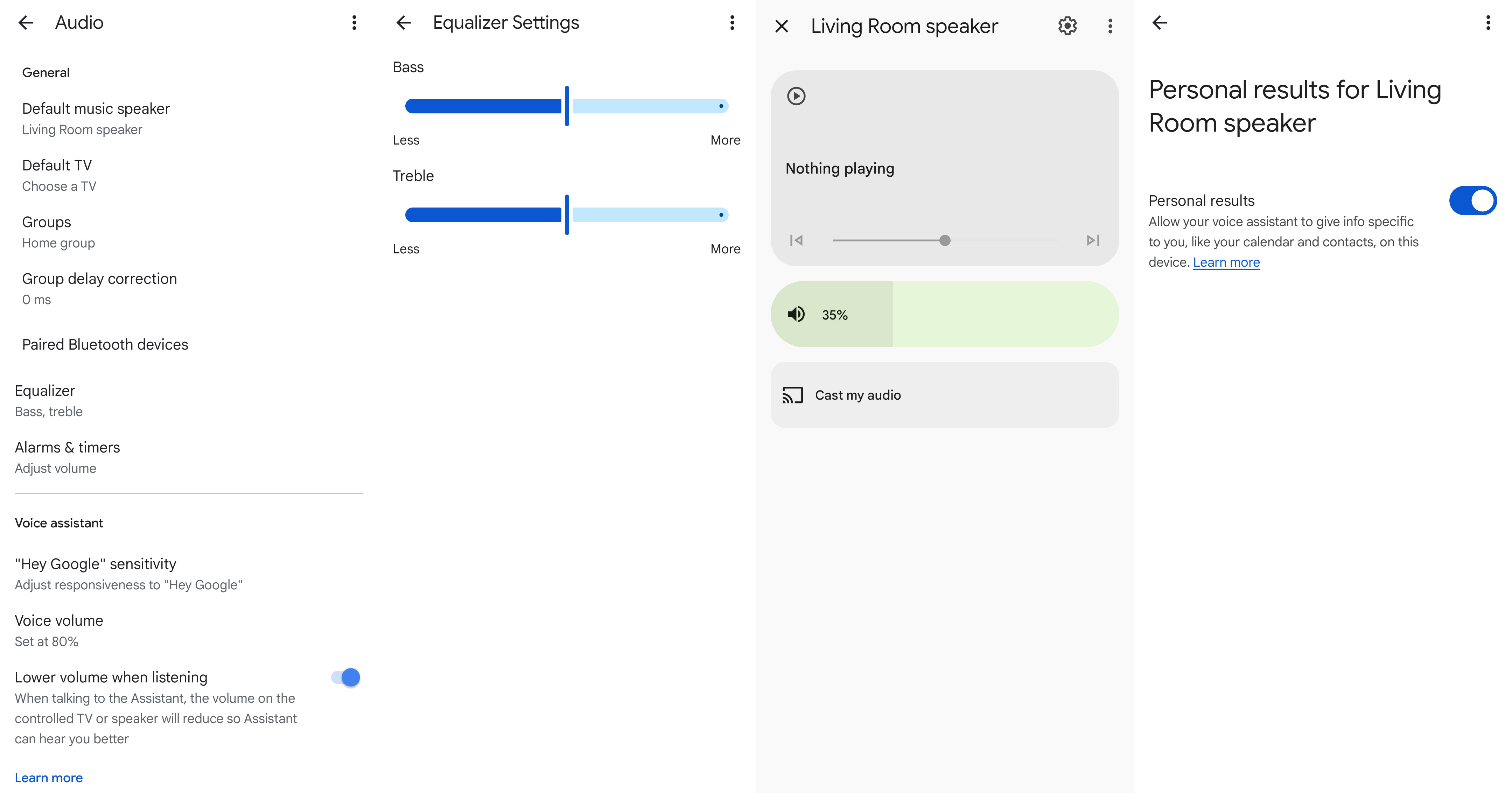
This isn't particularly unique to this new speaker since Gemini has been rolled out to even the oldest 2016 Google Home speaker (which is still in operation in my house), but this speaker is certainly going to be supported for years to come, while those older speakers will eventually receive an end-of-life update.
At some point, Google had locked down several features behind the annoying Voice Match feature. I don't want to use Voice Match, but I (and others in my house) do want to check my calendar, and Google finally allows users to do that on its smart speakers.
This speaker also seems to actually understand commands, including simple ones like "stop" when a timer is going off, while I swear half my other speakers ignore my commands half the time. Maybe time will also turn this one into a pretty paperweight, but it's pretty great for the time being.
Should you buy it?
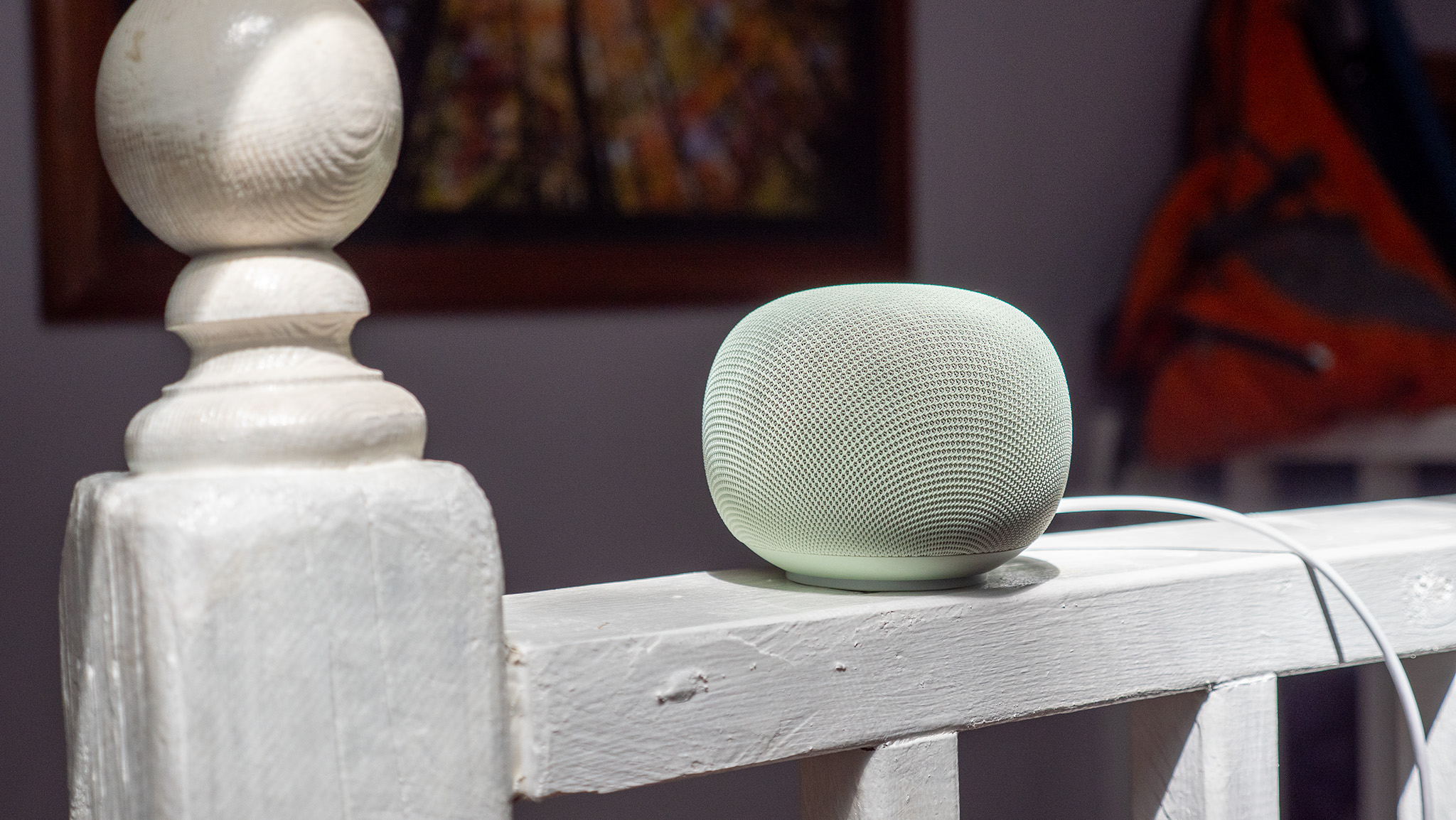
The 2026 Google Home Speaker is a generally good little product that delivers great audio quality in a compelling design, with a virtual assistant that seems to actually understand you. Processing time is strangely lengthy for some simple commands (like setting a timer), but this is almost certainly a bug rather than a product defect.
If Google can reduce processing time for some commands, this will be my go-to speaker recommendation for the future. Gemini has been excellent for smart home commands in my experience, and far more understanding of every other type of command than Assistant has been for the past half-decade, and that's really all I want out of a smart speaker, anyway.
from Latest from Android Central https://ift.tt/sDumtzS
via IFTTT

Aucun commentaire:
Enregistrer un commentaire