
The Samsung Galaxy S26 Ultra focuses heavily on AI, but not in a way that feels abstract or overly technical. Instead, it’s designed to handle small, everyday tasks more efficiently, so there’s less time spent on routine digital admin and more on what actually matters. Here are a few ways the AI tools on Samsung’s latest flagship can help streamline your day.
TL;DR: The Galaxy S26 Ultra uses AI tools like Writing Assist1, Note Assist2, Now Brief, Browsing Assist3, and Photo Assist4 to simplify everyday tasks. From refining emails to summarising webpages and organising notes, the Galaxy S26 Ultra removes manual input to help streamline how it’s used throughout the day.
How does Writing Assist improve messages and emails?
Writing Assist refines text in real time, adjusting tone, grammar, and clarity directly within supported apps. It can rewrite a message to sound more formal, more concise, or more relaxed, depending on the situation.
We’ve all been there: a work email comes in after a long day, and you feel exhausted and unsure how to respond. Writing Assist unearths the perfect tone to deliver your message without sounding too short, impersonal or unprofessional.
A quick response written between meetings can also be adjusted to sound more professional without having to rewrite it from scratch. Plus, Writing Assist never misses; it helps you strike the right balance in messages, such as when following up with a colleague or responding to someone you don’t know well.
It removes the need to pause and rethink wording, helping messages come across clearly the first time.
Can the Galaxy S26 Ultra organise chaotic notes?
Note Assist organises and summarises notes automatically, turning unstructured text into something easier to read and act on. It can break down longer notes, highlight key points, and reshape rough ideas into a clearer format.
Phones have helped take notes on the go for years, but they aren’t so hot on helping you retrieve a note when you need it, especially if it’s been a while since you recorded it. The Galaxy S26 Ultra can summarise and present your thoughts in a more organised way, so you don't have to go back through everything later.
Note Assist is also useful for planning trips, saving ideas for get-togethers, or jotting down ideas. Plus, it reduces the need to manually tidy up notes afterwards, making them more useful straight away.
What does Now Brief show you during the day?
Now Brief gathers information from across the phone and presents it in a single, glanceable summary that includes calendar events, reminders, weather, and messages. Thanks to Galaxy AI5, it can not only pull information from across multiple apps but also help make sense of it all.
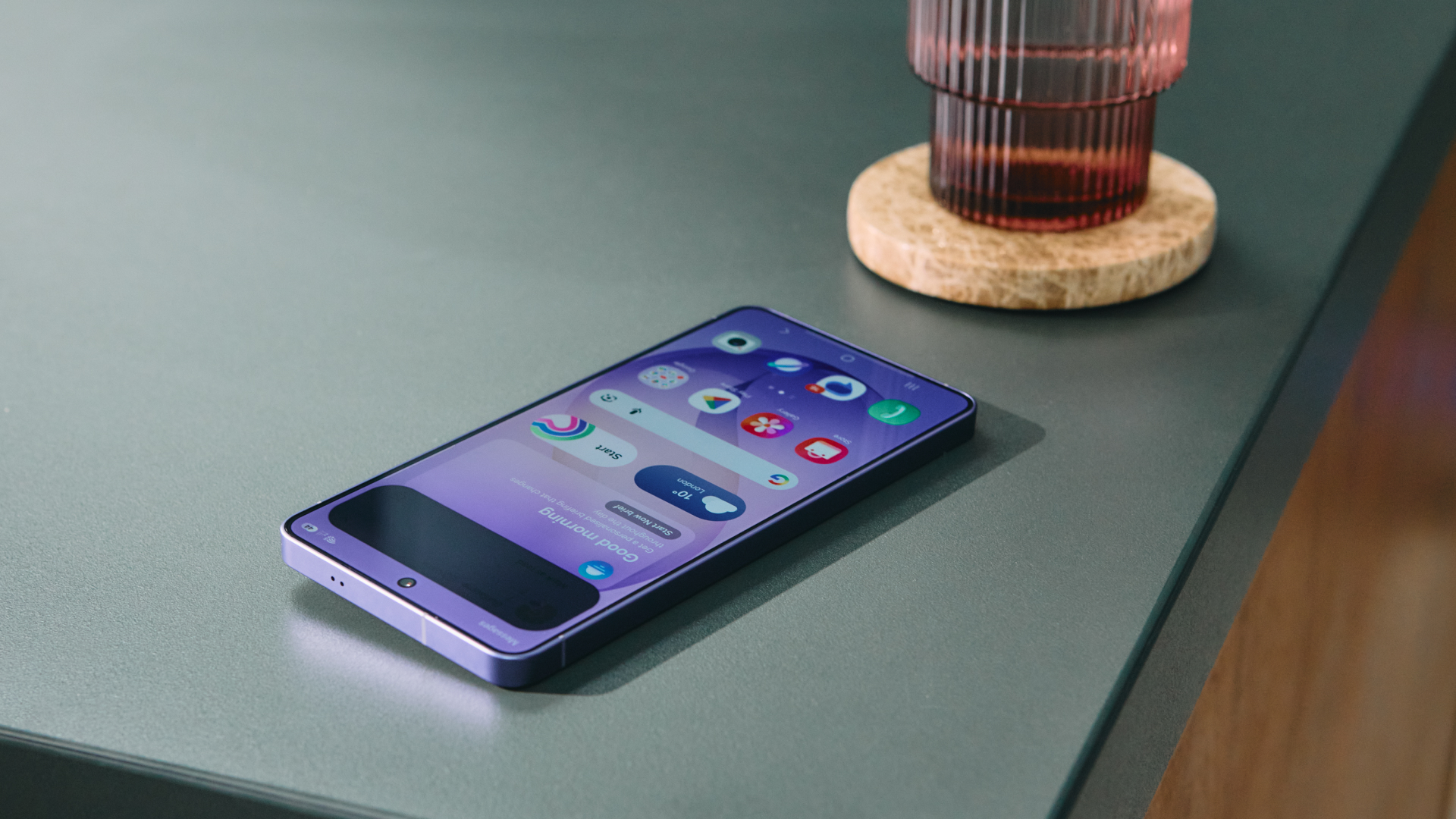
If you have a holiday or a theatre performance coming up in a different location, Now Brief will show you how to get there, what the weather is like, any tickets you might have booked and are available in your emails, etc. The feature will also suggest mindfulness sessions if you have a longer trip coming up to manage stress levels.
Better still, Now Brief also helps surface updates that might otherwise be missed, presenting them clearly, so it’s easier to stay on top of the day without constantly switching between apps.
Can the Galaxy S26 Ultra summarise webpages for you?
Browsing Assist summarises webpages into shorter, more digestible sections, highlighting key points without needing to read everything in full – perfect for avoiding the information overload we all face these days, especially on our smartphones.
It works directly in the Galaxy S26 Ultra’s browser and can be useful when checking reviews before buying something, scanning long articles, or checking what the critics are saying about the movie you’re watching or that actor that you know from that movie but can’t remember their name.
Instead of reading through entire pages of content, Browsing Assist presents the main points upfront, pulling out the most relevant information and helping you return to your original task. In short, it reduces the time spent skimming and scrolling, helping information feel more manageable.
How does Photo Assist improve photos after they’re taken?
Photo Assist applies AI-powered edits directly within the Gallery app, allowing adjustments such as removing distractions, improving composition, and refining lighting without using separate editing tools.
The only limit of Photo Assist really is your imagination. Using text prompts, it can add details or complete photos, or completely redo images to match their purpose. Want to add a flying pig in the background of your hen do snapshots? No problem. How about removing the flame from the last candle on the cake to make it look like the birthday girl blew them all out in one try? Photo Assist can sort that.
Cluttered backgrounds are cleaned up, photobombers are removed, and off-centre shots are quickly reframed. It also helps when preparing images to share, where a cleaner, more balanced photo makes a difference. Photo Assist turns editing into a quick step rather than a separate task, helping more photos feel worth keeping.
From writing messages to organising information and refining photos, the Galaxy S26 Ultra uses AI to handle small tasks more efficiently throughout the day. To see how these features work together and explore the device's full capabilities, visit the official Samsung Galaxy S26 Ultra page.
1 Samsung account login is required. Requires a network connection. Must meet length requirements to activate feature. Service availability may vary by language. Accuracy of results is not guaranteed.
2 Samsung account login is required. Requires network connection.
3 Available to use on Samsung Internet. Requires network connection and Samsung account login. Summarise feature may be limited or unavailable on certain paid websites. Character limit applies. Language pack download may be required. Accuracy of results not guaranteed.
4 Requires network connection and Samsung account login. A visible watermark is overlaid on the saved image to indicate it was generated by Galaxy AI. Accuracy of output not guaranteed.
5 Samsung account login is required for certain AI features. Galaxy AI features are provided for free. Future releases may include additional advanced features that are offered as part of a paid subscription plan. Different terms may apply for AI features provided by third parties.
from Latest from Android Central https://ift.tt/ay2iFUx
via IFTTT

Aucun commentaire:
Enregistrer un commentaire