
Smartphones have become the place where people manage their money, store their memories, organise their travel plans, access work accounts and stay connected with friends and family.
With so much personal information concentrated in one place, Android security has naturally become more important than ever, but luckily, strengthening protection doesn't have to involve dramatic lifestyle changes, technical expertise, or constantly worrying about the latest online threat.
In fact, some of the most effective ways to improve security occur in the background, helping users stay protected while they continue to browse, message, shop, and work exactly as they always have.
TL;DR: Android security is most effective when it works without disrupting everyday usage. Features such as web protection across apps, scam filtering, secure browsing on public Wi-Fi and background threat monitoring help reduce risk while requiring minimal user intervention. Bitdefender Mobile Security for Android focuses on protecting Android devices from modern threats, while Bitdefender Total Security extends protection across multiple devices and platforms.
Keep Android software up to date
Keeping Android and installed apps updated remains one of the easiest ways to improve security.
Software updates often include fixes for newly discovered vulnerabilities, performance improvements, and security enhancements, which means delaying updates can leave devices exposed to risks already addressed by developers. Most Android devices can install updates automatically, making this a simple set-and-forget step that requires very little effort on your part.
Updates help close security gaps before they can be exploited and ensure compatibility with the latest security protections built into Android itself. For users who rely on their phones for work, banking or online shopping, staying current with updates is one of the simplest security habits available.
Scam links increasingly appear inside everyday apps
Many people still associate online threats with suspicious emails, but modern scams often arrive through messaging platforms and social apps.
A fake parcel delivery notification, a fraudulent account warning, or a convincing promotional offer can appear in a text message, WhatsApp chat, or a social media direct message. These scams are often designed to create a sense of urgency, encouraging you to act before you have time to think.

Treat unexpected links with caution, even when they appear to come from familiar companies. Protection tools that scan links across apps can add an extra layer of security, which is particularly useful because many people now spend more time in messaging and social apps than in traditional web browsers.
Bitdefender Mobile Security for Android includes web protection that works across apps, helping identify potentially harmful links wherever they appear, making it especially useful for people who regularly communicate through messaging platforms throughout the day.
Public Wi-Fi still deserves caution
Free Wi-Fi is convenient, especially while travelling or working remotely, where airports, hotels, cafés and train stations all offer quick internet access when mobile data isn't available.
However, public networks can present some of the gravest privacy and security concerns these days. You rarely know who manages a network, how it’s configured or who else may be connected to it, an uncertainty that creates opportunities for cybercriminals to intercept data or create fake networks designed to capture personal information.
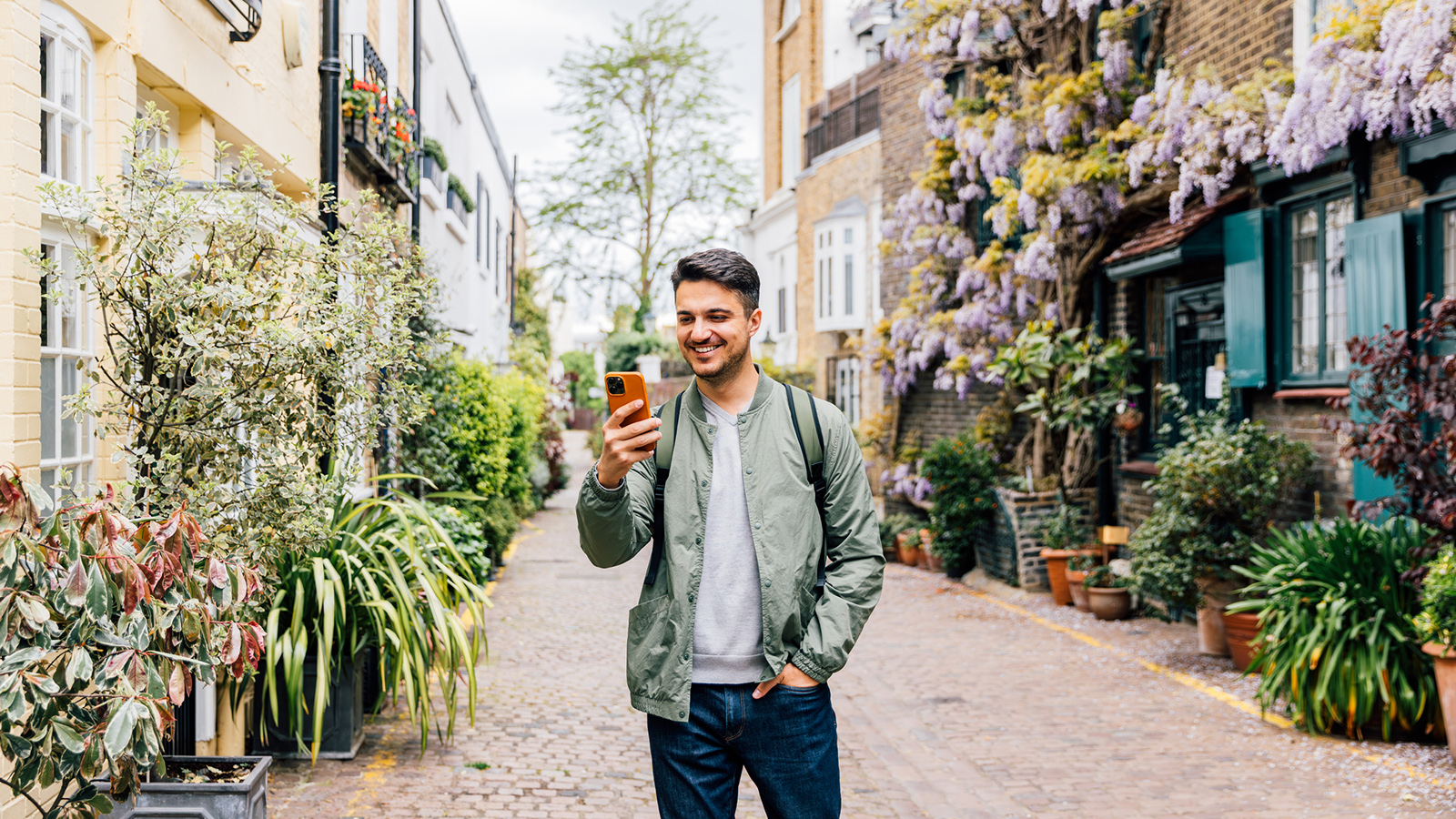
Public Wi-Fi can be used safely, but additional protection is recommended when accessing sensitive information.
Secure browsing tools can help protect personal data when using unfamiliar networks, which is particularly valuable for frequent travellers, remote workers and anyone who regularly connects to Wi-Fi outside the home.
The reality is that most people will continue to use public Wi-Fi, but you can reduce your exposure while maintaining convenience by being mindful of your security options.
Review app permissions regularly
Many Android apps request access to location data, photos, contacts, microphones or camera, and while some requests are entirely legitimate, others might be questionable.
A navigation app needing location access to function correctly is an understandable request. However, a simple utility app requesting broad access to personal information may warrant further investigation.
Location, microphone, camera, and contact permissions typically require close attention because they involve highly personal information.
Android provides increasingly detailed permission controls, allowing you to decide what apps can access and when. A quick review of app permissions every few months can help identify software that may have accumulated access it no longer needs.
Security works best when it stays in the background
One reason people ignore security recommendations is that they assume protection requires constant management, whereas in reality, modern mobile security solutions are designed to work quietly behind the scenes.
Threat monitoring, malicious app detection and scam filtering can all operate in the background while you focus on your daily activities, whether it’s answering messages while commuting, checking emails between meetings or browsing online while watching television.

Security tools that demand constant attention often become frustrating – protection that works automatically is far more likely to remain active over the long term.
Bitdefender Mobile Security for Android is designed around this principle, helping protect devices while requiring minimal day-to-day management, making it particularly useful for people who want stronger security without added complexity.
Consider protection beyond your phone
For many households, smartphones are only one part of a much larger digital ecosystem that includes laptops, desktop PCs, and tablets, often containing the same accounts, files and personal information found on mobile devices.
A security strategy that focuses exclusively on a single device can leave other parts of the household exposed, which is why multi-device protection is particularly useful for families, remote workers, and people who regularly switch between devices throughout the day.
You might start the morning by checking emails on a laptop, browsing social media on a phone during lunch and streaming content from a tablet in the evening. Each of your devices represents a potential entry point for security threats.
This is where the Bitdefender Total Security comes into play. It’s designed to provide broader protection across multiple devices, helping you manage security more consistently across all your hardware without adding complexity.
Small security improvements add up
Making an Android device safer requires no dramatic changes and doesn’t mean you have to stop using public Wi-Fi, avoid messaging apps, or become a cybersecurity specialist.
Simple habits such as keeping software updated, reviewing app permissions, staying cautious around unexpected links and using security tools that operate quietly in the background can significantly reduce risk over time.
Modern Android security is increasingly about supporting everyday behaviour, and the best protection often works silently, helping you navigate daily digital life with greater confidence and fewer interruptions.
from Latest from Android Central https://ift.tt/rczLFS9
via IFTTT

Aucun commentaire:
Enregistrer un commentaire